What should you look for when buying?
Start by deciding how much detail you want to capture, then check whether the lens leaves enough room to position your lights around the pin.
| What to consider |
What to look for |
Who should prioritise this? |
| Magnifying small details |
Check the maximum magnification of your chosen lens or macro mode, and the working distance at your preferred framing. |
If I want to show fine lines and relief up close, I compare magnification with the space left for my light. Around 33% of consumers prioritise detail. |
| Colour and reflections |
Check whether you can adjust the white balance, then take a test shot under your own lights. |
When enamel colours need to look true to life and shine must not create distracting reflections, I want to assess the lighting in my own set-up. Around 27% of consumers put colour and reflections first. |
| Keeping the whole pin in focus |
Check whether the exact camera model supports focus bracketing if you want to use multiple focus positions; plan a stable set-up too. |
If protruding parts of a pin need to be in focus at the same time, I also consider a careful, stable shooting technique. Around 20% of consumers prioritise having everything in focus. |
| Complete set-up |
Check whether the kit includes a body or a camera with a lens, and whether that lens suits the macro shots you want to take. |
If I want to get started without buying separate parts, I check exactly what’s included in the kit I’ve chosen. Around 20% of consumers put simplicity and a complete set-up first. |
Cameras on Joybuy
These cameras are worth considering for product photography. For each model, check whether the focusing distance and chosen lens are suitable for photographing small pins under your lighting.
 No image available
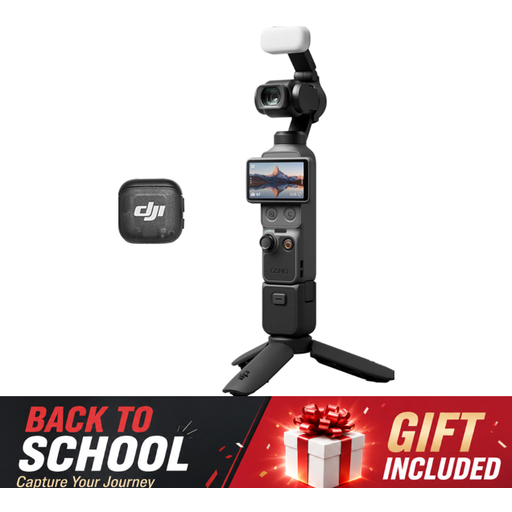
DJI Osmo Pocket 3 Creator Combo
First, check whether the camera can focus on small pins at your preferred distance and whether your lighting set-up can keep reflections under control.
The product name lists a 1-inch CMOS sensor and an included microphone.
View at Joybuy
 No image available
Sony Alpha A6100 with 16-50mm f/3.5-5.6 OSS II
Check whether the lens included with this kit offers the magnification and working distance you need for pin photography.
The product name lists a 16-50mm f/3.5-5.6 OSS II lens.
View at Joybuy
 No image available
Komery W6
Before choosing, check whether this camera can focus at the distance required by your set-up, and how you’ll light the pin’s shiny surface.
The product name lists 12× optical zoom and 64MP.
View at Joybuy
 No image available
Sony ZV-E10 with 16-50mm zoom lens, black
Compare the lens’s working distance with the space you need to position lights around a reflective pin.
The product name lists a 16-50mm zoom lens.
View at Joybuy
 No image available
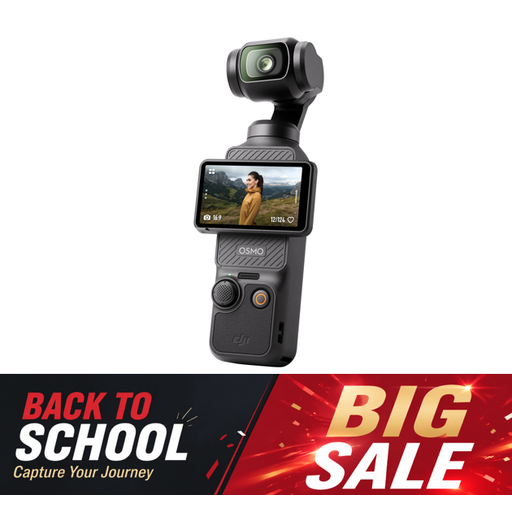
DJI Osmo Pocket 3
Check the close-focusing capabilities for your preferred framing, and test how your lights reflect off the shiny pin.
The product name lists a 1-inch CMOS sensor and 4K/120fps video.
View at Joybuy
Frequently asked questions
Are lots of megapixels enough to capture the fine details of a pin?
No. The megapixel count doesn’t tell you how much magnification the lens offers. Check how large your chosen lens projects the subject onto the sensor, and how much working distance you’ll have.
What can I do if a pin’s colour looks wrong under my lights?
Set the white balance for the light you’re using, then check a test shot. Canon Netherlands explains that artificial light can cause a colour cast if it isn’t corrected, and that RAW files give you the option to adjust the white balance afterwards.
How can I get a pin with protruding parts completely in focus?
Use a stable camera set-up and check whether your chosen camera model has focus bracketing. This lets you take shots using different focus positions; assess whether the technique suits your pin and lighting.
What guarantee am I entitled to as a consumer in the Netherlands when buying a camera?
You’re entitled to a product that works as it should, and if it’s faulty, the seller must provide a solution. The Dutch government says there’s no fixed statutory guarantee period in the Netherlands that applies to all products.
Can I return a camera I bought online?
For online purchases from a business, you’ll often have a 14-day cooling-off period. The Dutch government says that online purchases from a private seller aren’t covered by the same distance-selling rules.


