
Student with a regular study spot
Primarily wants to feel warm while studying, without having to heat the whole room every time. Milieu Centraal describes infrared heating as warming a specific area, such as a desk.


If you usually study in one spot, a well-positioned infrared panel can provide targeted warmth; a fan heater or convector heater will also warm the air around your desk. Before choosing a heater, consider the space available, noise, power and the model-specific safety instructions. None of these features automatically makes one type the right choice for every student room.
Primarily wants to feel warm while studying, without having to heat the whole room every time. Milieu Centraal describes infrared heating as warming a specific area, such as a desk.
Has little free space around the desk, bed and curtains. That makes the positioning instructions and power connection important when deciding where to put a heater.
Wants as little fan noise as possible during longer study sessions, and also considers types that Praxis says take longer to heat up.
First decide whether you mainly want to warm yourself in one fixed spot or heat the air around your desk. Then consider noise, safe positioning and how long you’ll use the heater in your room.
Suitable if: you usually sit in the same spot and the panel can safely reach that area.
Consider: the warmth is directed at a specific area; if you move away, the panel won’t warm you in the same way. Eurom describes the Mon Soleil 350 wifi as a wall-mounted model. According to the manufacturer, you’ll need a separate stand to use it freestanding.
Suitable if: you want to warm the air around your desk as well as yourself, and have a clear, stable place for the heater and a suitable socket nearby.
Consider: a fan can be audible and move air around. Keep the air vents clear and leave the recommended space around the heater.
Suitable if: you’ll be in the same place for longer and low fan noise matters more to you than quick heating.
Consider: Praxis says convectors and oil-filled radiators take longer to heat up than fan heaters. You’ll also need enough clear, safe floor space to position the heater.
| What to consider | What should you check? | Who should pay particular attention? |
|---|---|---|
| Targeted warmth | Check that your seat is within the panel’s range and that it can be positioned according to the instructions. If you’re mounting it on a wall, check that this is allowed in your room. | If I mainly want to warm my usual desk spot and don’t need to heat the whole room, a targeted option suits the way I use it. Around 28% of consumers prioritise targeted desk warmth. |
| Safe positioning and connection | Read the instructions for the specific model, keep the heat outlet clear and check that you can plug the heater directly into a suitable socket. | In a crowded room, I first want to know whether I can position the heater safely, away from curtains and other belongings. Around 28% of consumers prioritise safe positioning and connection. |
| Noise while studying | Compare the type of heater and any noise information for the setting you actually plan to use. Manufacturer figures are not independent measurements. | If I study for long periods, I don’t want fan noise to interrupt my concentration, even if another type takes longer to heat up. Around 22% of consumers prioritise quiet operation. |
| Running costs | Note the power of the setting you’ve chosen and estimate the hours of use: kWh = kW × hours. Multiply this by your own price per kWh; a thermostat can affect how long the heater is switched on. | With regular use, I want to compare the costs with my own electricity tariff and how long I’ll use the heater. Around 22% of consumers prioritise predictable running costs. |
An infrared or ceramic heater isn’t automatically energy-efficient. Consumption depends, among other things, on the power setting and how long the heater is switched on.
Compare the warmth you need and calculate the cost using the power of the setting you’ll use, the number of hours and your own electricity tariff.
A heater might fit beside a desk but still be too close to paper, textiles or furniture. The Fire Service advises plugging high-consumption appliances such as electric heaters directly into a socket, rather than using an extension reel or multi-socket adaptor.
Check the model’s positioning instructions and make sure there’s enough clearance and a suitable socket in your room.
Praxis’s comparison of heater types says convectors and oil-filled radiators take longer to heat up than fan heaters. So what works best for long study sessions may differ from what you’d choose for quick warmth.
Decide in advance whether quiet operation or feeling the warmth sooner matters more for your study session.
Eurom offers infrared panels for targeted heating, among other products. The model discussed here is the Mon Soleil 350 wifi.
The CX2120 product family includes compact ceramic fan heaters for situations where you also want to warm the air around your desk.
The Mill Oil 1000W discussed here, model JA1000, is an oil-filled radiator for anyone considering a type without a fan.
Duux offers compact ceramic fan heaters; the model reviewed here is the Threesixty².
Rowenta positions the Instant Comfort Aqua SO6510F2 discussed here as a fan heater for bathrooms.
This selection focuses on compact fan and ceramic heaters for supplementary warmth around your desk. Before buying, check the manual, the space available for positioning the heater and the product information for the specific variant.
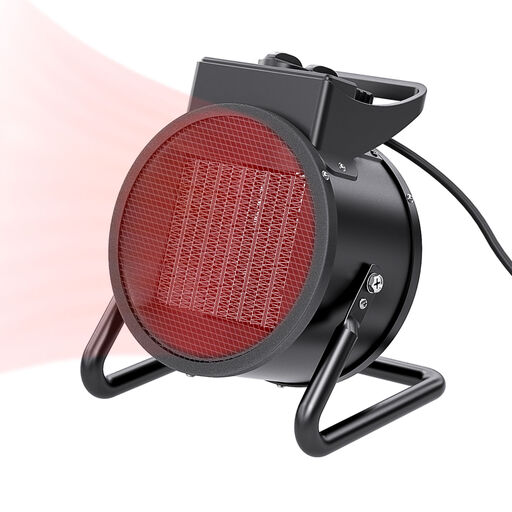 No image available
An option to compare if you’re looking for a ceramic fan heater for supplementary warmth.
The product name lists a PTC heating element, three settings and 2 kW.
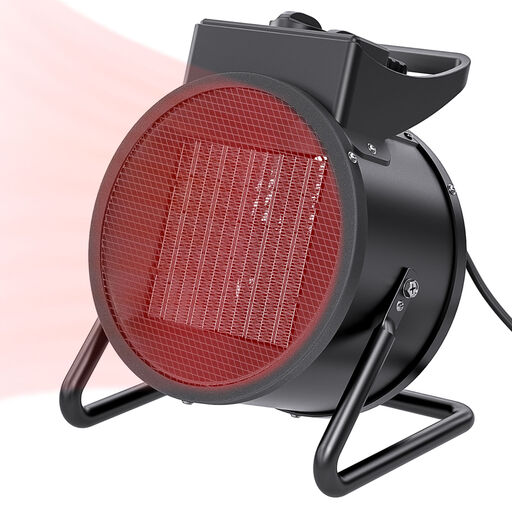 No image available
An option to compare if you’re looking for a ceramic fan heater for supplementary warmth.
The product name lists a PTC heating element, three settings and 3 kW.
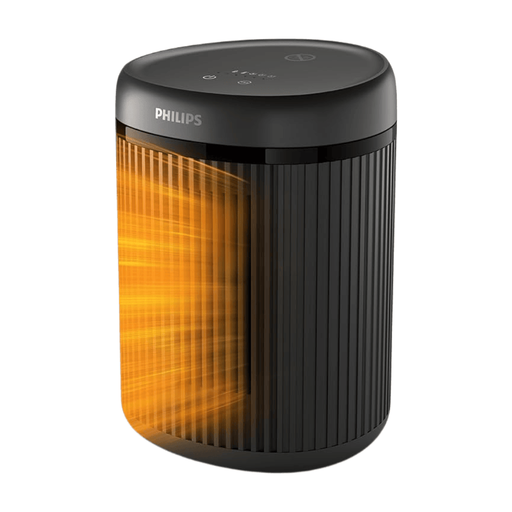 No image available
A compact ceramic heater to compare if you want to warm the air around your desk as well as yourself.
The product information lists settings of 600 W and 1500 W, and a minimum distance of 1 metre from flammable materials. Follow the instructions for connection and positioning too.
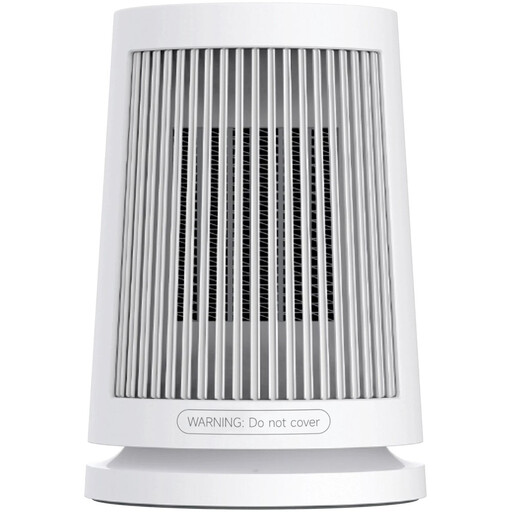 No image available
A desktop model to compare if you’re looking for a heater specifically described as suitable for use on a desk.
The product name lists 600 W, PTC ceramic heating, 45° oscillation, a thermostat, tip-over protection and overheating protection. The product information warns against using it near water or in damp rooms, and against covering it.
 No image available
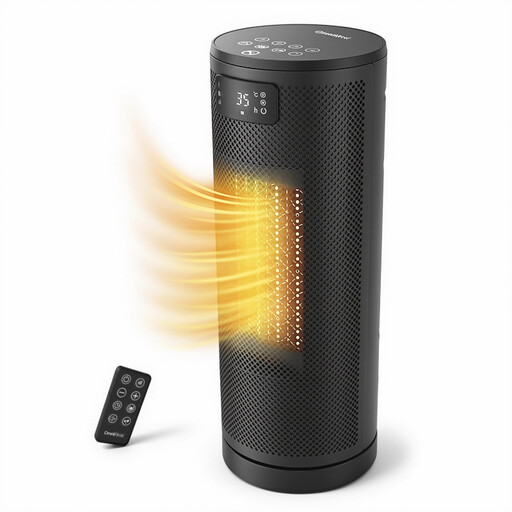
An option to compare if you’re looking for a fan heater with several settings.
The product name lists 1800 W, four heat settings, a thermostat, oscillation, a remote control and a 24-hour timer. The product information says not to cover the heater and to keep it at least 1 metre away from flammable materials.
An infrared panel mainly warms the area it’s pointed towards, as long as you’re within range. Milieu Centraal says infrared panels are less suitable as a continuous main heating source, except in a very well-insulated home. So decide whether you mainly want to warm your workspace or the air in the room.
The Fire Service advises plugging high-consumption appliances such as electric heaters directly into a socket, not through an extension reel or multi-socket adaptor. Keep the heater and its air vents clear, and follow the positioning and cleaning instructions for the specific model.
Multiply the power of the setting you’re using in kW by the hours of use, then multiply that figure by your own price per kWh. A thermostat can affect the actual time the heater is switched on, so this is an estimate based on your assumptions, not necessarily the exact amount of energy used.
Check the markings, the model-specific safety information and the positioning and connection instructions for the specific heater. CE marking is mandatory for electrical products placed on the market in the Netherlands; simply listing safety features does not prove that the product has this marking.