
Speakers practising aloud
If you’re practising your wording, pace and vocal delivery, it may be important to keep hearing your own voice. So compare an open-ear design with a sealed fit.


If you want to hear your own voice and the room around you while practising aloud, start by comparing open-ear earbuds. For listening back to recordings in a noisy environment, sealed in-ear earbuds with noise cancelling and a transparency mode may be suitable, although a sealed fit can make your voice sound different to you. Also make a test recording with the device and app you plan to use: your earbuds’ microphone is not necessarily the input selected by the app.
If you’re practising your wording, pace and vocal delivery, it may be important to keep hearing your own voice. So compare an open-ear design with a sealed fit.
If you want to record a presentation and listen back without using room speakers, check which microphone your device and recording app use.
If you want to keep hearing the sounds around you, an open design may suit your preference. Bear in mind that this doesn’t mean other people won’t hear audio being played.
| What to consider | What to look for | Who is this important for? |
|---|---|---|
| Hearing your own voice | Compare an open-ear design with a sealed fit and, if possible, try speaking aloud with the earbuds in. | If I want to assess my voice and pace while practising, I pay attention to how the fit affects the sound of my voice. Around 36% of consumers prioritise being able to hear their own voice while speaking. |
| Recording and listening back | Check the microphone input and app permissions; make a short recording with the device you intend to use and play it back. | If I want to listen back to my presentation, the app needs to use the intended microphone. Around 29% of consumers prioritise accurate recording and playback. |
| Background noise and isolation | Decide whether you mainly want to keep hearing your surroundings or prefer more isolation; open listening and noise cancelling offer different listening options. | If I’m practising in a shared or noisy space, I consider how much background noise I want to hear. Around 21% of consumers prioritise isolation or the ability to switch between listening modes. |
| Fit and listening time | Consider how the earbuds fit and compare listening time per charge in the mode you want to use. | For several practice sessions, I want a comfortable fit and enough listening time. Around 14% of consumers prioritise comfort and battery life. |
Your recording device or app determines which microphone is used. So having a microphone on the earbuds doesn’t confirm that it will be used for the recording.
Before choosing, make a short test recording with the device and app you intend to use, then listen back to it.
An open-ear design lets in background noise; transparency mode is a feature that lets you switch listening modes on some sealed earbuds. They don’t work in the same way.
First decide whether you mainly want to hear your surroundings while speaking or prefer more isolation when listening back.
You can’t use the earbuds to listen to your recording while they’re charging in the case.
Compare the stated listening time per charge in the listening mode you plan to use.
Sony LinkBuds Open is an open-ear option to compare if you want to keep hearing your surroundings while practising.
AirPods Pro 3 is a sealed in-ear option to compare if you want to switch between noise cancelling and transparency mode while listening back.
AeroFit 2 is an open-ear alternative to compare if you want to keep hearing your surroundings while practising aloud.
This selection includes open-ear earbuds for keeping your surroundings audible while practising, and sealed earbuds with listening modes to compare for listening back to recordings.
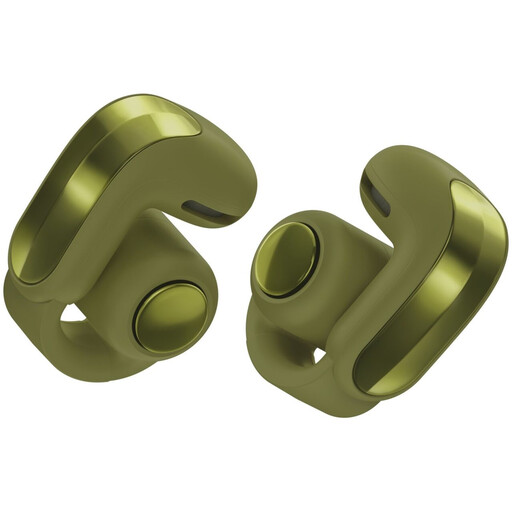 No image available
An open design to compare if you want to keep hearing your surroundings while speaking.
The open design doesn’t block out background noise, so it may be less suited to listening back in a noisy space.
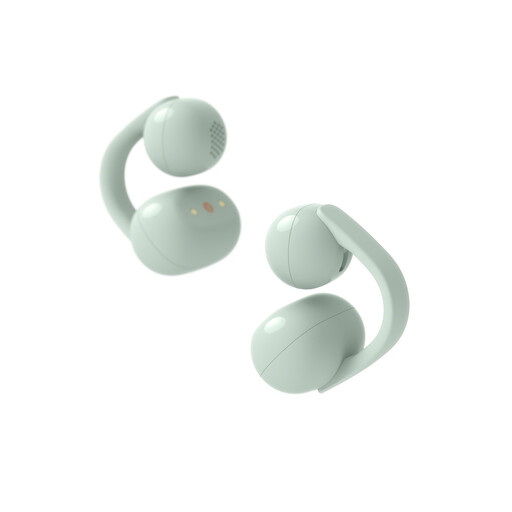 No image available
The open clip-on design is an option to compare if you want to keep hearing your surroundings while practising.
An open design doesn’t block out your surroundings, so consider whether you can hear recordings clearly enough when you listen back in your space.
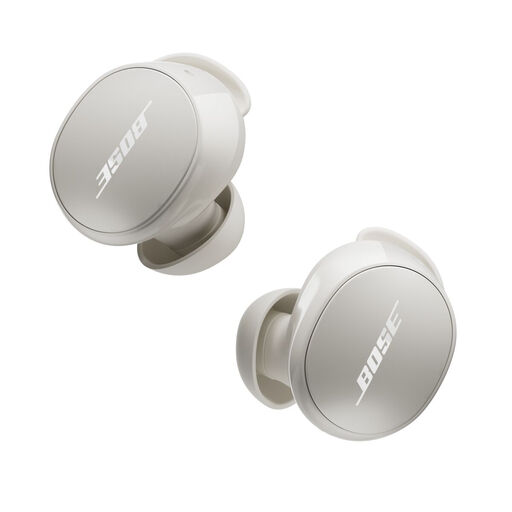 No image available
Compare this model if you want noise cancelling when listening back and a mode that lets in background noise while you speak.
A sealed fit can change how you hear your own voice; try the fit and listening modes in the context of your practice.
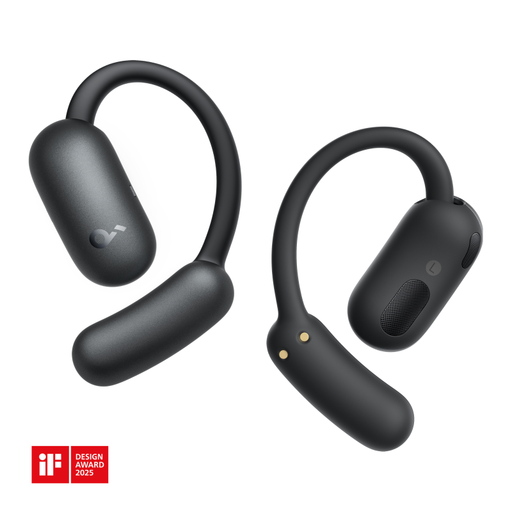 No image available
An open-ear option to compare if you want to keep hearing your surroundings while practising.
The open design doesn’t block out background noise; check whether you can listen back comfortably in your space.
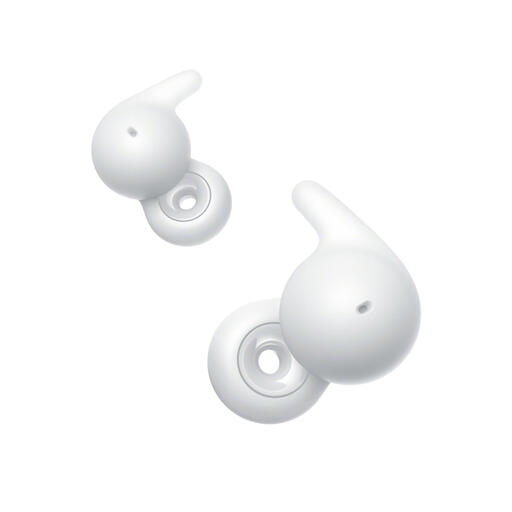 No image available
The open ring design is an option to compare if you want to keep hearing your surroundings while practising aloud.
The open-ear fit doesn’t block out your surroundings and doesn’t guarantee privacy when playing back your recording.
Listening back with earbuds and recording your voice are separate functions. Select and test the microphone input on the device you’re using, check that the recording app has permission to access the microphone, and play back a test recording.
A sealed in-ear fit can change how you perceive your own voice. During a short practice passage, compare an open design or an available transparency mode. You can also make a recording and listen back to the words you’ve spoken.
Keep the volume low and take breaks. The World Health Organization points out that sound level, listening time and how often you’re exposed to loud sounds all matter; battery life or a volume setting alone doesn’t indicate safe sound exposure.
According to the Dutch government, the cooling-off period for distance purchases is usually 14 days; check the seller’s information before you buy. Products must also meet legal requirements, and you should contact the seller if there’s a problem. The seller’s applicable information is important for the terms of your purchase.