What should you look for when choosing?
Wired in-ear earbuds
Ideal for: Practising in one place without having to recharge your earbuds during a session.
Worth considering: The cable limits your freedom of movement; check that your device supports audio and microphone input through the connection.
Compact wireless earbuds without active noise cancellation
Ideal for: Practising with freedom of movement or switching between devices, especially in a quiet room.
Worth considering: You’ll need to charge them and check the fit; a charging case doesn’t extend the earbuds’ continuous listening time.
Wireless earbuds with active noise cancellation
Ideal for: Listening back regularly in a noisy room, if in-ear earbuds feel comfortable.
Worth considering: How much sound is blocked also depends on the fit; use ambient sound mode when you want to hear other people.
A less isolating design
Ideal for: If you want to stay in touch with others while practising or don’t find a close-fitting in-ear design comfortable.
Worth considering: Fit is personal; a less isolating design provides a different level of physical sound isolation.
First decide how you’ll record and listen back to your presentation. Then compare the connection, fit and listening features for the place where you practise.
| What to consider |
What to look for |
Who this matters to |
| Recording your own voice |
Check which microphone the recording app uses and make a test recording with your own device. |
If I want to assess my pronunciation, pace and pauses, I first need to know which microphone is capturing the recording. This recording-focused need applies to around 33% of consumers. |
| Listening back in peace |
Compare the fit, active noise cancellation and the option to hear ambient sound. |
When background noise distracts me, I look for a listening setting that suits the room and lets me hear others if needed. Fewer distractions are the main priority for around 27% of consumers. |
| Comfort during repeated practice |
Compare the design and, for in-ear models, the available ear tips; decide for yourself how they feel. |
If I want to listen to a recording several times, I want my earbuds to stay comfortable. Fit is the top priority for around 20% of consumers. |
| Compact and ready to use |
Check the wired connection or, for wireless earbuds, the battery life per charge in the listening mode you use. |
When practising with a compact set, I don’t want to be caught out by a cable or a charging interruption. This compact, ready-to-use setup is the main priority for around 20% of consumers. |
Earbuds on Joybuy
This Joybuy selection includes wired USB-C earbuds and wireless models for practising and listening back. When choosing, check how your device handles recording; an earbud product description alone doesn’t prove how your own recording will sound.
 No image available
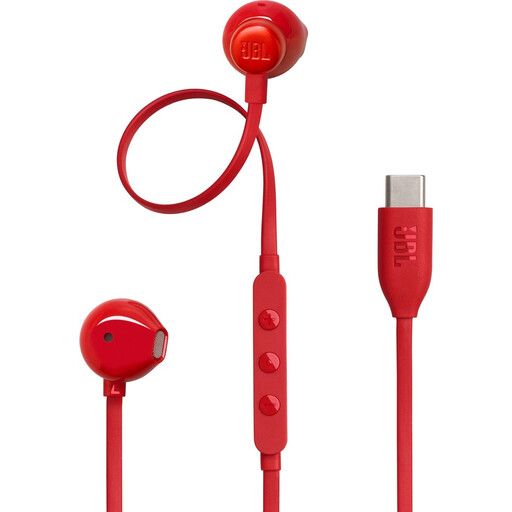
JBL Tune 305C USB-C earbuds, red
A wired option for practising without a Bluetooth connection between your earbuds and device.
USB-C connection; check that your device supports audio and microphone input over USB-C.
Joybuy
 No image available
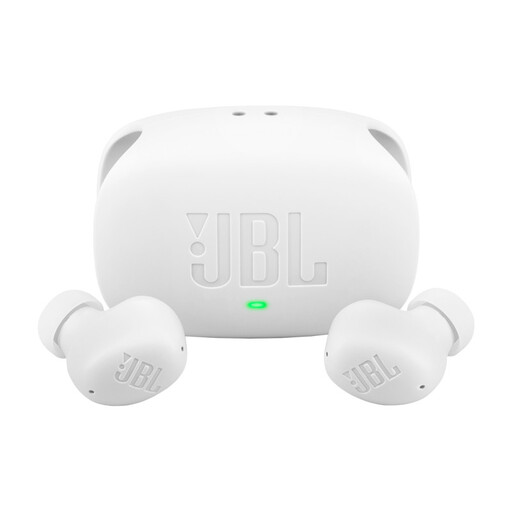
JBL Wave Buds 2, white
A wireless option to compare if you’re considering noise cancellation and an ambient mode for listening back.
The product information lists active noise cancellation, Smart Ambient and multipoint. Call features aren’t an independent assessment of presentation recordings.
Joybuy
 No image available
Bose Noise Cancelling Wired Earbuds, black
A wired option to compare if you’re considering noise cancellation when listening back.
Before buying, check the connection and microphone support on your recording device.
Joybuy
 No image available
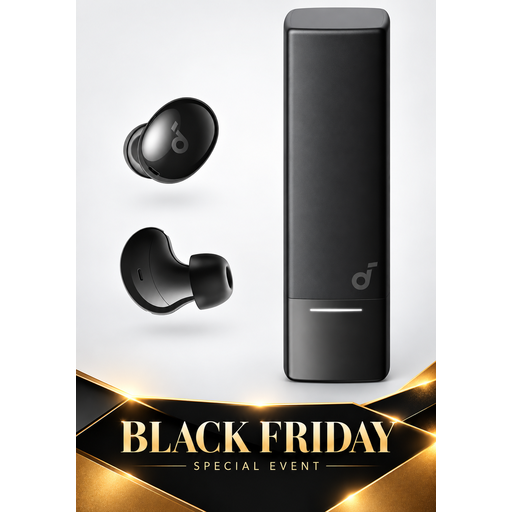
Soundcore A30i by Anker
A wireless in-ear option to compare for compact practice and listening back with noise cancellation.
This model is sold as wireless noise-cancelling earbuds; check the fit and whether they suit your listening environment.
Joybuy
 No image available
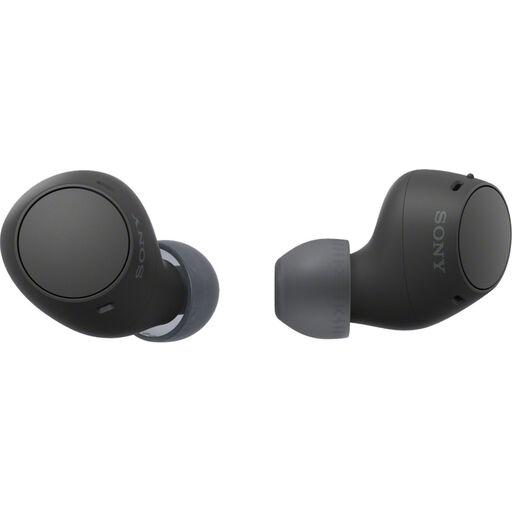
Sony WF-C510, black
A compact wireless option if freedom of movement and the ability to hear ambient sound matter when you’re practising.
Sony specifies multipoint and an ambient sound mode. According to Sony, each earbud weighs approximately 4.6 g with a medium-sized ear tip; the stated music playback time is up to 11 hours with ambient sound switched off.
Joybuy
Frequently asked questions
Do you need to use your earbuds’ microphone to assess your presentation?
No. First check which microphone is selected in your recording app and make a test recording. Apple says that on a Mac, using a Bluetooth headset microphone and playing audio at the same time can reduce sound quality; that alone doesn’t tell you how good the recording will sound.
How can you avoid a charging break while practising?
For wireless earbuds, compare the stated battery life per charge in the listening mode you use, not just a combined figure that includes the case. Wired models don’t need charging, but check your device’s connection and microphone support.
Will a wired USB-C microphone automatically work with your phone or laptop?
Not automatically: check that your device supports audio input over USB-C and that your recording app selects the microphone. Once you’ve checked, make a short test recording.
Do you need active noise cancellation to listen back to a presentation?
Not always; it’s mainly an option to consider if background noise distracts you in your practice space. Fit and listening environment also matter, and ambient mode can be useful when you want to hear other people.
How can you listen to the same recording repeatedly without turning the volume up unnecessarily?
Keep the volume moderate and take listening breaks. The World Health Organization gives up to 40 hours per week at an average level of 80 dB as an example; safe listening time decreases at higher sound levels. A device’s volume setting doesn’t automatically correspond to a particular sound level.


