
Practising with a full phone
You record presentations repeatedly and want to find, export and manage your files before a lack of storage gets in the way of practising.


Earbuds won’t free up storage on a full phone, so first decide how you’ll save and export your recordings. Then choose earbuds to suit how you practise, and test whether your recording app uses the microphone you want. When listening back, consider the fit, background noise and listening time per charge. Apple Support explains that Voice Memos can record using a supported headset and export recordings, so check that your device, app and storage location work together.
You record presentations repeatedly and want to find, export and manage your files before a lack of storage gets in the way of practising.
You want to assess your pronunciation and pace, and check which microphone your chosen recording app actually uses.
You listen back on the go or for longer sessions, so you need to weigh up fit, background noise and listening time per charge.
Start by thinking about how you save and find your recordings. Then choose based on whether you want to record, how clearly you can hear speech in your practice environment, or how comfortable the earbuds are during longer sessions.
| What to consider | What should you look for? | Who should pay particular attention? |
|---|---|---|
| Managing recordings | Check which app and storage location you use, then test how to export and find a recording. | If I want to keep different versions of my presentation, I need to be able to export and find files easily. Around 36% of consumers put storage management first. |
| Recording your own voice | Make a test recording using exactly the device and app you’ll use for your presentation. | When recording another take, I want to listen back to my pronunciation and know which microphone the app uses. Around 29% of consumers put recording their own voice first. |
| Hearing speech clearly | Check the fit and listen at a safe volume in an environment similar to where you’ll practise. | In a noisy practice space, I want to hear speech clearly without constantly turning up the volume. Around 21% of consumers prioritise listening back clearly in background noise. |
| Comfort and listening time | Compare listening time per charge with the ANC setting you use, and check the fit. | For a long practice session, I want comfortable earbuds that don’t need recharging halfway through. Around 14% of consumers put comfort and listening time per charge at the top of their list. |
Your device and app determine how you record and store audio, not the earbuds’ playback function.
The WF-C710N and WF-1000XM5 are worth comparing if ambient mode and switching between devices matter to you.
The Buds Pro 3 are a wireless model worth comparing if switching between devices and making calls are important to you.
The MOMENTUM True Wireless 4 is worth comparing if fit and listening in noisy environments matter to you.
AirPods 4 and AirPods Pro are options to compare if you already use an iPhone.
The Tune Buds 2 are an in-ear model worth comparing if ambient mode, switching between devices and calls are important to you.
This selection includes wired and wireless earbuds for listening back to presentations. Check separately whether your device and app use the microphone you want when recording.
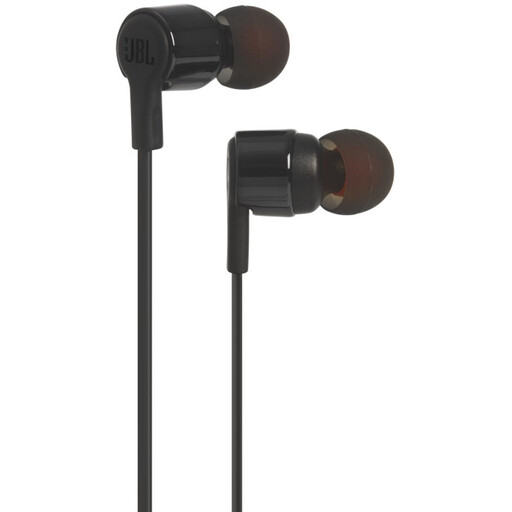 No image available
A wired option for listening back to presentations; the product name lists a microphone and a 3.5 mm connection. Check that your device and recording app support this connection and microphone.
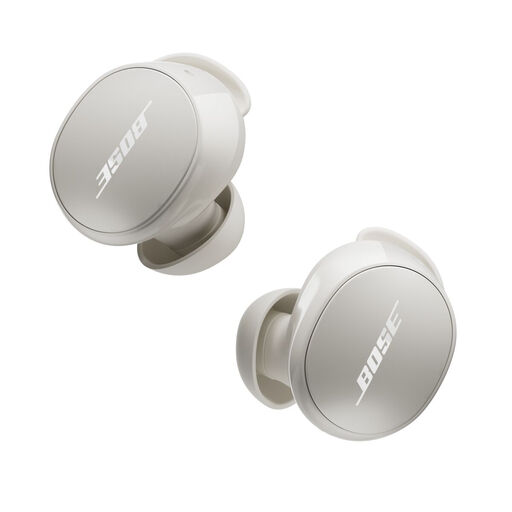 No image available
An option for listening back to presentations. Before using them, make a test recording to check which microphone your recording app selects.
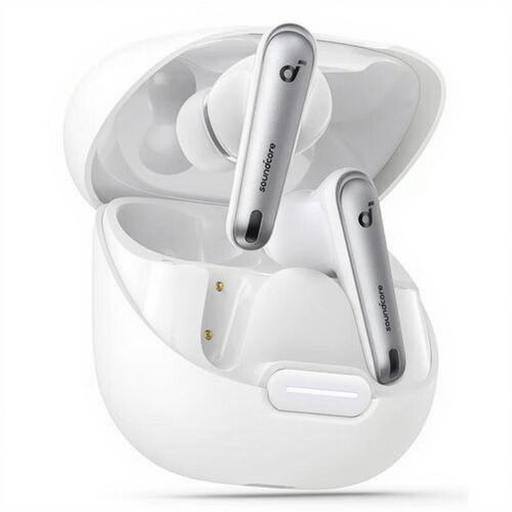 No image available
The product name mentions Bluetooth and use for calls and music. Compare listening time per charge with the length of your practice sessions, and test the microphone with your recording app.
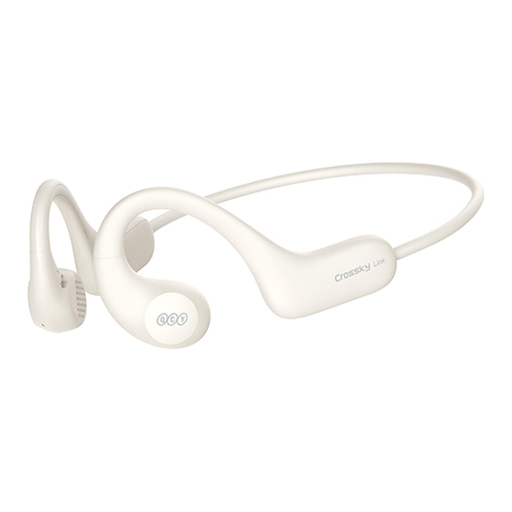 No image available
If you want to stay aware of your surroundings while listening back, check in advance whether the design and fit suit your practice space. Also check whether your recording app uses the microphone you want.
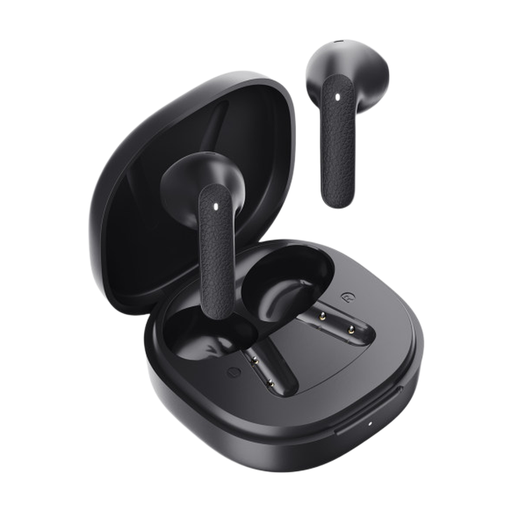 No image available
An option for listening back to recordings. For longer sessions, check the listening time per charge in the product information and see whether the fit remains comfortable.
No. Don’t assume that earbuds will automatically store your recording or increase your phone’s storage. Apple Support says you can export recordings from Voice Memos to Files; Google Pixel Phone Help describes options for sharing recordings or saving them elsewhere. Check where the file is stored on your own device, and whether exporting, syncing or deleting it gives you the storage result you want.
Make a short test recording using the device and app you plan to use for your presentation, then listen back. Apple Support lists the built-in microphone, a supported headset or an external microphone as options for Voice Memos. A microphone listed for the earbuds doesn’t confirm which input your app will select.
Try a good fit and, if you’re listening in a noisy place, consider noise cancellation. The World Health Organization advises keeping the volume low, for example, no higher than 60% of the maximum. This is listening advice, not a Dutch purchasing requirement.
According to ACM ConsuWijzer, ordinary online consumer purchases usually come with a 14-day cooling-off period after delivery. Exceptions apply to certain hygiene products that have been removed from a seal or packaging, so don’t assume that worn in-ear earbuds can be returned. If a product is faulty, you also have statutory warranty rights against the seller.