If you mainly want to listen back to your presentation while others at home are making noise, start with well-fitting, noise-isolating in-ear earbuds. If you want to hear the people you live with, or find earbuds in your ear canals uncomfortable, consider a more open design. If you’re recording yourself too, test the microphone separately using your own device and recording app: noise cancellation for what you hear doesn’t automatically tell you how your voice will sound in the recording.
Who are these earbuds for?
Listening back in a noisy home
You want to follow spoken practice recordings without constantly turning up the volume. Fit, noise isolation and a useful ambient sound mode may all be worth considering; VeiligheidNL and Sony Netherlands outline relevant points to bear in mind.
Speaker who records themselves
You may also use the earbuds as a microphone. Test how clear you sound using your own recording app and device: what you hear through the earbuds is different from the voice that gets recorded. Microsoft Support and the Utrecht School of the Arts cover relevant audio and microphone questions.
Practising while staying approachable
You want to be able to hear the people you live with, or find noise-isolating earbuds uncomfortable. An open-ear design or an easy-to-use ambient sound mode may be important; Consumentenbond, JBL Netherlands and Apple Netherlands describe this trade-off.
What should you look for when choosing?
First decide whether you mainly want to hear less noise from around the home or want to stay approachable. Then check separately whether the microphone works with your recording device and app.
| Concern |
What to look for |
Which consumers? |
| Making out speech over household noise |
Check the fit and noise isolation; also see whether an ambient sound mode is available and easy to use. |
When I can hear noise around the home, I want to follow my recording without turning the volume up unnecessarily. Around 36% of consumers prioritise being able to hear recordings clearly over household noise. |
| Clarity of your own recording |
Make a test recording using your own app and check which microphone the device is using. |
When I review my presentation, I want to be able to hear my own words clearly. Around 29% of consumers prioritise a clear voice recording. |
| Comfort and contact with the people you live with |
Check whether an in-ear tip feels comfortable; bear in mind that an open design lets in more ambient sound. |
When I practise for longer or want to stay reachable, comfort matters to me as well as noise isolation. Around 21% of consumers prioritise practising comfortably while staying approachable. |
| Practice time and switching between devices |
Compare listening time per charge in the mode you want to use; check which connections the specific model supports with your devices. |
When I practise on different devices, I want fewer interruptions and to be able to switch easily. Around 14% of consumers prioritise long sessions and use across multiple devices. |
Things to consider when buying
-
Confusing total battery life, including the charging case, with uninterrupted practice time
Total battery life with a charging case is not the same as the earbuds’ listening time per charge. The earbuds need to be in the case to recharge.
Compare listening time per charge in the sound mode you want to use, and consider total battery life including the case separately.
A long practice session may be interrupted if the earbuds need to go in the case to recharge first.
-
Assuming noise cancellation means you’ll get a good presentation recording
Noise cancellation affects what you hear; it doesn’t determine how clearly your voice will come across in a recording.
Make a short test recording using your own phone or laptop, then listen back to check how clearly you can hear your words.
-
Expecting open and noise-isolating earbuds to offer the same balance of quiet and awareness
Open earbuds generally let in more ambient sound than noise-isolating in-ears. With noise-isolating earbuds, you may not hear the people you live with as easily.
Choose the design to suit when you’ll be using them, and check how to use the ambient sound mode on noise-isolating models.
-
Assuming in-ear earbuds can always be returned once unboxed
ACM ConsuWijzer lists unsealed hygiene products as a possible exception to the cooling-off period. Whether that exception applies depends on the product and circumstances; it does not affect your right to a product that meets the required standards.
Check the returns information for your purchase before opening the product, and distinguish between the cooling-off period and your rights if a product is faulty.
Brands to consider
Features for listening or calls don’t prove how your presentation recording will sound. Compare the specific model and test the microphone with your own device.
Sony
According to Sony Netherlands, the Sony WF-C710N combines a closed design with an ambient sound mode and multipoint connectivity.
- Sony Netherlands gives a maximum of 8.5 hours of music playback per charge with noise cancellation on, and 12 hours with noise cancellation off.
- These are the manufacturer’s figures for music playback, not measured recording time. You’ll need to test the fit and microphone performance for yourself.
JBL
JBL describes the Tune Beam 2 as having a noise-isolating fit, adjustable ambient sound and multipoint connectivity.
- JBL lists six microphones and up to 48 hours of playback, including charging case capacity.
- The stated total playback time is not the same as uninterrupted use per charge. Manufacturer claims about calls are not an independent test of your practice recording.
Apple
Apple describes AirPods 5 as open-ear earbuds with active noise cancellation; the open design leaves the ear canal unobstructed.
- Apple states up to 4 hours of listening with noise cancellation on for the standard version, and up to 5 hours for the version with a wireless charging case.
- An open design doesn’t seal the ear canal like a well-fitting in-ear. Take the specific model and the ambient noise into account.
Samsung
Samsung positions Galaxy Buds3 FE within its Galaxy ecosystem and describes features for calls.
- Samsung lists Auto Switch for Samsung Galaxy devices and describes voice isolation as a call feature.
- Don’t assume Auto Switch works with every laptop. Test the recording using the app and device you actually use.
Earbuds at Joybuy
These product picks are designed for practising presentations, from in-ear earbuds for listening back to models with a microphone for speaking.
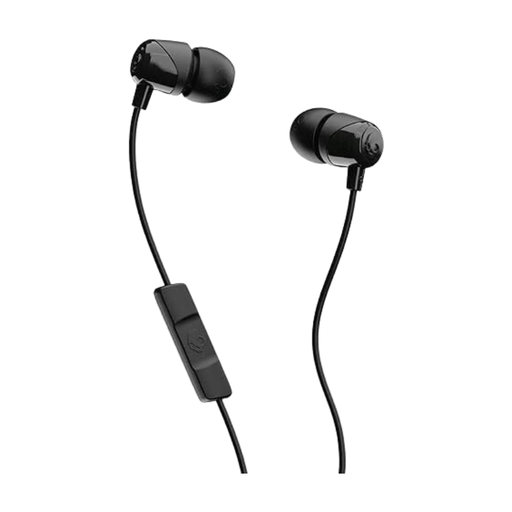 Image unavailable
Skullcandy Jib In Ear W/Mic 1 – Black
A wired option if you want to speak through your earbuds while practising and have a compatible device.
In-ear design, inline microphone and 3.5mm connection; check that your device has the right socket.
View at Joybuy
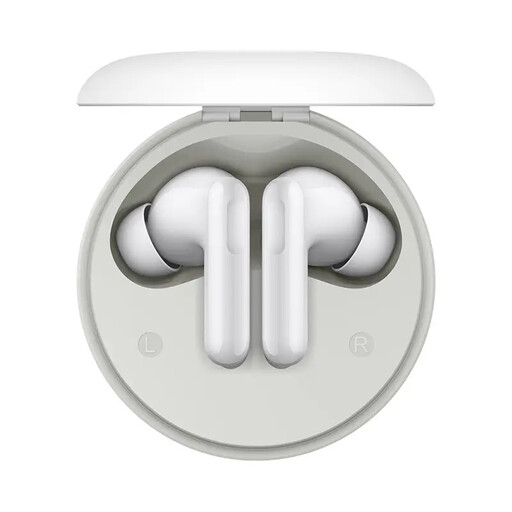 Image unavailable
HONOR Earbuds A Pro
An in-ear option to consider if you want to reduce household noise while listening back, but still hear ambient sounds from time to time.
The product name lists a 12.4mm driver and 49dB Active Noise Cancellation.
View at Joybuy
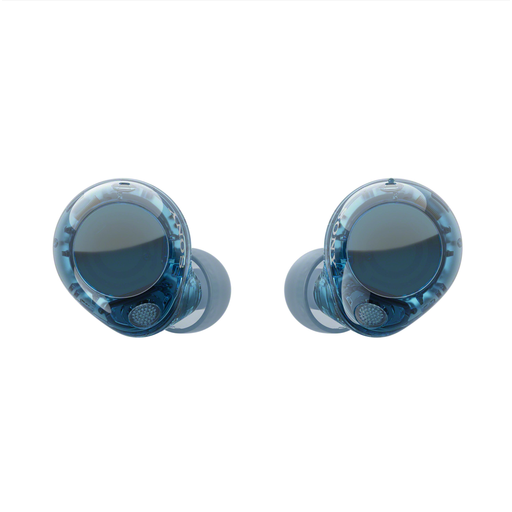 Image unavailable
Sony WF-C710N – Glass Blue
These in-ears may suit you if you want to reduce distractions from household noise while practising, but still hear ambient sounds from time to time.
Sony Netherlands lists an ambient sound mode and multipoint for the WF-C710N. Stated music playback per charge is up to 8.5 hours with noise cancellation on and 12 hours with it off; this is not recording time.
View at Joybuy
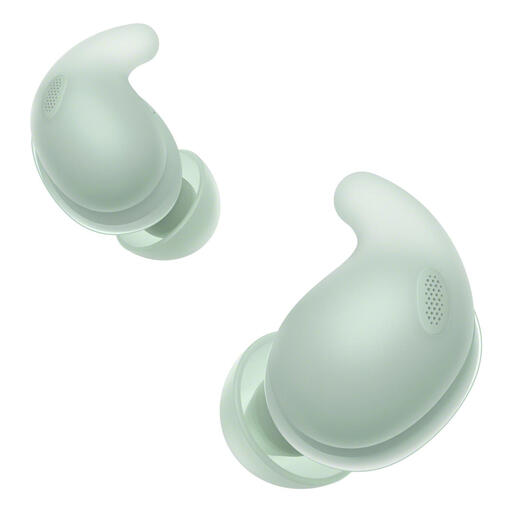 Image unavailable
Sony LinkBuds Fit – Green
An option to consider if you want fewer distractions when listening back; also check that the fit feels comfortable in your ears.
The product name describes wireless Bluetooth earbuds with noise cancellation.
View at Joybuy
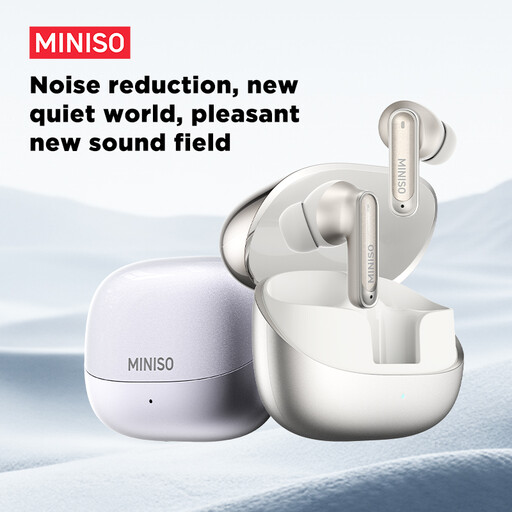 Image unavailable
MINISO MS106 Bluetooth 6.0 earbuds
A wireless option if you want to use more than one device while practising; check that the connection works with your recording and playback devices.
The product name lists Bluetooth 6.0, IPX5 and a built-in microphone.
View at Joybuy
Frequently asked questions
Is noise cancellation enough to record a spoken presentation clearly?
No. Noise cancellation doesn’t automatically tell you how clearly your recorded voice will come across. Make a test recording using your own app and check that it’s using the microphone you intend; manufacturer claims about calls don’t guarantee a particular recording result.
Why does the sound change on my Windows laptop when I switch on the microphone?
According to Microsoft, stereo sound while using the microphone depends on Bluetooth LE Audio support on both the Windows PC and the earbuds, as well as the required Windows version and drivers. Without this support, the sound may switch to mono; check the capabilities and sound settings on both devices.
How can I listen back safely and protect my hearing?
The World Health Organization recommends well-fitting headphones or earbuds, a moderate volume and regular breaks. It gives an average of 80 dB for a maximum of 40 hours a week as an example of listening exposure; don’t simply compensate for household noise by turning up the playback volume.
How should I clean my earbuds?
Follow the instructions for your exact model, as cleaning methods and drying times can vary. Apple provides specific instructions for cleaning the mesh on AirPods and recommends letting them dry completely for at least two hours before use or putting them back in the case.
What are my rights in the Netherlands if earbuds bought online don’t meet the required standards?
When you buy from a business, you generally have a statutory 14-day cooling-off period after delivery, with some exceptions. ACM ConsuWijzer lists unsealed hygiene products as a possible exception, so don’t assume you can return in-ears after trying them out. Separately, you’re entitled to a product that meets the required standards, and the seller is your point of contact; according to the Dutch government, there is no general fixed warranty period in the Netherlands.


