
Quiet-conscious visitor
You’re walking near other visitors and want to hear the guide without them hearing it too. A good fit and low volume matter more to you than extra bass. Bibliotheek Amstelland asks visitors to avoid causing noise disturbance.


Choose well-fitting, noise-isolating in-ear earbuds if you’ll be walking close to other visitors and want to avoid disturbing them. If you need to hear staff or announcements, consider an open design or an ambient sound mode. At a low volume, check that you can still understand the guide and that people nearby can’t hear it. Wired earbuds mean you don’t need to charge them, as long as the connection works with your playback device.
You’re walking near other visitors and want to hear the guide without them hearing it too. A good fit and low volume matter more to you than extra bass. Bibliotheek Amstelland asks visitors to avoid causing noise disturbance.
You want to follow the guide while still being able to hear a member of staff or an announcement. You’re weighing awareness of your surroundings against clarity and the risk of sound leakage.
You want to get started without charging or pairing. So check that the wired connection and controls work with the device you’ll use to play the guide.
Bibliotheek Amstelland asks visitors to avoid causing noise disturbance. So don’t choose by earbud type alone: fit, awareness of your surroundings and connectivity all matter too.
Choose this option: if clear speech and minimising disturbance to nearby visitors are your priorities.
Bear in mind: you’ll need to pair them via Bluetooth and charge them; a noise-isolating fit lets in less sound from your surroundings. Sony lists an Ambient Sound mode that can be switched on for the WF-C510, but this doesn’t measure sound leakage in a library.
Choose this option: if you want to hear staff or announcements and can understand the guide at a low volume.
Bear in mind: an open design doesn’t block out surrounding noise or guarantee that people nearby won’t hear the guide. Don’t turn up the volume to drown out the sounds around you.
Choose this option: if you don’t want to pair via Bluetooth or use a charging case, and your playback device has a compatible audio connection.
Bear in mind: the cable may get in the way as you walk. JBL recommends checking USB-C compatibility with your device.
| What to consider | What to check before buying | Who is this important for? |
|---|---|---|
| Avoid disturbing others | How the earbuds fit and whether sound leaks at a low listening volume. | If you’re walking close to other visitors, you’ll want to avoid them hearing the guide. Around 36% of consumers put minimising noise disturbance first. |
| Stay aware of your surroundings | Open design or ambient sound mode; test whether you can still hear the guide and relevant sounds around you. | If you want to hear staff or announcements, listening while staying aware of your surroundings is a priority. Around 29% of consumers give this the highest priority. |
| Comfort and clear speech | Available ear tip sizes and controls; try the fit if possible. | If you’re following the route on foot, you’ll want your earbuds to fit well and the commentary to be easy to follow. Around 21% of consumers prioritise fit and clarity. |
| Get started straight away | The exact audio connection and whether it works with your playback device; for wireless use, also check pairing and charge. | If you don’t want to charge or pair your earbuds, a working wired connection is important. Around 14% of consumers give immediate compatibility the highest priority. |
An open design helps you hear sounds around you, but it doesn’t prove that someone next to you won’t hear the audio guide.
At your usual low listening volume, check whether someone nearby can hear the guide. If it causes a disturbance, choose a different fit or listening option.
A USB-C connection alone doesn’t prove that an audio accessory will work with your device.
Check that your phone or audio guide supports USB-C audio, and test both playback and the in-line controls before your visit. JBL recommends checking whether the Tune 310C USB-C is compatible with your device.
In the Netherlands, there is no fixed statutory warranty period. If a product doesn’t do what you’re entitled to expect, the retailer remains your point of contact.
Before taking out extra cover, compare any additional warranty terms with your existing statutory rights. This does not affect your statutory rights.
Sony offers models with different ways to manage surrounding sounds: the noise-isolating WF-C510, with a switchable ambient sound mode, and the open-design LinkBuds Open.
The wired Tune 310C USB-C is an in-ear option if you’re looking for in-line controls and a Vocal EQ mode.
The TAE1200RG/10 offers a wired in-ear option with interchangeable ear tips.
This selection includes wired USB-C in-ear earbuds and wireless or open-ear earbuds, so you can compare connection types and how much of your surroundings you can hear.
 No image available
Wired in-ear earbuds for listening without pairing via Bluetooth; check that USB-C audio works with your playback device.
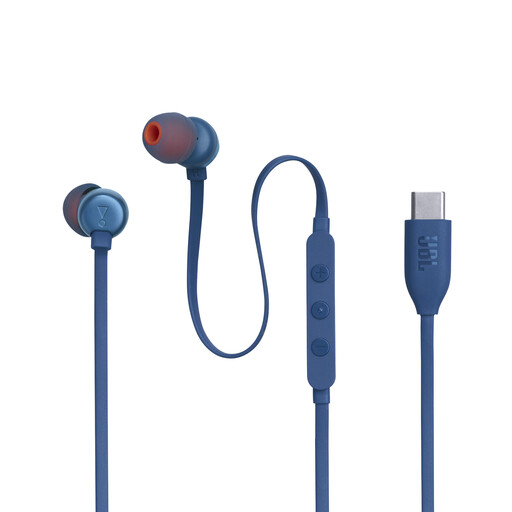 No image available
Wired in-ear earbuds for listening without pairing via Bluetooth. JBL lists in-line controls and a Vocal EQ mode; check that USB-C audio works with your device.
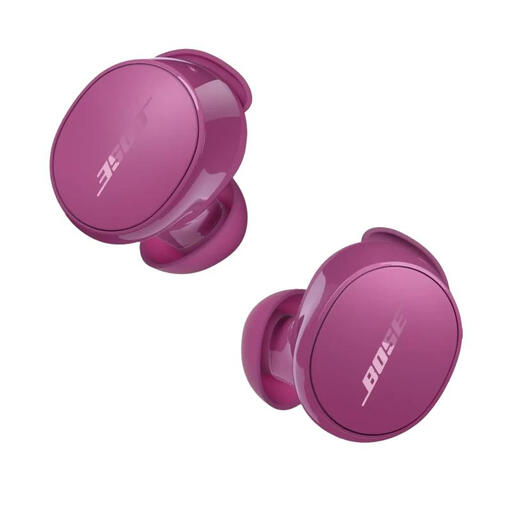 No image available
An option to compare if you want to be able to hear sounds around you while listening. At a low volume, check that you can understand the guide and that people nearby can’t hear it.
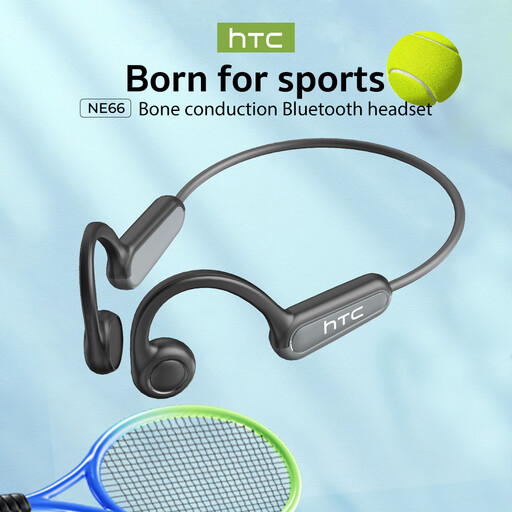 No image available
The open-ear design suits anyone who wants to keep hearing sounds around them, but it doesn’t block sound from reaching other visitors. Bluetooth 5.4 is stated in the product name.
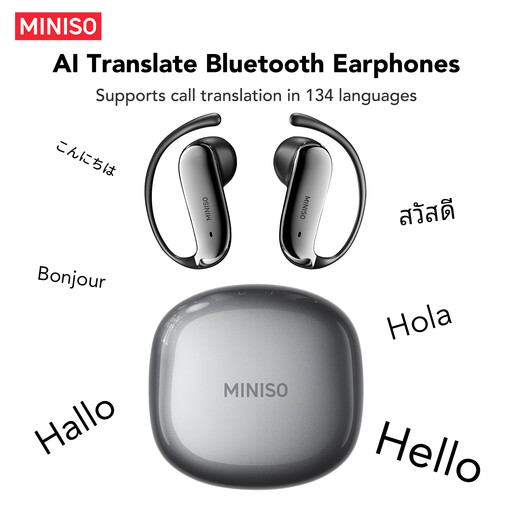 No image available
The open-ear design may suit you if you want to keep hearing sounds around you; it doesn’t mean people nearby won’t hear the audio guide. Bluetooth 6.0 is stated in the product name.
There is no single nationwide library rule that applies here. Bibliotheek Amstelland asks visitors to avoid causing noise disturbance; Bibliocenter specifically asks visitors to use headphones when playing music. Check the rules at the library you’re visiting and follow any instructions from staff.
No. An open design lets surrounding sounds through, but doesn’t guarantee that someone next to you won’t hear the audio guide. Check at your usual low listening volume.
Before you leave, check that your wireless earbuds are paired and charged, or that your wired connection is playing audio. Choose a comfortable fit, start the guide quietly and check that you can hear the commentary and relevant sounds around you. The World Health Organization recommends taking volume and listening time into account.
Not necessarily: having a USB-C port doesn’t confirm that the device can send audio to those headphones. Check compatibility with your phone or audio guide, and test the connection and controls before your library visit. JBL gives the same advice for the Tune 310C USB-C.