What should you look for when choosing?
First decide what matters most: clear speech where you listen, comfortable listening for longer periods, switching between devices or staying in touch with your surroundings.
| What to consider |
What should you look for? |
Who is this important for? |
| Speech with background noise |
Check the fit, the sizes of the included ear tips and whether you can switch on an ambient sound mode. If possible, listen to a familiar recording where you usually listen. |
If I want to follow quiet speech when there is background noise, I pay attention to the fit and how the recording sounds in my usual listening spot. Around 33% of consumers prioritise speech clarity in distracting environments. |
| Comfort and listening time |
Compare the fit and playback time per charge in the mode you want to use; total playback time with a case is not the same as the length of a single session. |
When listening to several recordings in a row, I want to avoid earbuds causing pressure or running out of charge partway through. Around 27% of consumers prioritise comfort and uninterrupted listening time. |
| Switching and controls |
Check that multipoint works with your two Bluetooth devices and that any ecosystem features are compatible with your devices. Also check whether you can use the playback controls with your learning app. |
If my recordings are on, for example, a phone and a laptop, I want to know how to switch between the devices. Around 20% of consumers prioritise switching between devices. |
| Staying aware of your surroundings |
Compare less-sealing earbuds with in-ear models that let you quickly switch on an ambient sound mode. Think about how much of your surroundings you need to hear while listening. |
If I want to be able to respond to people during a lesson, I need a way to hear my surroundings without constantly missing parts of the recording. Around 20% of consumers prioritise staying aware of their surroundings. |
Earbuds at Joybuy
This selection includes sealed wireless in-ear earbuds, earbuds for switching between devices and wired USB-C earbuds. When choosing, check the fit and make sure the connection or switching feature is compatible with your devices.
 No image available
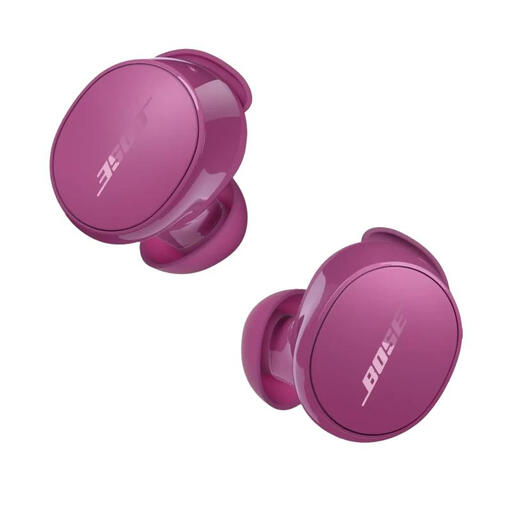
Bose QuietComfort Earbuds, Rosewood Mauve
An option to consider if you’re looking for wireless in-ear earbuds for listening somewhere with background noise. Check the fit and speech clarity using a recording you know well.
View at Joybuy
 No image available
Samsung Galaxy Buds4 Pro, black
Worth considering if you play lesson recordings on Galaxy devices and want to check whether an ecosystem-specific switching feature works with your devices. Check compatibility before you buy.
View at Joybuy
 No image available
Bose Noise Cancelling Wired Earbuds, Black
A wired option to consider if you don’t want to stop and recharge during long lessons. Check that your device supports USB-C audio with this model.
View at Joybuy
 No image available
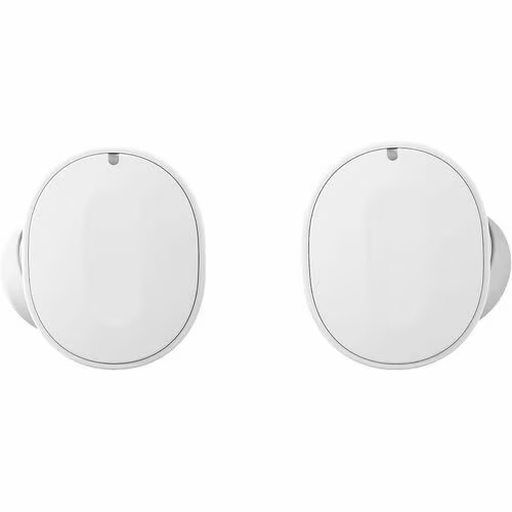
Fairphone Fairbuds, White
Worth considering if you want to switch between two devices or listen to several recordings in a row. Check the product information to make sure the connection feature works with your devices.
View at Joybuy
 No image available
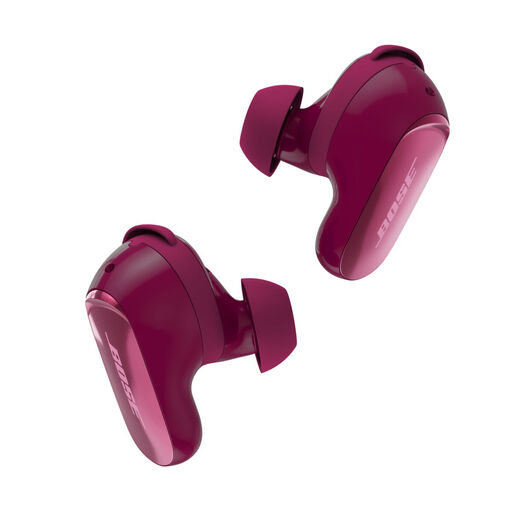
Bose QuietComfort Ultra Earbuds (2nd Gen), Deep Plum
An option to compare if you’re looking for wireless in-ear earbuds for a listening spot with background noise. Check the fit and assess playback time with ANC on for the sessions you want to listen to.
View at Joybuy
Frequently asked questions
Does noise cancelling always make Dutch conversations easier to understand?
No. A mention of ANC doesn’t guarantee that a particular model will reproduce Dutch speech more clearly. The Consumers’ Association explains that ANC often works well at reducing low-frequency vehicle hum, and assesses speech separately. So check the fit too and, if possible, listen to a familiar recording.
How do you connect wired USB-C earbuds for a lesson?
First check that your playback device supports USB-C audio with the model you’ve chosen. Sony says that the features of the IER-EX15C may work differently depending on the device, operating system or app. Once connected, check the sound output and playback controls on your device.
How can you listen to several recordings in a row?
Keep the volume low and take breaks. The World Health Organization gives the example of a maximum of 40 hours a week at an average of 80 dB, compared with four hours at 90 dB. This is guidance on sound exposure, not a guaranteed safe setting for every device.
Can you return an online purchase if you’re not happy with the earbuds?
ACM ConsuWijzer explains that online purchases generally come with a statutory cooling-off period of up to 14 days after delivery, with some exceptions. Check which terms apply to your purchase. This is separate from your rights if a product is faulty or doesn’t meet the terms of the contract.
Do rechargeable earbuds have to use USB-C?
According to the European Commission, EU common charger rules have applied to earbuds since 28 December 2024 and require USB-C as the charging port. This is about charging; it doesn’t automatically mean that wired USB-C earbuds will work with your device’s USB-C audio output.


