
Listening back closely
You replay short snippets of conversation to distinguish words and pronunciation. Compare spoken audio and check whether your playback app lets you pause and skip back.


For conversations you mainly listen back to at home, clear speech, a comfortable fit and controls that work with your playback app are important things to consider. Wired earbuds avoid pauses for charging if the connection is compatible; if you listen in a noisy environment or take part in conversations yourself, ambient sound, the microphone and battery life per charge matter too. None of the earbud specifications mentioned here confirm that a sentence will automatically repeat: check that feature in your app and on your device.
You replay short snippets of conversation to distinguish words and pronunciation. Compare spoken audio and check whether your playback app lets you pause and skip back.
You wear earbuds for longer practice sessions and want the fit and battery life to suit. With wireless models, listening time per charge is different from the total playback time with a charging case.
You switch between listening and speaking yourself, sometimes while wanting to stay aware of the sounds around you. So check the microphone performance and whether you can let in ambient sound.
Decide which need matters most during your language exchanges, then check that the app, connection and listening features are a good match.
| What to consider | What should you check? | Who is this important for? |
|---|---|---|
| Speech and replay | If possible, listen to the same speech clip and test pausing and skipping back in your own app. | If I want to make out words and pronunciation in short clips, I need to assess the speech and be able to skip back easily. Around 36% of consumers say clear speech and replay are their top priorities. |
| Comfort and listening time | Check the fit and, with wireless models, compare playback time per charge—not just the total with the case. | For longer practice sessions, I want earbuds that stay comfortable and do not need charging part-way through. Around 29% of consumers put comfort and listening time first. |
| Ambient sound | Choose the listening mode that suits where you are, and test whether you can still hear the sounds around you that you need to. | When I’m out and about, I want to focus on a conversation while remaining approachable. For around 21% of consumers, balancing concentration with ambient sound is the main priority. |
| Microphone and devices | Make a test recording on the device you plan to use, and check the microphone input and device switching. | If I’m speaking myself or switching between my phone and computer, I want to know how my voice is recorded and whether the connection works with my setup. Around 14% of consumers prioritise recording and ease of use across devices. |
A charging case recharges wireless earbuds when you are not using them, so the total with the case is not the same as one long listening session.
Compare the stated playback time per charge with your preferred settings switched on.
During a long session, charging may mean you have to interrupt your listening.
Noise cancellation targets background noise. On its own, it does not tell you how clear a Dutch speech clip will sound or how comfortable the fit will be for you.
If possible, compare a spoken clip and choose an ambient sound mode if you need to remain approachable.
A connector or the ability to connect to multiple devices does not confirm that your app supports the controls you want for repeated playback.
Check the device, software, microphone input and controls with the app you actually use.
The WF-C710N is a wireless in-ear option with noise cancellation and an ambient sound mode.
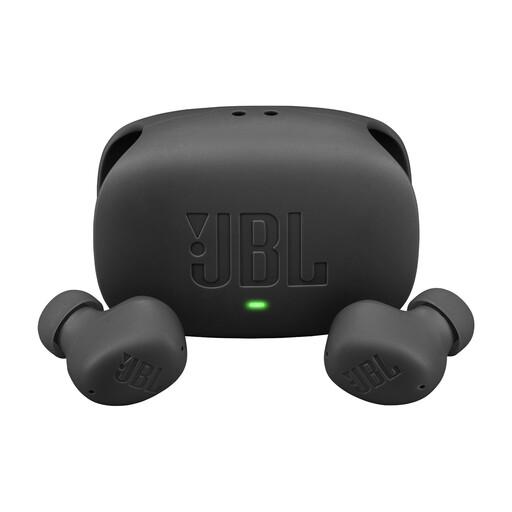
According to JBL, the Tune Beam 2 has noise cancellation and features that let in ambient sound or help you talk to people nearby.
The wired EarPods (USB-C) are an option for listening back without charging the earbuds, provided your device and software are compatible.
This selection of Joybuy products includes wired earbuds for listening back without a charging break, and wireless models with different listening modes for changing environments.
 No image available
A wireless option if you want to switch between listening with noise cancellation and hearing the sounds around you.
JBL lists 10 hours of playback per charge with ANC off; the total of 40 hours also includes recharging via the case.
The product information lists playback controls, hands-free calling and multipoint connectivity. Test the microphone and app controls with your own setup.
 No image available
A wired option if you want to listen back without having to charge the earbuds part-way through.
The USB-C connection requires a device with compatible USB-C audio. The in-line remote controls music and calls; the product information also lists a microphone.
Check that the connection and controls work with your device and playback app.
 No image available
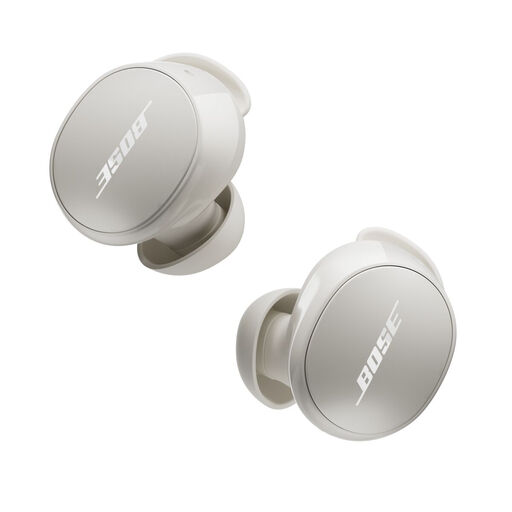
A wireless option if you want to switch between noise cancellation and a mode that lets in ambient sound.
Bose lists up to 9 hours of use per charge and IPX4. The product information lists Quiet and Aware modes, as well as playback and skip controls.
The stated battery life is not the same as the total listening time when you include recharges via the case.
 No image available
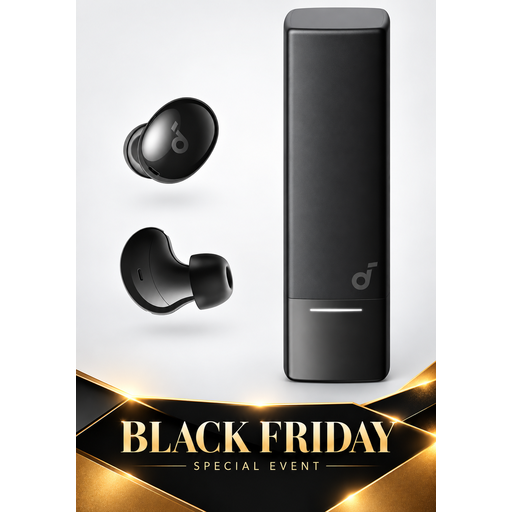
A wireless option for listening with noise cancellation and switching between devices.
The product information lists multipoint connectivity, four built-in microphones, and controls for playback, calls and volume.
Make a test recording to check how the microphone sounds in your environment and app.
 No image available
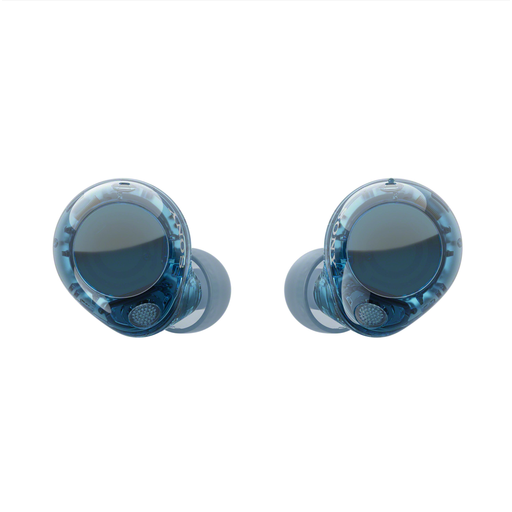
A wireless in-ear option if you want to switch between noise cancellation and an ambient sound mode.
Sony lists multipoint connectivity and up to 8.5 hours of continuous music playback with noise cancellation switched on. The product information lists touch controls for music and calls.
Playback time is a maximum for music under the stated setting, not a measurement of listening back to conversations.
Not based on the earbud specifications mentioned here. Apple lists controls for functions including playback on the EarPods (USB-C); check whether rewind or repeat is available in your recording or playback app, and how the app responds to the button.
Select the microphone input you want to use in your calling or recording app, then make a short test recording in your usual environment. Having a microphone does not tell you how clearly your voice will sound with that setup.
Keep the volume low and take breaks. The World Health Organization gives an average of 80 dB for up to 40 hours a week as an example of safe listening; at higher sound levels, safe listening time decreases. This is health advice, not a legal limit or a measurement of any model mentioned here.
Compare the earbuds’ playback time per charge with the length of your session. The Consumers’ Association points out that a total time including the charging case does not mean you can listen continuously for that long; actual battery life also depends on how you use the earbuds and which features are switched on.
ACM ConsuWijzer says that the statutory cooling-off period for an online purchase generally ends 14 days after delivery, subject to applicable exceptions. Check the terms that apply to your chosen product and its packaging; this period is separate from your rights if a product is faulty or delivered incorrectly.