If you’re listening on your own phone, focus on fit, active noise cancellation and the stated listening time per charge. Total battery life including the charging case means you’ll need to recharge along the way, so you can’t listen continuously; the Consumers’ Association notes that earbuds can’t be used while they’re charging in the case. For live commentary, you’ll also need access to the stream over Wi-Fi. If you want audio from the in-flight entertainment system, your flight’s connection or Bluetooth support must be compatible.
Who are these earbuds for?
Listeners who want to hear speech over cabin noise
If you want to follow the commentary without constantly turning up the volume, look for well-fitting ear tips and noise cancellation. The World Health Organization recommends well-fitting noise-cancelling headphones to help reduce the temptation to turn up the volume in noisy situations.
Travellers who wear earbuds for hours
If you’ll be listening for a long time, a comfortable fit and enough listening time per charge are especially important. The Consumers’ Association highlights wearing comfort and battery life as factors to consider with wireless earbuds.
Listeners using live or in-seat audio
If you want to listen to live commentary or use the in-flight entertainment system, check that your flight offers the right connection and audio source. KLM outlines restrictions on audio over Wi-Fi, while JBL lists a transmitter function for the Tour Pro 3 case.
What should you look for when choosing?
In-ear earbuds with active noise cancellation
A good fit if: you want to follow the commentary over cabin noise and find in-ear tips comfortable.
The trade-off: fit is personal, and noise cancellation can affect battery life, so compare listening time per charge.
Earbuds that create a less sealed fit
A good fit if: you find the pressure of in-ear tips more uncomfortable than having less noise isolation.
The trade-off: more cabin noise may come through, making spoken commentary harder to follow.
Earbuds with an audio transmitter in the case
A good fit if: you want to send sound from a compatible USB or analogue source, such as an in-flight entertainment system, to your earbuds. JBL lists this feature for the Tour Pro 3 case.
The trade-off: this feature doesn’t guarantee that your seat has the right connection or offers a cricket broadcast.
| Concern |
What to look for when buying |
Who should prioritise this? |
| Speech clarity over cabin noise |
Check the fit of the ear tips and whether active noise cancellation and ambient mode are easy to use. |
I want to follow the commentary without constantly turning up the volume; around 25% of consumers prioritise speech clarity over cabin noise. |
| Comfort during the flight |
Check which sizes of ear tips are included and whether you can try the model on. |
If I’m listening for hours, I want ear tips that stay comfortable; around 20% of consumers prioritise long-lasting comfort. |
| Uninterrupted listening time |
Compare the stated playback time per charge in the mode you plan to use, such as ANC on. |
I want to avoid having to stop and recharge during the commentary; around 20% of consumers prioritise uninterrupted listening time. |
| Live cricket commentary |
Check your flight’s Wi-Fi options, the package and whether the broadcast is available over that connection. |
I want to follow the match live rather than listen to it later; around 15% of consumers prioritise live reception. |
| Audio from the in-flight entertainment system |
Check which audio output is available at your seat and whether it works with your earbuds or a suitable transmitter. |
I want to connect my earbuds to the audio source at my seat; around 10% of consumers prioritise in-seat audio. |
| Durability and essential features |
Compare the features you’ll actually use and check the information about the battery and components for the specific model. |
I want to choose a model that suits how I’ll use it, without letting extra features sway my decision; around 10% of consumers prioritise durability and relevant features. |
Common mistakes
-
Confusing total battery life with uninterrupted listening time
Total battery life includes time spent charging in the case, when you can’t use the earbuds.
Compare the stated listening time per charge in the mode you plan to use during the flight.
-
Assuming in-flight Wi-Fi automatically supports live audio
Wi-Fi and audio streaming availability varies by flight and package. KLM says that its messaging package on Wi-Fi-equipped flights doesn’t support audio.
Before you leave, check your flight’s Wi-Fi options and whether the cricket broadcast is available over that connection.
-
Trying to drown out cabin noise by constantly turning up the volume
The World Health Organization warns that higher volumes and longer listening times increase the risk of hearing damage.
Try well-fitting ear tips or noise cancellation first, and keep the volume at a sensible level.
-
Choosing an audio transmitter without checking the seat’s audio source
A transmitter function doesn’t guarantee that your seat has a compatible connection or that the in-flight entertainment system offers cricket commentary.
Decide whether you want to listen from your own device or from the seat, and check which output is available if you’re using in-seat audio.
Brands to consider
The features and figures listed apply to the specific product ranges below and aren’t general recommendations for every product from these brands.
Sony
The WF-1000XM6 is an in-ear model with noise cancellation, suited to listeners who mainly use their own device.
- Sony states up to 8 hours of music playback per charge with noise cancellation on.
- This is a manufacturer’s figure; fit and actual listening time can vary from person to person.
Samsung
The Galaxy Buds4 Pro is an ANC option with features for switching between Galaxy devices.
- Samsung lists 6 hours per charge with ANC on and 26 hours including the case.
- The 26 hours aren’t uninterrupted listening time; Samsung notes that specifications may vary by country.
Apple
AirPods Pro 3 is an in-ear option with active noise cancellation and several sizes of ear tips included.
- Apple lists five sizes of ear tips and up to 8 hours of listening per charge with active noise cancellation on.
- Apple also lists 24 hours including the case; that isn’t the same as uninterrupted listening, and fit is still a personal matter.
Bose
The QuietComfort Ultra Earbuds (2nd Gen) combines noise cancellation with a choice of fit accessories.
- Bose states 6 hours of battery life with Immersive Audio off and 4 hours with it on.
- So the stated battery life depends on the mode you choose; Bose doesn’t specify listening time for cricket commentary in an aircraft cabin.
JBL
The Tour Pro 3 is worth considering if you also want to use a compatible audio output from the in-flight entertainment system; the Tune Buds 2 is another JBL range with ANC.
- JBL says the Tour Pro 3 case can transmit audio from a USB or analogue source.
- Check separately that your seat has the right connection and that the broadcast you want is available.
Earbuds at Joybuy
These in-ear models have features suited to listening with noise cancellation and finding a comfortable fit.
 No image available
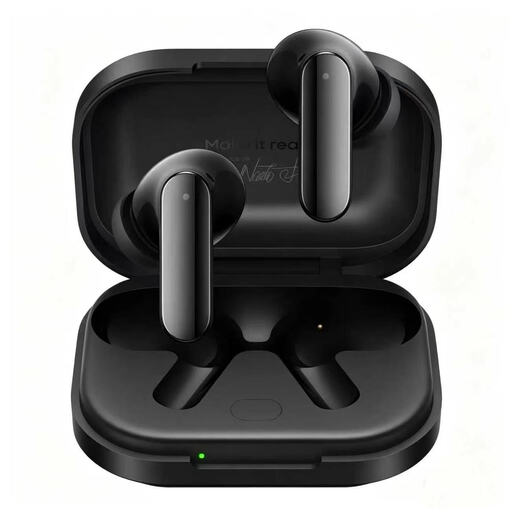
realme Buds Air8 Pro, Master Black
A good choice if you’re looking for in-ear earbuds with adaptive active noise cancellation and want to try different sizes of ear tips.
The product information lists three sizes of silicone ear tips. The stated total battery life of up to 50 hours includes the charging case and isn’t one uninterrupted listening session.
The product name specifies 55 dB adaptive noise cancellation and 11 mm + 6 mm dual drivers.
View at Joybuy
 No image available
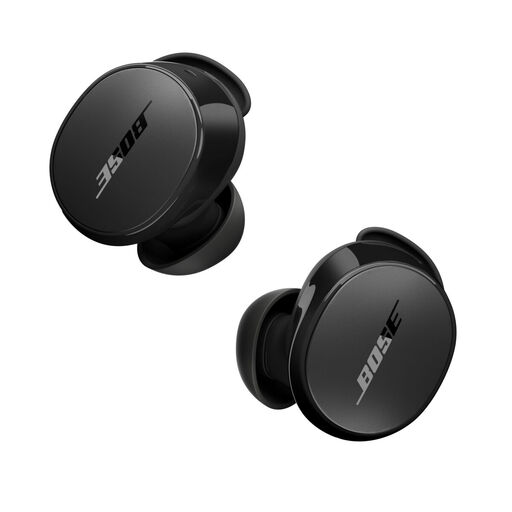
Bose QuietComfort Earbuds, Black
A good choice if you want to combine active noise cancellation with an ambient mode and a choice of ear-tip sizes.
The product information lists three sizes of ear tips and up to 8.5 hours of use on a single charge.
The specifications also list IPX4; check that the features and battery life suit the listening mode you plan to use.
View at Joybuy
 No image available
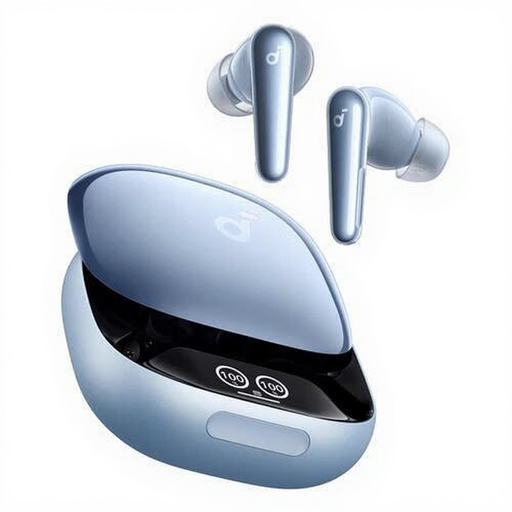
Anker Liberty 4 Pro, Light Blue
A good choice if you want to plan a long listening session around the stated playback time per charge.
The product information lists up to 10 hours of playback on a single charge, six microphones and extra ear tips.
The product name specifies Bluetooth and USB Type-C.
View at Joybuy
 No image available
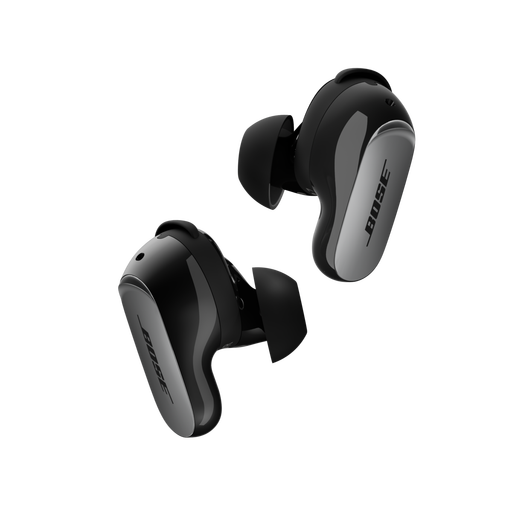
Bose QuietComfort Ultra Earbuds (2nd Gen), Black
A good choice if you’re looking for active noise cancellation and an ambient mode, with fit accessories to try out.
Bose states up to 6 hours of listening per charge and includes a fit kit with three sizes of ear tips and stability bands.
Battery life is a stated figure; check which listening mode you plan to use.
View at Joybuy
 No image available
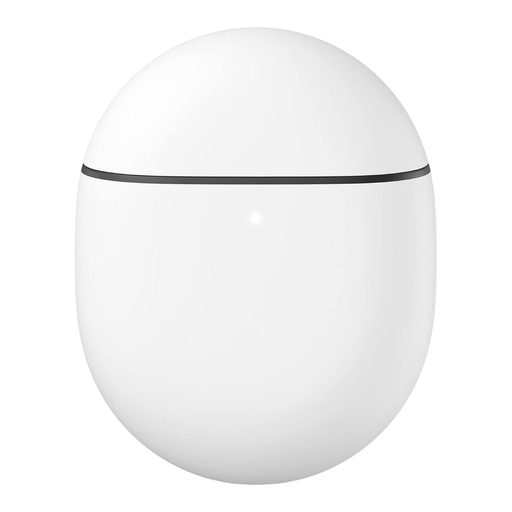
Google Pixel Buds Pro, Carbon
A good choice if you want to switch between active noise cancellation and an ambient mode.
The product information lists multipoint connectivity and ear tips in three sizes.
View at Joybuy
Frequently asked questions
Can I listen to live cricket commentary over in-flight Wi-Fi?
It depends on the flight, the Wi-Fi package and whether the broadcast is available. KLM says that not all aircraft have Wi-Fi and that its messaging package on intercontinental flights with Wi-Fi doesn’t offer audio. Check that your package supports the cricket stream you want to listen to.
Can I use Bluetooth earbuds during a flight?
It depends on the airline’s rules and the crew’s instructions. The European Union Aviation Safety Agency says each airline decides whether electronic devices can be used after carrying out its own assessment. KLM’s published policy requires devices with an antenna to be in flight mode while the aircraft doors are closed; check how you’re allowed to use Bluetooth on your flight.
Can I connect wireless earbuds directly to the in-flight entertainment system?
Not unless you know which connection or Bluetooth feature your seat offers. JBL says the Tour Pro 3 case can transmit audio from a USB or analogue source; even then, the connection on your flight needs to be compatible.
How can I stop ear tips from feeling uncomfortable?
Try the included sizes and choose an ear tip that seals comfortably without feeling tight. Comfort varies from person to person; the Consumers’ Association highlights this as something to consider with wireless earbuds.
Who can help if my earbuds don’t work properly after I buy them?
If a product is faulty in the Netherlands, the retailer is your point of contact for the legal guarantee. The Dutch Government says there isn’t a fixed legal guarantee period of two years for every product; what you’re entitled to expect depends, among other things, on the product and normal use.


