What should you consider when choosing a charging station?
First check whether the case supports wireless charging, then decide whether you want to charge one or several devices at the same time. Apple Support and the Wireless Power Consortium describe the requirements for wireless charging; Brandweer Nederland advises placing chargers in an unobstructed spot so heat can dissipate.
| What to consider |
What should you check? |
Who is this important for? |
| Case compatibility |
Check whether the manufacturer supports wireless charging for the exact case model, and which charging standard it uses. |
I want to place my case on a charging spot without a cable and first need to know whether that works with my model. Around 36% of consumers prioritise case compatibility. |
| Space on the kitchen worktop |
Choose a dry spot away from wet work areas and leave the charger unobstructed so heat can dissipate. |
I want to use the charger on the kitchen worktop without placing it near water or covering it. Around 29% of consumers prioritise a dry, unobstructed setup. |
| Number of devices charged at once |
Check whether there’s a separate spot for the case and whether any watch module supports your watch. |
I want to charge my case alongside a compatible phone or watch in one place. Around 21% of consumers prioritise charging several devices at the same time. |
| Power supply required |
Check whether the version you choose includes a USB-C cable and power adapter. |
I want to know in advance what I’ll need to connect the charger. Around 14% of consumers focus mainly on the required power supply and what’s included in the box. |
Joybuy products for wireless earbud charging
This selection mainly features charging stations with extra spots for a compatible phone and possibly a watch, as well as a Duo model for multiple devices. Before buying, check whether your charging case supports wireless charging and which power supply is included with the version.
 No image available
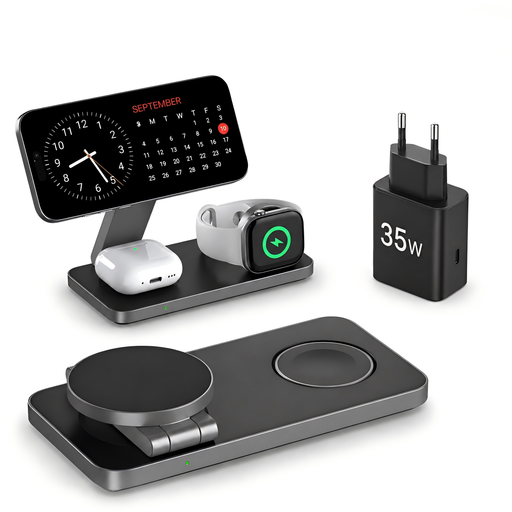
Qi2 25 W 3-in-1 wireless charger, foldable
Designed to charge a compatible smartphone, Apple Watch and AirPods at the same time; check whether your case and watch are supported.
The product name lists Qi2 25 W and an included 35 W USB-C adapter. The design is described as foldable.
View at Joybuy
 No image available
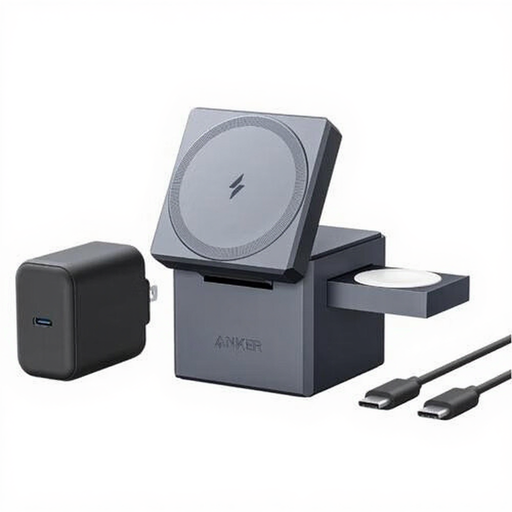
Anker Innovations Y1811G11
The product description says it can wirelessly charge headphones, smartphones and smartwatches at the same time; check whether your devices and charging case are compatible.
The description lists up to 30 W and an included USB-C cable. Keep the charger away from water or moisture, and don’t cover it while it’s in use.
View at Joybuy
 No image available
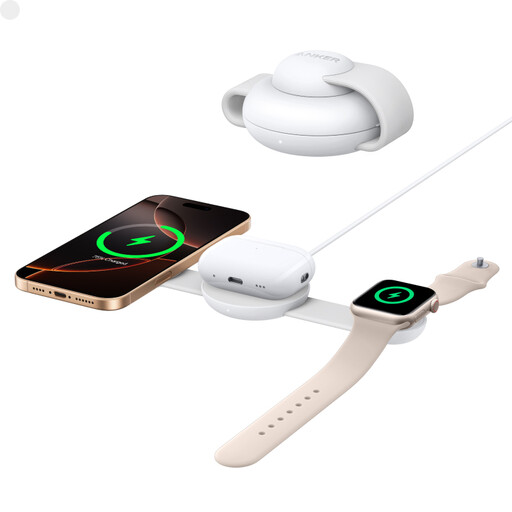
Anker B25M8H21
The product description lists AirPods, iPhones and Apple Watches as supported devices. Check whether your specific case is compatible.
The description mentions an anti-slip charging surface for earbuds and a foldable design.
View at Joybuy
 No image available
Anker MagGo foldable 3-in-1 charger
The description lists AirPods or other Qi-compatible earbuds alongside an iPhone and Apple Watch; check compatibility with your devices.
Qi2 certification and an enlarged anti-slip surface for earbuds are listed. According to the product information, the charger is designed for dry indoor environments.
View at Joybuy
 No image available
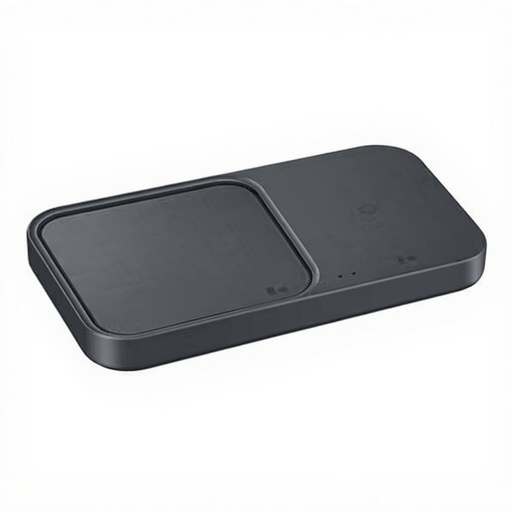
Samsung Wireless Charger Duo Black
The product description mentions wireless headphone charging and charging multiple devices at the same time. Check whether your earbud case is supported.
The product name lists an included cable. Make sure there’s enough ventilation and protect the charger from water or excessive moisture.
View at Joybuy
Frequently asked questions about charging earbuds on the kitchen worktop
Can I place any wireless earbud case on a Qi pad?
No. First check whether your specific case supports wireless charging. Apple Support distinguishes between cases that charge via a cable and MagSafe or Wireless Charging Cases, which also support wireless charging. The Wireless Power Consortium describes Qi as a standard that enables compatible chargers and receivers to work together.
How should I place a compatible AirPods case on the charger?
Follow the instructions for your AirPods model. For a compatible case, Apple Support advises closing the lid and placing the case on a Qi-certified charging mat with the status light facing upwards; check the charging status according to the model-specific instructions.
Where should I put the charger, and how should I clean it?
Keep the charger and case away from moisture, and leave the charger unobstructed so heat can dissipate; Brandweer Nederland advises placing chargers in an unobstructed spot. Follow your model’s instructions for cleaning. For the VÄSTMÄRKE charger, IKEA advises disconnecting the power source first and wiping the product with a dry cloth.
Are a cable and power adapter included, and what if the charger breaks too soon?
It varies by version: IKEA says the cable and adapter for LIVBOJ are sold separately, while Belkin lists both as included with the WIZ035kqWH reviewed. In the Netherlands, if a product doesn’t do what you could reasonably expect, you’re also entitled to a statutory guarantee when using it normally. ACM ConsuWijzer explains that the seller must offer a solution, such as a repair, replacement or refund.
Which rules and rights apply to online purchases in the Netherlands?
For a standard online purchase, ACM ConsuWijzer says you generally have up to 14 days after delivery to change your mind, subject to statutory exceptions. According to EU information on CE marking, CE rules only apply to products covered by specific EU legislation, so the requirements depend on the product.


