Joybuy products
This selection includes freestanding stands and dual desk arms for two screens. Before choosing, check that the type of stand and the available desk space suit your setup.
 No image available
Floordirekt monitor stand for 2 monitors, MDF, white, 80–108 cm
For anyone who wants to place two monitors side by side and adjust the width and angle; the product name specifies MDF and an adjustable width and angle.
The listed version is white and 80–108 cm wide.
View at Joybuy
 No image available
DELL Dual Monitor Arm MDA20
A dual monitor arm for anyone who wants to position two screens on a desk. Before choosing, check compatibility with both screens and the available mounting space.
View at Joybuy
 No image available
iiyama Simple and functional dual desktop arm
For anyone looking for a dual desk arm to position two screens side by side. Check the required mounting type and weight for each screen against the product specifications.
View at Joybuy
 No image available
Neomounts DS60-425BL2 monitor arm 17–27 inches
A dual desk arm for anyone who wants to mount two screens and adjust their viewing angle. The product name specifies 17–27 inches; also check the other limits and whether the mounting options suit your screens and desk.
View at Joybuy
 No image available
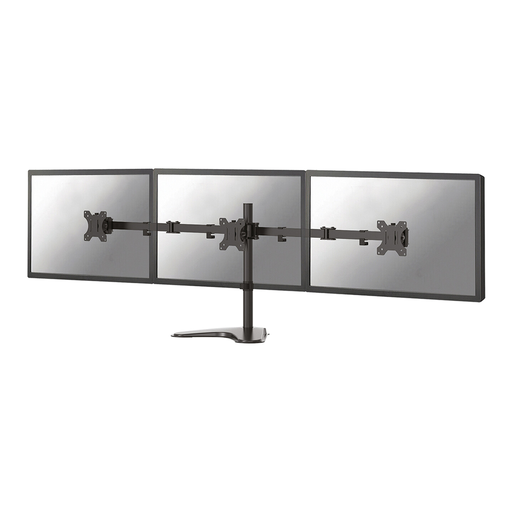
Neomounts FPMA-D550DDBLACK monitor stand 10–32 inches
For anyone who wants to position two screens on a desk and adjust their viewing angle. The product name specifies a size range of 10–32 inches; also check the weight and mounting type for both screens.
View at Joybuy
Frequently asked questions
How should I position my screens when comparing accounting data with invoices?
If you often compare information across both screens, angle them towards the centre of your working position; if you mainly use one screen, place it directly in front of you. BakkerElkhuizen also recommends positioning the top of the screen slightly below eye level. This positioning advice doesn’t guarantee that a monitor stand will prevent discomfort.
What should I check before fitting the stand?
Check the weight and VESA pattern of each screen against the limits of the exact model. If you’re using a clamp, also measure the desk thickness and check that the edge is accessible; the Neomounts DS70-250BL2 manual specifies a desktop thickness of 10–50 mm for this model.
How do I allow for cables when adjusting the screens?
Route the cables so they won’t become taut when you move a screen, and follow the manual for fitting and adjusting your chosen model. Neomounts specifies integrated cable management for the DS70-250BL2.
What are my rights when buying online in the Netherlands?
For a typical online consumer purchase, you generally have up to 14 days after delivery to change your mind, subject to legal exceptions. You’re also entitled to a product that does what you could reasonably expect it to do; ACM ConsuWijzer explains that the statutory guarantee doesn’t simply have a fixed two-year duration for every product.
Is a dual monitor arm legally required for screen-based work?
The cited guidance from Arboportaal doesn’t specify a particular model of dual monitor arm as a requirement. However, for applicable screen-based work, the employer must provide a safe workplace; the requirements depend on the working situation.


