What should you consider when choosing?
First, check that both screens are compatible with the desk and mount. Then choose an adjustment style that suits the way you use your dashboard and report side by side.
| What to consider |
What should you check? |
Who is this important for? |
| Compatibility with both screens |
For each screen, check its weight without the stand, VESA pattern and actual width against the specifications for the exact model. |
If I want to make sure both screens are within the mount’s limits, I check them separately; around 33% of consumers say screen compatibility is their main concern. |
| Adjustment for sit-stand work |
Compare the height and reach adjustment range with the positions you need when sitting and standing. |
If I raise my desk, I want to be able to reposition the dashboard and report for comfortable viewing; around 27% of consumers prioritise this adjustment. |
| Mounting and desk stability |
Check the desktop thickness, available space and permitted mounting options, and assess how stable the desk is at standing height. |
If I want to use a clamp or grommet mount, it needs to fit my desktop and remain secure at my chosen desk height; around 20% of consumers focus mainly on the mounting method. |
| Alignment and cables |
Decide whether one screen needs to sit differently, and check that the cables can follow the desk’s full range of movement without pulling taut. |
If I use my dashboard and report side by side every day, I want to align the screens to suit me and ensure the cables can move freely; around 20% of consumers prioritise this practical setup. |
Joybuy product picks
These Joybuy picks are designed for mounting or positioning screens on a desk. Check that each model suits your two-screen setup and sit-stand desk.
 No image available
Dell Dual Monitor Arm MDA20
A dual monitor arm for anyone who wants to position two screens on a desk.
Check that the mounting options suit both screens. According to Dell, Quick Release is compatible with certain Dell monitor ranges; other screens may need an optional VESA adapter.
View on Joybuy
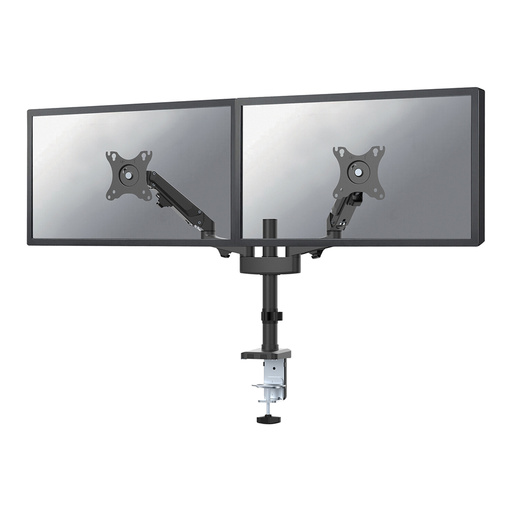 No image available
Neomounts DS70-750BL2, 17–27 inches
Independently adjustable arms could suit you if your dashboard and report don’t always need to be in the same position.
Neomounts specifies 2–7 kg per screen and VESA 75×75 or 100×100 mm. Check these limits for both monitors.
View on Joybuy
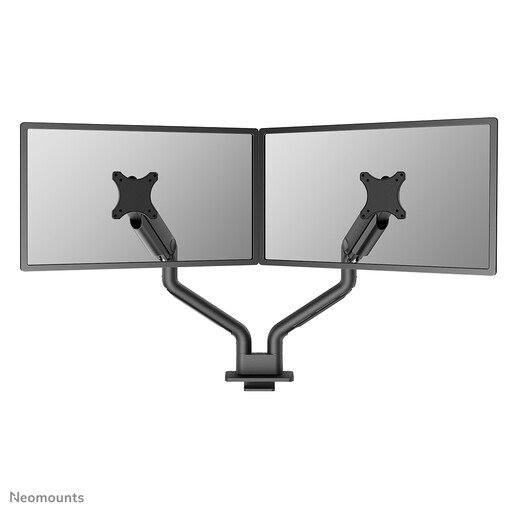 No image available
Neomounts DS70S-950BL2, 17–35 inches
A monitor arm to consider if you want to adjust your screen position at your desk.
Before buying, check the weight limit, VESA fitting and suitability for both screens in your setup.
View on Joybuy
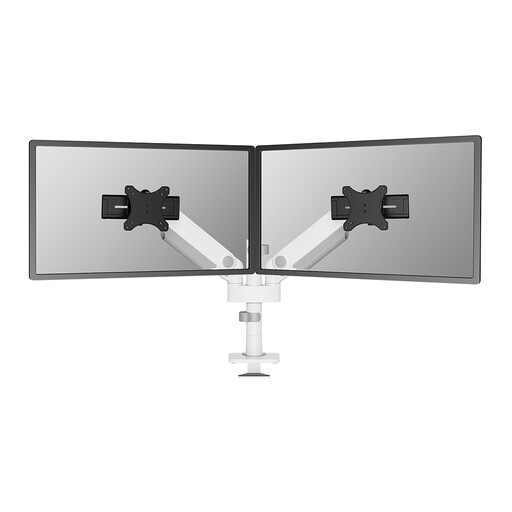 No image available
Neomounts DS65S-950WH2, 24–34 inches
Before choosing this version, check that it suits your two-screen setup.
The product name describes a monitor arm with a 24–34-inch range. Don’t assume it supports two screens without checking the exact version.
View on Joybuy
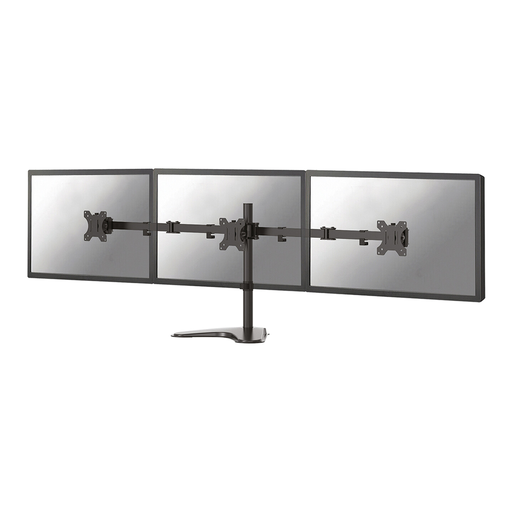 No image available
Neomounts FPMA-D550DDBLACK, 10–32 inches
A desk mount to compare if you want to position your screens without focusing solely on an arm setup.
Check that the adjustment method, mounting options and screen support suit both monitors and your preferred desk layout.
View on Joybuy
Frequently asked questions
How should I position the screens if the dashboard is my main screen?
Place the screen you use most directly in front of you. Arboportaal advises positioning the top of the screen slightly below eye level and tilting it so you can look straight at it. Recheck the position after switching between sitting and standing.
Can I fit a dual monitor arm without drilling a hole in my desk?
Yes, if you choose a model with a suitable desk clamp, such as the DS70-750BL2, according to Neomounts. Check the thickness and edge of your desktop, as well as the space available. A clamp supplied with the mount won’t necessarily fit every desk.
What if the monitor arm doesn’t work properly after normal use?
If you buy as a consumer in the Netherlands, you’re entitled to a product that works as it should. According to the Dutch government, there is no fixed statutory guarantee period in the Netherlands. If a product is faulty, the seller must provide a solution; a manufacturer’s guarantee is separate.
Is a dual monitor arm required by law for a computer workstation in the Netherlands?
No. Arboportaal does not specify a general requirement to buy a dual monitor arm. However, regulations for applicable screen-based work do cover a safe workplace and, among other things, a height-adjustable screen. The employer is responsible for this. The requirements that apply depend on the working situation.
Do I have a cooling-off period if I buy a monitor arm online?
According to the Dutch government, consumers generally have 14 days to change their mind when buying from a business online. This is separate from your statutory rights if a product is faulty.


