
Calendar-and-email user
Wants one screen directly in front of them and the other as a calendar that can be positioned separately. Neomounts and ACT describe solutions for screens that can be positioned independently or together.


Choose independently adjustable arms if you want your email screen directly in front of you and your calendar positioned separately to one side. A crossbar is a better fit if you usually move both screens together. Check the weight and VESA pattern of each screen, and measure the mounting space on your desk. A monitor mount can organise cables, but it doesn’t supply power, so check your sockets and power connections separately.
Wants one screen directly in front of them and the other as a calendar that can be positioned separately. Neomounts and ACT describe solutions for screens that can be positioned independently or together.
Wants to set up two screens without assuming that a monitor arm or dock will automatically provide power. Dell and StarTech.com highlight considerations around power and connections.
Needs to check whether clamp or grommet mounting is possible, and whether there’s enough space behind the desk to move the arms. Neomounts, ACT and StarTech.com describe various mounting and arm options.
First, decide whether you want to move your calendar independently of your email screen. Then check that both screens and the chosen mount are suitable for your desk. Treat power as a separate consideration.
| Consideration | What to look for when buying | Who is this important to? |
|---|---|---|
| Power and connections | Check the power connection for both screens and the connections on any dock you plan to use. StarTech.com states that the DK30A2DH doesn’t support USB-C Power Delivery for charging a laptop. | If I have few power sockets, I want to know how both screens will be powered first. Around 33% of consumers prioritise power and connections. |
| Positioning your calendar independently | Decide whether you’ll often want to turn or move your calendar screen separately, or whether both screens will usually stay side by side. Neomounts and ACT describe separate arms and a crossbar as different setup options. | If I want to check my calendar alongside my email but position it independently, that freedom of movement is essential. Around 25% of consumers prioritise positioning screens separately. |
| Fit for your screens and desk | Note the weight of each screen without its stand and its VESA pattern. Also measure the edge of your desk and the space between it and the wall. Compare these measurements with the mounting and load limits of the exact model. | If I want to avoid buying an arm that won’t fit my screens or desk, I check both screens and the mounting point separately. Around 25% of consumers prioritise a good physical fit. |
| Ease of adjustment | Consider whether you’ll want to adjust the height often and whether the screens need to move together or separately. ACT describes a gas spring for the AC8344; StarTech.com describes mechanical height adjustment for the ARMDUAL2. | If I want to adjust my screen height regularly while working, I look at how the arm is adjusted. Around 17% of consumers make ease of adjustment their top priority. |
Cable management and support for two screens don’t provide power to the monitors.
Before buying, make a separate list of your power cables, video connections and available power sockets.
You may need a separate solution for power or connections in addition to the mount.
Screen size alone doesn’t confirm that the weight and VESA pattern are within the arm’s limits. Neomounts lists these as absolute limits for the DS70-810BL2.
For each screen, check its weight without the stand and its VESA pattern against the specifications for the exact model.
An arm that isn’t compatible may need to be replaced or used with a different mount.
A crossbar’s shared adjustment is designed for a different setup from two independently moving arms.
First decide how you want to position the screens each day, then compare the mounting specifications.
You need to be able to attach the arm to your desk and move it freely without hitting the wall behind it.
Measure the edge of your desk and the distance to the wall, and check whether clamp or grommet mounting will work with your desk.
The DS70-810BL2 reviewed is designed for independently adjustable screens, including setups on desks with limited depth.
The models reviewed include a crossbar for screens that usually stay together, and an arm for heavier screens.
The ARMDUAL2 reviewed is a dual arm with mechanical height adjustment and two mounting options.
The LX Dual Side-by-Side reviewed is a two-arm solution for screens positioned side by side.
These product picks are dual monitor arms for a desk setup with two screens. Check that the adjustment and mounting options of each model are suitable for your screens and desk.
 Image unavailable
Suitable for a desk setup with two screens; cable management doesn’t replace a power supply.
 Image unavailable
An option for a setup where you want to position two screens at different viewing angles; cable management won’t solve a shortage of power sockets.
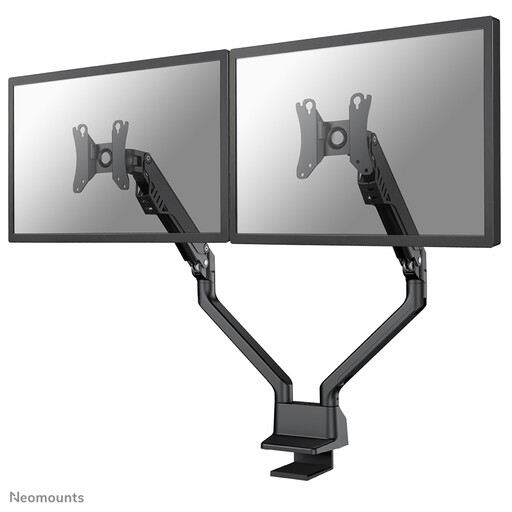 Image unavailable
Suitable if you want to position two screens on a desk; check that the stated screen size and mounting options suit your setup.
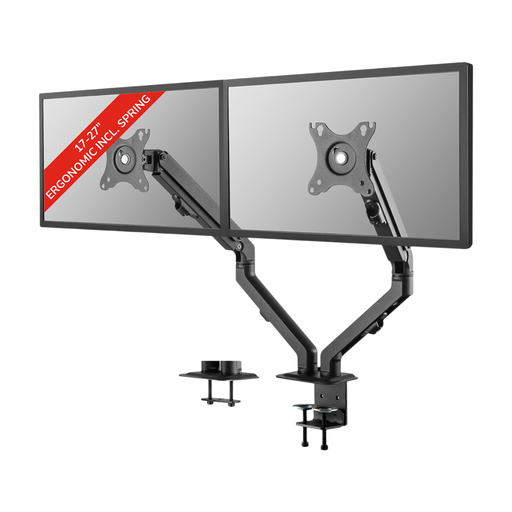 Image unavailable
A dual arm for a two-screen setup; bear in mind that cable management doesn’t provide power.
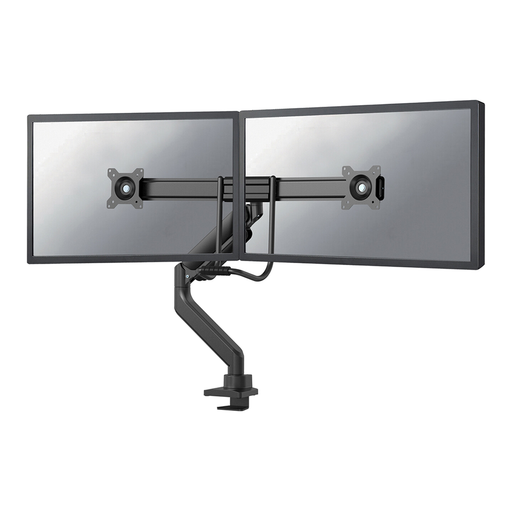 Image unavailable
Suitable for a two-screen desk setup where you want to adjust the screen positions; check the mounting options and the space available to the wall.
No. A monitor arm handles mounting, adjustment or cable management, not powering the screens. Check the power requirements of your own monitors separately. A dock with two video outputs won’t automatically charge a laptop too: StarTech.com states that the DK30A2DH reviewed doesn’t support USB-C Power Delivery for charging a laptop.
First check that the weight of each screen is within the stated range for the arm. If it’s a gas spring model, you may need to adjust the spring tension; follow the instructions for the exact model.
In the Netherlands, a product must be of satisfactory quality, and the retailer is your point of contact if there’s a fault. The Dutch government states that there’s no fixed statutory warranty period. In many cases, distance purchases also come with a 14-day cooling-off period; check the relevant terms and exceptions.
The guidance from Arboportaal doesn’t require a dual monitor arm. For employees’ screen-based workstations, it mentions, among other things, a height-adjustable screen; additional requirements apply to certain laptop setups. The rules that apply depend on your working situation.