Dual monitor arms at Joybuy
These product picks are designed for two screens on a desk with space for documents, with adjustability and mounting options in mind.
 No image available
DELL MDA20 dual monitor arm
The arm is specified for two screens up to 27 inches and can be attached to the edge of a desk.
The description mentions height and depth adjustment and Quick Release for Dell UltraSharp and P-series monitors; check compatibility with your screens.
Joybuy
 No image available
Neomounts DS60-425BL2, 17–27 inch
This dual mount has a short upper arm, so it can be positioned close to a wall or partition.
The product information states a maximum of 8 kg per screen, VESA 75 × 75 or 100 × 100 mm, and tilt, rotation and swivel adjustment.
Joybuy
 No image available
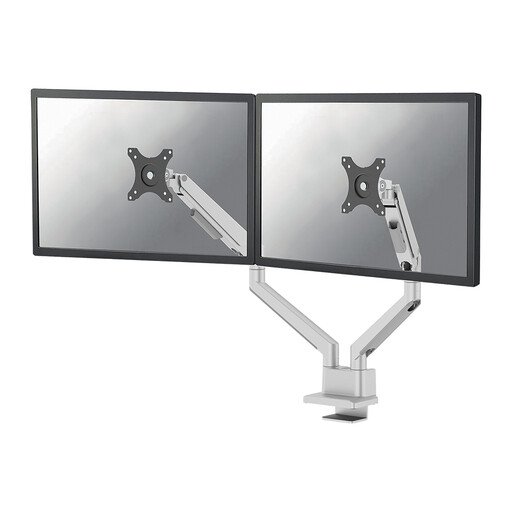
Neomounts DS70-250SL2, 17–32 inch
The dual mount is specified with clamp or grommet mounting for a desk with screens and documents.
The product information states a maximum of 9 kg per screen, with gas-spring height and depth adjustment.
Joybuy
 No image available
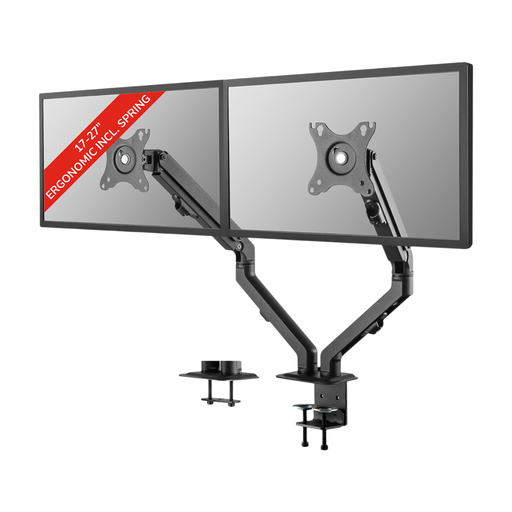
Neomounts FPMA-D650DBLACK, 17–27 inch
The two screen positions can be adjusted independently; the mount is specified with clamp or grommet mounting.
Neomounts states that it has spring-assisted adjustment, supports up to 7 kg per screen and is compatible with VESA 75 × 75 or 100 × 100 mm.
Joybuy
 No image available
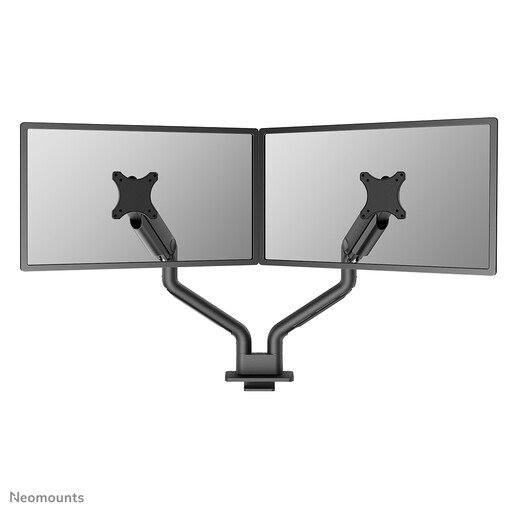
Neomounts DS70S-950BL2, 17–35 inch
The dual arm is specified with gas-spring height and depth adjustment, and clamp or grommet mounting.
The product information states a maximum of 18 kg per screen and compatibility with VESA 75 × 75 or 100 × 100 mm.
Joybuy
Frequently asked questions
Can a dual monitor arm solve glare from a bright window?
Not on its own. You can reposition the screens, but Arboportaal also recommends positioning your line of sight parallel to the window and using suitable sun blinds to reduce reflected daylight.
What should I check before installing the mount?
For each screen, check the VESA pattern and weight without the stand, and make sure the desk mounting method meets the requirements of the exact mount. For example, ARCTIC states that the Z2-3D (Gen 3) is suitable for a desk thickness of 20–65 mm; check that your desk falls within this range too.
How can I leave room for paper invoices?
Compare how much desk space each mounting method takes up: the ACT AC8332 stands on a base, while the AC8315 attaches with a clamp or grommet mount. Also measure where your screens and documents will go.
What are my rights when buying online or if a product is faulty?
For consumers, distance selling usually comes with a 14-day cooling-off period, subject to exceptions explained by the Dutch government. If there’s a problem with a product, your statutory guarantee applies and the seller must provide a solution; any manufacturer’s guarantee doesn’t replace this right.
Is a dual monitor arm a legal requirement in a Dutch workplace?
Dutch guidance on working with display screens doesn’t specifically require you to buy a dual monitor arm. Arboportaal lists an adjustable screen and measures to reduce glare among the considerations for employees; what’s needed in a particular workplace depends on the circumstances and the employer’s responsibilities.


