
Hot-desk users
You share a desk and want to quickly adjust both screens to the right height and viewing distance. Arboportaal advises adjusting screen furniture to suit the user’s body measurements.


Choose a dual monitor arm that suits both screens and the mounting position on your desk. For a hot-desk setup, a gas spring with a lever can make it easier to reposition both screens together. Separate arms offer more flexibility if your main screen and invoice screen need to sit in different positions. Also check the space behind your desk and any mounting restrictions.
You share a desk and want to quickly adjust both screens to the right height and viewing distance. Arboportaal advises adjusting screen furniture to suit the user’s body measurements.
You want to use two screens side by side without their bases taking up unnecessary space for paperwork. The screen sizes and the positions you want them in relation to each other will help you decide which arm is right for you.
Before choosing how to mount your arm, consider the desk edge, any cable grommet hole, a wall or a divider panel. For example, the Neomounts DS75-450BL2 manual specifies particular mounting requirements.
Suitable when: colleagues regularly need to adjust both screens together. ACT describes the AC8344 as having a gas spring and lever, while Neomounts lists gas-assisted height and depth adjustment for the DS75-450BL2.
Bear in mind: check the weight and VESA size for each screen, and make sure the screens can be aligned properly when used together.
Suitable when: both screens usually stay in line and adjustment with a wing nut suits the way you work. ACT describes the AC8322 as height-adjustable without tools.
Bear in mind: it works differently from the gas spring and lever on the ACT AC8344, so consider how often users will be changing the settings.
Suitable when: your main screen and invoice screen each need their own height or angle. According to BakkerElkhuizen, the arms on the Filex Galaxy Modular Dual can be adjusted independently.
Bear in mind: check how much movement space you need and whether the chosen mounting method works with your desk and divider.
Suitable when: you don’t want to use a desk clamp or grommet hole and have space for a base. Ergotron says the Neo-Flex Dual Monitor Stand offers a combined height adjustment of up to 13 cm.
Bear in mind: the base takes up desk space, for example where you might want to put paperwork.
| What to consider | What should you check? | Who is this important for? |
|---|---|---|
| Readjustment | Compare the controls and the height and depth adjustment range of the specific model. ACT describes the AC8344 as having a lever and gas spring. | If colleagues share the same desk, you’ll want to quickly put the screens in the right position when you take over. Around 36% of consumers in this breakdown prioritise being able to readjust quickly. |
| Screen compatibility | Note the weight of each screen without its stand and its VESA hole pattern. Neomounts lists 1–8 kg per screen and VESA 75×75 or 100×100 mm for the DS75-450BL2. | If you want to use two existing monitors together, the weight and mounting holes of both screens must fall within the limits of the same arm. Around 29% of consumers prioritise compatibility. |
| Desk and mounting | Measure the desk thickness and check the edge, any grommet hole and the space behind the desk. The Neomounts DS75-450BL2 manual specifies a desk thickness of 10–45 mm for the mounting method shown. | If you need space for paperwork or your desk is close to a panel, you’ll want to know whether the mount and screen movement will fit. Around 21% of consumers prioritise desk compatibility. |
| Independent screen positioning | Decide whether you want to position the screens independently or mainly adjust them together, then check what the chosen model allows. | If you want your main screen and invoice screen at different heights or angles, the range of movement for each arm is key. Around 14% of consumers give independent positioning the highest priority. |
The screen size in inches alone doesn’t tell you whether the weight and VESA holes of both screens are compatible. Neomounts lists separate limits for each screen on the DS75-450BL2.
Note the weight of both monitors without their stands and their VESA hole patterns. Compare each set of details with the arm’s specifications.
The Neomounts DS75-450BL2 manual specifies a desk thickness of 10–45 mm for the clamp and grommet mounting options shown. Access to the desk edge and the space next to a wall or panel also matter.
Measure the desk and available space, and check the manual for the exact version you plan to use.
A crossbar positions the screens together, while independently adjustable arms can give each screen a different position.
Decide whether your paperwork and invoices should always be aligned, or whether each screen needs its own height and angle.
Ergotron states that the LX Dual Side-by-Side version 45-245-224 is no longer available.
Check the full model number and version before choosing a product.
ACT offers a range of dual monitor arms with a crossbar, including models with different adjustment mechanisms.
According to Neomounts, the DS75-450BL2 combines a gas-assisted crossbar with clamp or grommet mounting.
The Filex Galaxy Modular Dual is an option if you need to adjust two screens independently.
Ergotron offers both freestanding stands for two screens and dual desk arms.
These models are dual monitor arms for anyone looking to position and adjust two screens in a shared workspace. Check the screen limits, mounting method and desk space required for each model.
 No image available
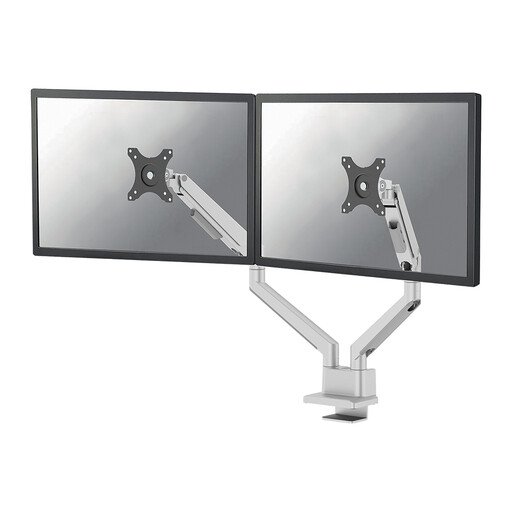
A dual arm for adjusting the height and depth of two screens in a shared workspace.
The description lists support for screens up to 27 inches and cable management.
Dell Quick Release is described as compatible with Dell UltraSharp and P Series monitors.
 No image available
For repositioning two screens using gas-assisted height and depth adjustment.
The stated screen size range is 17–32 inches, with a maximum of 9 kg per screen.
The description lists VESA 75×75 or 100×100 mm, a 180° rotation stop and clamp or grommet mounting.
 No image available
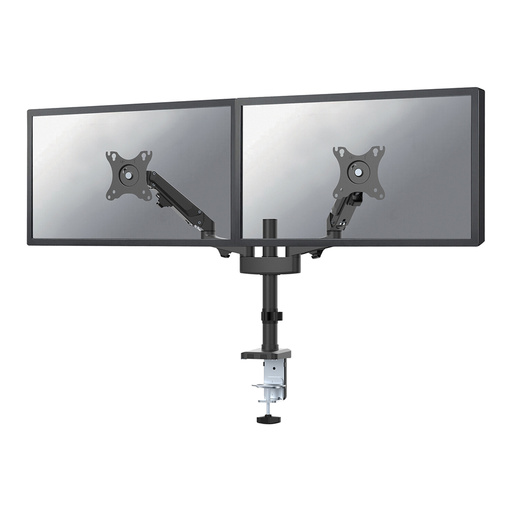
A dual arm with gas-assisted height adjustment and manual depth adjustment.
The stated screen size range is 17–27 inches, with a maximum of 7 kg per screen.
The description lists VESA 75×75 or 100×100 mm and mounting with a desk clamp or grommet.
 No image available
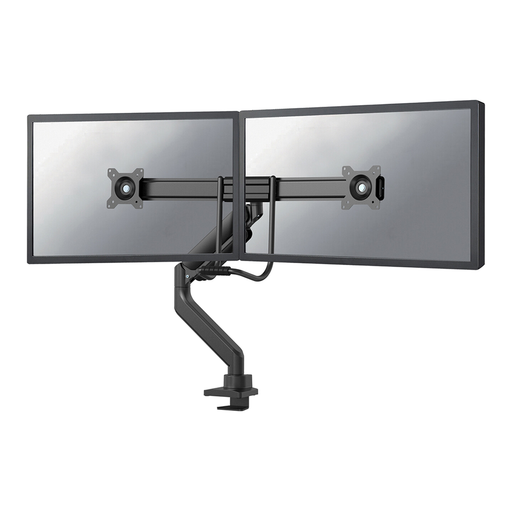
For adjusting two screens in a shared workspace using gas-assisted height and depth adjustment.
The stated limit is up to 32 inches and 8 kg per screen.
The description lists VESA 75×75 or 100×100 mm and mounting with a desk clamp or grommet.
 No image available
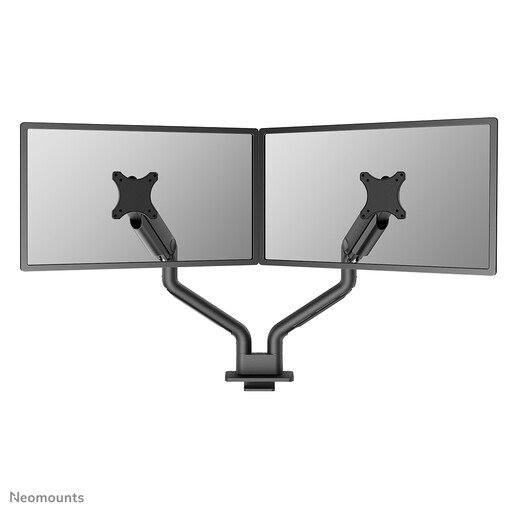
A dual gas spring arm with height and depth adjustment for positioning screens together.
The stated limit is up to 35 inches and 18 kg per screen.
The description lists VESA 75×75 or 100×100 mm and mounting with a desk clamp or grommet.
For each screen, note its weight without the stand and the distance between its VESA mounting holes. Compare these details with the per-screen limits and VESA sizes supported by the arm you’ve chosen. Neomounts points out that screen size in inches is only a guide.
No. First check the mounting method and your desk dimensions. The Neomounts DS75-450BL2 manual specifies a desk thickness of 10–45 mm for the clamp or grommet mounting options shown; this measurement doesn’t automatically apply to other models. Also allow for a wall or divider panel.
Readjust the screen height and viewing distance for the person using the desk. Arboportaal advises adjusting screen furniture to suit the user’s body measurements.
A crossbar suits screens that are usually adjusted together and kept in line. Separate arms are better when your main screen and invoice screen each need their own position. BakkerElkhuizen describes the screens on the Filex Galaxy Modular Dual as independently adjustable.