
For anyone who often switches between two screen positions
If you regularly want to reposition your dashboard and report, look for independent height and depth adjustment. Neomounts and ACT describe these features for specific dual monitor arms.


If you regularly reposition your dashboard and report, a dual arm with independently adjustable arms is a better fit; for a mostly fixed setup, a simpler dual desk mount may be enough. If you can’t clamp or drill into your desk, consider a freestanding model and remember to allow space for its base. Whichever you choose, check the weight and VESA compatibility of each screen separately, as well as your desk’s mounting options.
If you regularly want to reposition your dashboard and report, look for independent height and depth adjustment. Neomounts and ACT describe these features for specific dual monitor arms.
If both screens usually stay in the same place, compare the alignment and mounting options of a simpler arm, such as the ACT AC8302.
A freestanding model such as the StarTech.com ARMDUALSS may suit you if you’d rather not mount anything to or through your desk. Remember to leave room for the base.
First, check that the arm is compatible with both screens and your desk. Then decide how much freedom of movement you need for your dashboard and report.
A good fit if: you regularly turn a screen, pull it closer or adjust its height.
Check: the weight of each screen, its VESA size and the space behind your desk.
A good fit if: your dashboard and report usually stay in the same place and you mainly want to align the screens.
Check: that the available adjustments suit the viewing positions you need.
A good fit if: you don’t want to use a clamp or through-desk mount and have room for a base.
Check: the base takes up desk space, and the arm movement needs to suit your screen positions.
| What to consider | What should you check? | Who should pay particular attention? |
|---|---|---|
| Weight and VESA | For both screens, check the weight without the stand, the VESA pattern and the minimum and maximum limits of the exact model. | If I want to mount two existing screens, I need to know in advance whether both are within the weight and mounting limits. Around 31% of consumers also prioritise this compatibility. |
| Adjustability | Decide whether you often turn a screen, pull it closer or adjust its height, then compare the movement of both arms. | If I switch between a dashboard and report during the day, I want to position both screens independently. Around 31% of consumers also prioritise being able to switch between screen positions. |
| Mounting and desk space | Measure the desk thickness and check whether clamp or through-desk mounting will work. For a freestanding model, measure the base too. | If a clamp or through-desk mount won’t work with my desk, I need another mounting solution that won’t leave the base in the way of my workspace. Around 23% of consumers prioritise mounting and available space. |
| Features you need | Compare the mounting options and how the height and screen position are adjusted with the way you use your screens each day. | If my screens usually stay in place, I don’t want to choose based on adjustment features I won’t use. Around 15% of consumers prioritise a simple, mostly fixed setup. |
A suitable screen size in inches doesn’t necessarily mean the weight and VESA mount are within the arm’s limits. For example, Neomounts lists separate weight limits for standard screens and curved or ultrawide screens for the DS70-250BL2.
For each screen, check its weight without the stand and its mounting pattern against the specifications for the exact arm model.
The right mounting method depends on your desk and the specific model. The Neomounts DS70S-950BL2 manual lists different desk thickness limits for clamp and through-desk mounting.
Measure your desk and check the manual before choosing a mounting method.
According to the manufacturer, the base of the StarTech.com ARMDUALSS measures 300 × 520 mm, so it takes up desk space.
Mark out the base dimensions on your desk and check that there’s still room for your report, keyboard and other items.
According to the Dutch government, statutory guarantees in the Netherlands have no fixed time limit; a manufacturer’s warranty is additional.
Keep your proof of purchase and the warranty terms. If a product is faulty, contact the seller.
The NEXT Slim DS70-250BL2 and NEXT One DS70S-950BL2 are worth comparing if you want to mount two screens of different weights.
The AC8302 is a dual arm without a gas spring, while the AC8314 has one. This difference may help you choose between a fixed setup and one where you often reposition your screens.
The freestanding ARMDUALSS is an option if you don’t want to use a clamp or through-desk mount.
The LX Dual Side-by-Side is an independently adjustable option for screens that fall within the specifications of the version reviewed.
These product picks are dual desk mounts with adjustable arms for two screens. Compare each model’s weight limits, VESA size and mounting options with your monitors and desk.
 Image unavailable
Designed to position two screens side by side and adjust their height and depth.
The description lists a maximum screen size of 27 inches and cable clips for cable management. Quick Release is described for compatible Dell UltraSharp and P-series monitors.
 Image unavailable
A dual gas-spring arm for anyone who wants to adjust the height and depth of two screens.
The description lists screens of 10–32 inches, a maximum of 8 kg per screen and VESA 75 × 75 or 100 × 100 mm. The title mentions Topfix and a 180° stop.
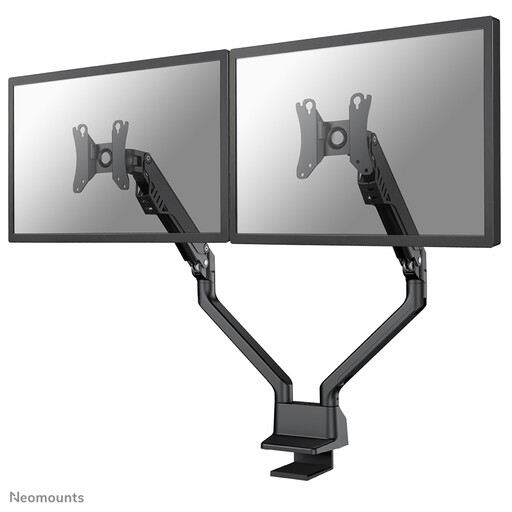 Image unavailable
A dual gas-spring arm for anyone who regularly wants to reposition two screens.
According to the description, each screen must weigh 2–8 kg. The listed VESA patterns are 75 × 75 and 100 × 100 mm; the title mentions Topfix and a 180° stop.
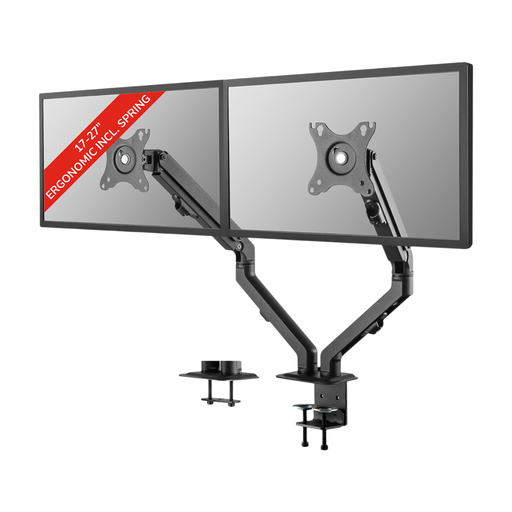 Image unavailable
A dual monitor arm with spring-assisted adjustment for anyone who wants to change the height and depth of their screens.
The description lists screens of 17–27 inches, a maximum of 7 kg per screen and VESA 75 × 75 or 100 × 100 mm.
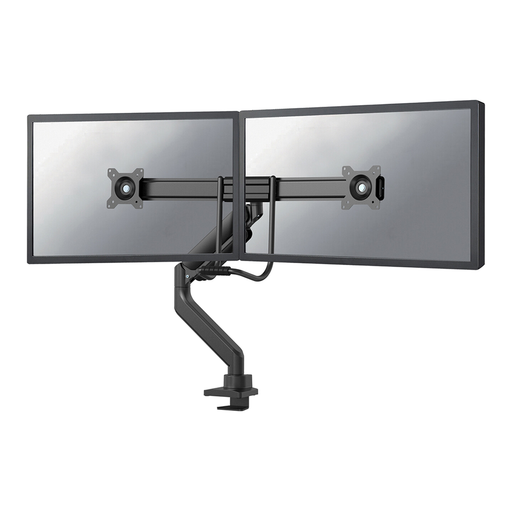 Image unavailable
A dual desk mount with a gas spring for anyone who wants to adjust the height and depth of two monitors.
The description lists a maximum of 8 kg per screen and VESA 75 × 75 or 100 × 100 mm. The title mentions Topfix and a 180° stop.
That depends on the arm model: the Neomounts, ACT and StarTech.com models described here list these patterns. Check the VESA mount on each screen and the documentation for the exact version.
Check how much room there is behind the screens for movement. Neomounts describes an adjustable 180° stop for the DS70-250BL2 that limits movement towards a wall or partition. During installation, check that the setting works with your desk.
First, check that the screen is within the minimum and maximum weight limits for the exact model. Then adjust the arm according to the instructions supplied, staying within the model-specific weight and VESA limits.
According to the Dutch government, consumers buying remotely from a business generally have a 14-day cooling-off period in many cases. You’re also entitled to a product that meets legal requirements; the Netherlands has no fixed statutory guarantee period. A manufacturer’s warranty is in addition to these statutory rights.