
Anyone comparing document versions
You want to read two versions side by side for extended periods and adjust the viewing angles so you don't have to keep turning your neck unnecessarily.


A side-by-side setup is a practical starting point for comparing two document versions. Choose independently adjustable arms if you often reposition your screens. Before buying, check the weight and VESA pattern of each screen, and measure to make sure the clamp, range of movement and cables will fit your desk. Specifications vary by model; an adjustable arm is suitable only if your screens and desktop are within the stated limits.
You want to read two versions side by side for extended periods and adjust the viewing angles so you don't have to keep turning your neck unnecessarily.
You switch between sitting and standing, and want to check that the screen height, viewing distance and cable clearance work at both desk heights.
Your screens may vary in size or weight, or your desk may be close to a wall. In that case, the mounting options and clearance for movement are important considerations.
| What to consider | What should you check? | Who is this important for? |
|---|---|---|
| Screen compatibility and mounting | Note the weight and VESA pattern of both screens, and measure the desktop thickness and clearance for the clamp. | I want to know in advance whether my screens and desktop will fit the same arm. Around 33% of consumers prioritise compatibility and installation above all else. |
| Document alignment | Check the width with both screens in place, and whether you can rotate a screen to portrait orientation if needed. | I want to be able to read both versions clearly at a comfortable viewing distance. Around 27% of consumers give readable screen alignment top priority. |
| Adjusting the screens while sitting and standing | Assess the viewing height, viewing distance and cable slack at both desk heights, then compare the range you need with the model specifications. | I switch between sitting and standing and want to be able to view my screens comfortably in both positions. Around 20% of consumers prioritise this level of adjustability. |
| Space behind the desk and cable clearance | Measure the distance to the wall and check the full range of movement with the cables connected. | My desk is close to a wall or has limited space for cables and arm movement. Around 20% of consumers prioritise a compact setup and cable management. |
The screen size in inches alone won't tell you whether an arm is suitable for your screen. Manufacturer specifications for individual models also give limits for weight capacity and VESA mounting.
Check the weight and VESA pattern of each screen separately before choosing a model.
A gas spring arm and an arm with mechanical height adjustment use different methods to change the position.
Choose based on how often you actually change your screen position, and check how the specific model is adjusted.
The arm needs room to move. The cables also need enough slack when you adjust the desk.
Check the full range of movement with the cables connected, both at the lowest and highest settings you use.
Neomounts offers dual arms with weight capacities and adjustment ranges that vary by model.
StarTech.com offers dual arms with mechanical height adjustment, among other models with different setup options.
According to BakkerElkhuizen, the Filex Galaxy Modular Dual is designed for a workstation that can be adapted later.
The LX Dual Side-by-Side is designed to hold two screens next to each other.
These product picks are designed for two screens on a desk, with document comparison and your preferred way of adjusting screen position in mind.
 No image available
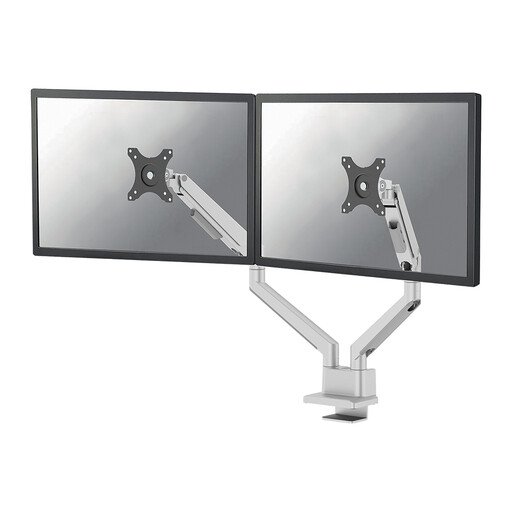
An option for mounting two screens on a desk and adjusting their height and depth.
The product information lists a maximum size of 27 inches, VESA 100 mm and cable management. Dell Quick Release is described as compatible with Dell UltraSharp and P Series monitors.
 No image available
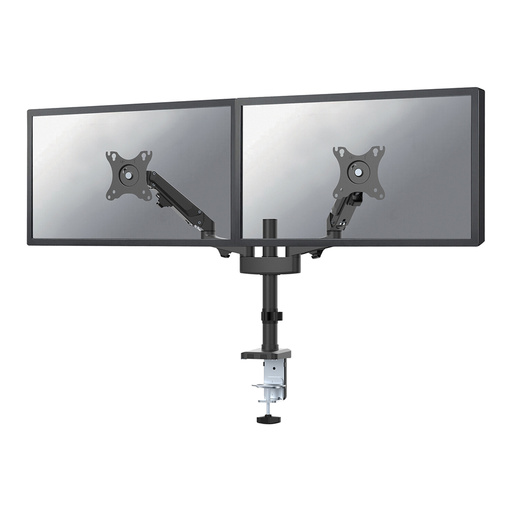
This dual arm is an option if you want to adjust the height and depth of both screens.
The product information lists 17–32 inches, up to 9 kg per screen, cable management and a 180° stop. The arm offers height, depth, rotation and tilt adjustment.
 No image available
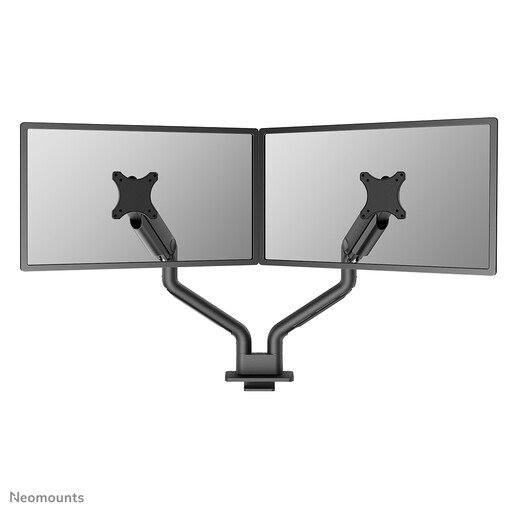
A dual arm for positioning two screens side by side and adjusting their position.
The product information lists 17–27 inches, up to 7 kg per screen and VESA 75 × 75 or 100 × 100 mm. Height and depth are adjusted with a gas spring; desk clamp and grommet mounting are listed.
 No image available
This dual arm may suit you if you want to mount two screens and adjust their positions.
The product information lists 17–35 inches, 1–18 kg per screen and VESA 75 × 75 or 100 × 100 mm. The arm offers height, depth, rotation, swivel and tilt adjustment; clamp or grommet mounting is listed.
 No image available
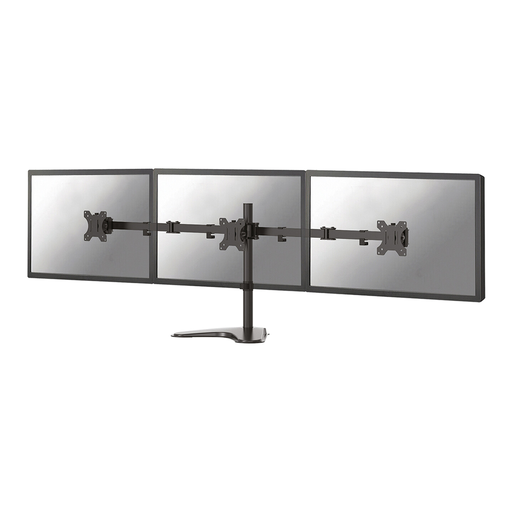
An option for two screens if manual height and depth adjustment suits the way you work.
The product information lists 10–32 inches, up to 8 kg per screen and VESA 75 × 75 or 100 × 100 mm. Height and depth are adjusted manually.
Not necessarily, but check the weight, VESA pattern and space required for each screen separately. For example, for the Neomounts DS70-250BL2, the manufacturer lists a weight capacity per screen and a lower maximum for curved or ultrawide screens.
Start with both versions side by side and adjust the distance so you can read the text with your head upright, whether sitting or standing. Try to avoid reading for long periods with your neck turned; if you read one screen more often, consider giving it the most central position. OSHA's positioning guidelines are not legally binding measurements in the Netherlands.
No. It depends on the desktop thickness, the clearance available for the clamp, and the installation instructions for the arm and desk. StarTech.com specifies a C-clamp for desktops 4–8,5 cm thick for the ARMDUAL3; check that this fits your desk.
Dutch rules on working with screens apply to employers and relevant workplaces; they don't require consumers to buy a particular dual monitor arm. For employees who work with screens for more than two hours a day, the Arboportaal lists, among other things, that the screen and keyboard must not be attached to each other.
For an eligible online consumer purchase from a business, you generally have a 14-day cooling-off period; check the terms for your purchase. There is no fixed statutory guarantee period in the Netherlands. If a product is faulty, contact the seller; any manufacturer's guarantee is in addition to your statutory rights.