
Vandaag of morgen in huis

Kwaliteit gegarandeerd

Welkomstaanbiedingen ontgrendelen: GRATIS bezorging | Tot 80% korting | Gratis 30 dagen JoyPlus-proefperiode
Download de app
Working with two screens boosts productivity, but standard monitor stands take up a lot of desk space and rarely offer the correct ergonomic height. The result: a cluttered desk, neck strain, and an inefficient workflow. A good dual monitor arm solves these problems. It not only creates a tidy workspace but also allows you to position your screens perfectly at eye level.
This article will help you choose the right dual monitor arm. We'll discuss the key specifications to look for and highlight several popular models that suit different needs and budgets.
Before making a choice, it's important to consider a few technical aspects. This ensures that the monitor arm is compatible with your screens and desk.
Not every monitor can be mounted on an arm. Check if your screens have a VESA mounting pattern. These are the four screw holes on the back of the monitor. The most common sizes are 75x75 mm and 100x100 mm. Additionally, every VESA monitor arm has a maximum weight capacity per screen. Weigh your monitor without its standard base and compare this to the arm's specifications to prevent your screens from sagging.
A gas spring monitor arm offers superior flexibility. Unlike mechanical arms, which require tools for adjustment, a model with a gas spring can be effortlessly adjusted in height and depth with one hand. This makes it easy to find the ideal viewing angle and switch between sitting and standing work. An ergonomic monitor mount is almost always equipped with a gas spring system for optimal comfort.
Most monitor arms, also known as a desk mount for 2 monitors, come with two mounting options: a desk clamp and a grommet mount. The clamp attaches to the edge of your desk, while the grommet mount uses a hole in the desktop. Check the maximum desk thickness the clamp supports. A good cable management system is also essential. Hooks or channels within the arm itself ensure that cables are neatly tucked away for a clean look.
Based on specifications, flexibility, and user-friendliness, we have selected a range of Neomounts monitor arms that provide solutions for various workspaces.
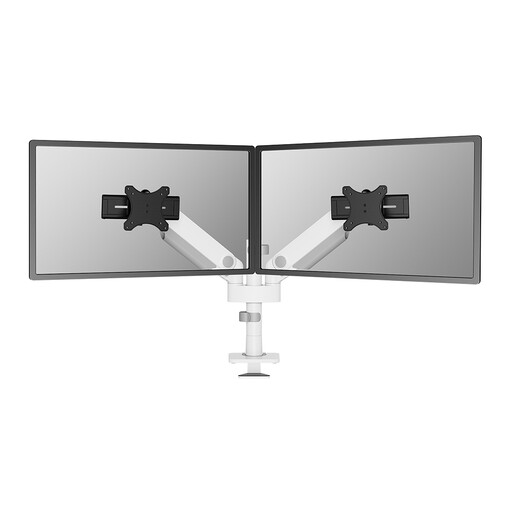
Why it stands out: This white Neomounts monitor arm is designed for versatility and ease of use. The sliding crossbars make it suitable for both flat and curved screens up to 34 inches. The Topfix installation allows you to mount the arm entirely from the top of your desk, without having to crawl awkwardly underneath it.
Advantages:
Who is it for? For professionals and remote workers with two larger screens (up to 34 inches) who are looking for a stylish, flexible, and easy-to-install solution for a modern workspace.
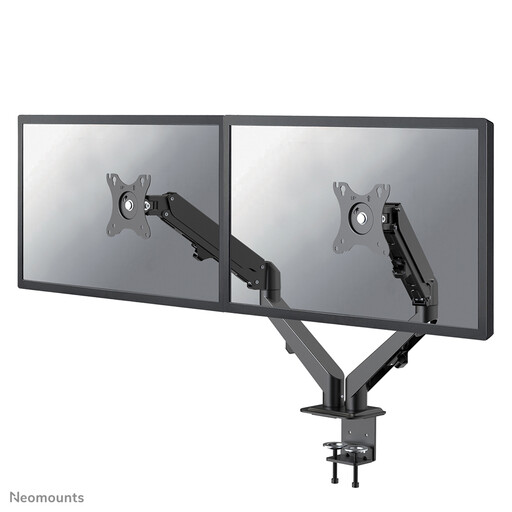
Why it stands out: This model is a solid and functional dual monitor bracket for screens up to 27 inches. It offers full freedom of movement thanks to its tilt, rotate, and swivel functions, combined with a reliable gas spring. It's a practical choice for the most common dual-monitor setups.
Advantages:
Who is it for? Ideal for remote workers, students, and gamers with a standard setup of two monitors up to 27 inches, who are looking for an affordable and fully adjustable ergonomic monitor mount.
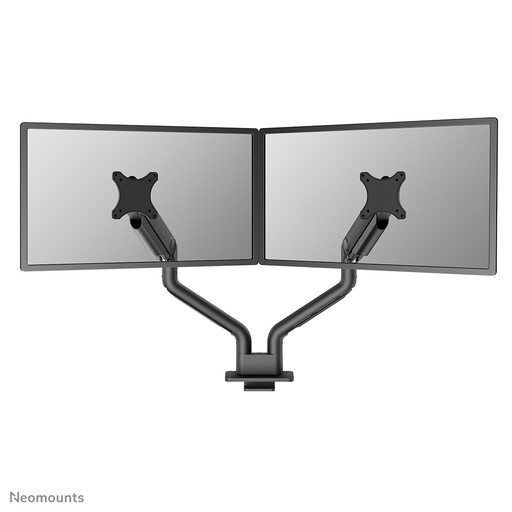
Why it stands out: This powerhouse is designed for the heaviest and largest screens. With a reinforced head, this dual monitor arm can support an impressive weight of 18 kg per screen, making it suitable for monitors up to 35 inches. This makes it an excellent choice for demanding users.
Advantages:
Who is it for? For power-users, creative professionals, and gamers who work with large, heavy (ultrawide) monitors and need an extremely stable and robust solution without compromising on flexibility.
The models above provide a good starting point, but you might be looking for something with different specifications. For a broader overview of solutions, including models for one, three, or four screens, you can browse our full assortment.
Are you looking for a different type or a model with specific features? Then check out our full range of gas springs for more choices.
No, a monitor must have a VESA mounting pattern on the back. These are four screw holes in a square pattern. The most common dimensions are 75x75 mm and 100x100 mm. Always check this in your monitor's specifications before purchasing an arm.
A gas spring monitor arm allows you to adjust the height and depth of your screens smoothly and without tools. This is ideal for creating an ergonomic posture and makes it easy to adjust the setup if multiple people use the same workspace or if you switch between sitting and standing.
The weight capacity varies greatly by model and is always specified per arm. It is crucial to know the weight of your monitor (without the original stand) and to choose a dual monitor mount that can comfortably support this weight. Never exceed the maximum weight to ensure safety and stability.
