Products at Joybuy
This selection of products for writing and drawing with a pen includes pen tablets and tablets with a stylus. Check that each model suits your teaching computer, software and presentation style.
 No image available
Wacom Intuos S Black
A screenless pen tablet for drawing or taking notes on its surface.
Active area of 152 × 95 mm; the included pen doesn’t need a battery.
Four customisable ExpressKeys for shortcuts.
View at Joybuy
 No image available
Wacom Intuos Pro Pen Tablet Small
A screenless pen tablet for drawing or taking notes with a pen on its surface.
Active area of 187 × 105 mm and four customisable ExpressKeys.
USB-C and Bluetooth connectivity are listed; the included pen doesn’t need a battery.
View at Joybuy
 No image available
Wacom One pen tablet small - S
A small pen tablet for drawing and taking notes with pen input on its surface.
The product information lists an A6 active area and a battery-free pen.
Bluetooth 5.1 and USB-C are listed as connection options.
View at Joybuy
 No image available
TECLAST ArtPad Pro, 12,7 inch
A tablet compatible with the T-pen for writing and drawing; check that it suits the way you use your teaching software.
The product title lists a 12,7-inch screen; the description mentions Android 15 and a pressure-sensitive stylus.
View at Joybuy
 No image available
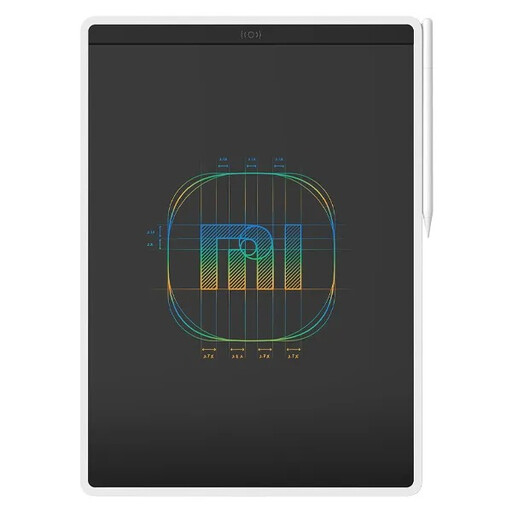
Xiaomi LCD Writing Tablet 13.5" (Color Edition)
A writing and drawing tablet for anyone who wants to explain things directly on the device.
The product information lists a 13,5-inch screen and a Color Edition version.
Before buying, consider whether writing on the device suits your teaching software and presentation style.
View at Joybuy
Frequently asked questions
Do you need a tablet with a screen for geometry?
No. With a screenless pen tablet, you write on the tablet and see the result on your computer monitor. A pen display is useful if you want to look directly beneath the pen tip; if so, compare the desk space and connections required, too.
Can I connect a Huion Kamvas 13 to any USB-C port?
Not for the USB-C-to-USB-C video connection described by Huion. Huion specifies USB 3.1 Gen 1 and DisplayPort 1.2 Alt Mode as minimum requirements for both the device port and the cable. Check the specifications of your computer and cable.
Which software can help with geometric shapes and handwritten explanations?
GeoGebra Geometry offers tools for triangles, circles and angles, among other things. GeoGebra Notes supports writing with a pen and adding items such as PDFs. Try it out to see whether this approach suits your teaching software.
How do I care for a One by Wacom?
Disconnect the One by Wacom before cleaning it, and follow Wacom’s cleaning instructions for the exact model.
What are my rights when buying online in the Netherlands?
For many distance purchases, the Dutch government allows a 14-day cooling-off period; exceptions may apply. This is separate from your statutory rights if a product is faulty. The Dutch government states that the Netherlands has no fixed statutory guarantee period. Also check whether you’re buying as a consumer or on behalf of a school.


