
Vandaag of morgen in huis

Kwaliteit gegarandeerd

Welkomstaanbiedingen ontgrendelen: GRATIS bezorging | Tot 80% korting | Gratis 30 dagen JoyPlus-proefperiode
Download de app
Choosing the right professional display can be a challenge. You need a solution that not only conveys your message clearly but is also reliable and fits your operational needs. A consumer television is often not up to the demands of a commercial environment, where screens must perform continuously.
As a Joybuy Product Recommendation Officer, I'm here to help you navigate the specifications and marketing jargon. In this article, we'll provide practical tips for choosing a digital signage display and highlight some popular choices for 2026, enabling you to make a well-informed decision.
Before making a choice, it's helpful to understand a few key specifications. These will determine how the screen performs in your specific environment.
One of the biggest differences between a professional display and a consumer TV is its designed operating life. Many business environments, such as retail stores, transportation hubs, or hotel receptions, require a screen to be on continuously. A 24/7 display is specifically built to operate 24 hours a day, 7 days a week, without performance degradation or overheating. They are equipped with high-grade components and superior heat dissipation. Always check if a screen is rated for 24/7 use if you need uninterrupted operation.
The effectiveness of your message depends on its visibility. A 4K professional display (3840x2160 pixels) provides the sharpness needed to make text and images look crystal-clear, even up close. Also, pay attention to brightness, measured in candela per square meter (cd/m?). A value around 500 cd/m? is typically suitable for most indoor spaces with ambient light.
Furthermore, a display with Android OS makes content management significantly easier. You can install content management apps directly, set schedules, and manage the screen remotely without an external media player. This reduces complexity and the total cost of ownership.
A good digital signage screen offers flexible connectivity options. Multiple HDMI ports, DisplayPort, and network connections (both LAN and Wi-Fi) are essential. A useful feature to look for is FailOver. This ensures the screen automatically switches to a secondary input source if the primary one fails, preventing a black screen and guaranteeing continuity.
Based on objective specifications that meet the needs of business users, we have selected a few models from iiyama digital signage. These screens are known for their reliability and professional features.
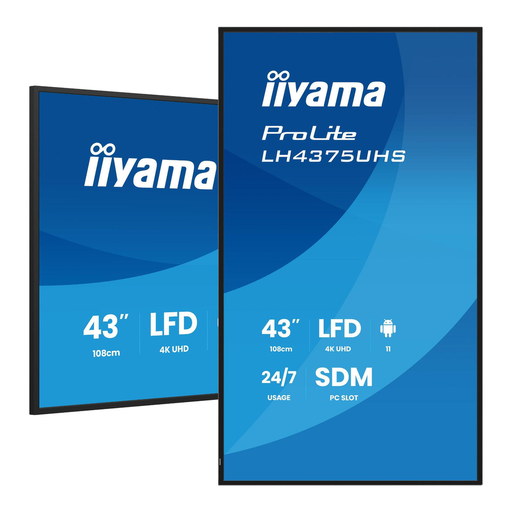
Why it stands out This 43-inch model combines a compact footprint with professional performance. It's an excellent choice for locations where space is limited, but visual impact needs to be high.
Key Features
Who is it for? Ideal for retailers wanting to display product information at the shelf, for meeting rooms to show presentations, or for hospitality venues as a digital menu board.
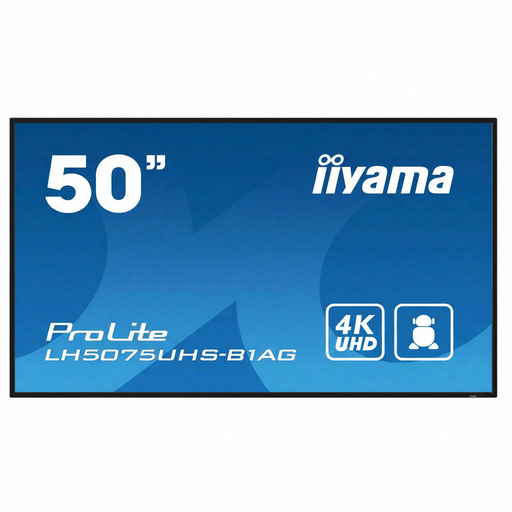
Why it stands out With a screen size of nearly 50 inches, this model offers a larger canvas for your content without compromising on professional features. It's a balanced choice between size and functionality.
Key Features
Who is it for? Suitable for corporate lobbies, larger retail spaces, or as an information screen in public buildings where the viewing distance is slightly greater.
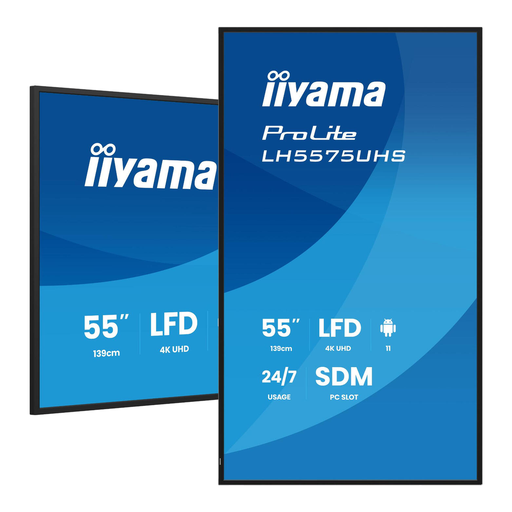
Why it stands out This 55-inch screen is designed for maximum impact. Its large size makes it perfect for capturing attention in busy environments, while its professional specifications ensure reliable operation.
Key Features
Who is it for? Perfect for large reception areas, storefronts, control rooms, or event venues where the message needs to be clearly visible from a distance.
The right choice depends entirely on your unique requirements. If the models above aren't exactly what you're looking for, or if you want to compare other sizes and features, explore our full collection.
? Discover more options in our Digital LCD Display category.
A digital signage display is built for commercial use. The key differences are a longer lifespan (often with a 24/7 rating), higher brightness for better visibility in ambient light, professional features like FailOver, and remote management capabilities. A consumer TV is designed for just a few hours of use per day and lacks this robustness and these business-grade features.
Yes, that's one of the major advantages. Models with a built-in display with Android OS allow you to install content management applications directly onto the screen. This lets you easily create playlists, schedule content, and manage multiple screens simultaneously from a central location, without needing a separate PC or media player for each screen.
Focus on these three points:
