
Student laying out the guide
You’re bringing text, route maps and photos together in a multi-page guide. Check the requirements of your chosen layout software; Adobe recommends 16 GB RAM for InDesign 21.3 and later.


Start by choosing your layout software and deciding on the final file format. For a multi-page guide with linked photos, it’s important that your computer meets the software’s requirements, rather than having extra graphics capability without a clear need for it. Adobe lists 8 GB RAM as the minimum and 16 GB as the recommended amount for InDesign 21.3 and later. A mini PC suits an existing setup with a separate screen, an all-in-one is ideal if you want to equip a desk in one go, and an expandable desktop is a good choice if you may want to upgrade components later. Always compare the complete setup and the exact configuration.
You’re bringing text, route maps and photos together in a multi-page guide. Check the requirements of your chosen layout software; Adobe recommends 16 GB RAM for InDesign 21.3 and later.
You’re editing images as well as working on the layout. So, consider the screen and storage capacity of the configuration you choose, not just the computer itself. The right requirements will also depend on your software.
You’re creating a permanent space where several students can work on the guide. Before choosing a computer configuration, find out which screens and input devices are already available.
Start with your software and the final file you need. Then work out which components you already have and choose a computer setup to suit.
A good fit if: you already have a suitable screen and input devices, and want a compact computer.
Keep in mind: you may need to buy a screen and peripherals separately; Lenovo states that keyboard and mouse are not included with configuration 13B9CTO1WWNL2.
A good fit if: you want to buy the computer and screen together for a permanent workspace. The HP ProStudio 4 configuration listed combines a 23.8-inch FHD screen with 16 GB RAM and a 512 GB SSD.
Keep in mind: the screen is part of the configuration you choose; FHD alone does not guarantee colour accuracy for print.
A good fit if: you want to choose a separate screen yourself and may want to upgrade components later. Acer specifies 16 GB RAM for the Aspire XC-1785, with support for up to 32 GB.
Keep in mind: expandability doesn’t guarantee that every component you want will fit; check the space, power supply and compatibility.
| What to consider | What should you check? | Who is this most relevant to? |
|---|---|---|
| Memory and software compatibility | Check your layout software’s version requirements, along with the configuration’s processor, operating system and RAM. Adobe lists 8 GB RAM as the minimum and 16 GB as the recommended amount for InDesign 21.3 and later. | I want to lay out my guide without my computer falling short of my software’s requirements. Around 33% of consumers prioritise software compatibility. |
| Screen and storage | Compare screen resolution and connections, and check how much space is available for photos and project files. Adobe recommends 1920 × 1080 for InDesign 21.3 and later; this resolution alone does not guarantee colour accuracy. | When editing maps and photos, I want the screen and storage to suit my work files. Around 27% of consumers prioritise the screen and storage. |
| Complete workspace setup | Make a list of the screen, keyboard, mouse and connection accessories you already have. Lenovo states that keyboard and mouse are not included with the ThinkCentre Neo 50q Gen 5 configuration 13B9CTO1WWNL2. | If I already own some components, I want to know what else I need to use the computer. Around 20% of consumers prioritise the total cost of setting up a workspace. |
| Setting up a shared space | Check whether the screen is integrated and which input devices are included with each configuration, then compare that with what’s available in the workspace. | For a permanent exhibition space, I want to know in advance which screens and input devices are available. Around 20% of consumers prioritise setting up a shared workspace. |
A mini PC may need a separate screen. Lenovo also states that the keyboard and mouse are not included with the ThinkCentre Neo 50q Gen 5 configuration 13B9CTO1WWNL2.
First, check which components are already available, then check the connections and what’s included with the exact configuration.
The HP ProStudio 4 product listing mentions FHD, but provides no measured colour-accuracy figures. Adobe also recommends checking links, fonts and colours in print-ready PDFs.
If print quality is important, ask the printer about their requirements and assess the screen and export process separately.
According to the Dutch government, there is no fixed statutory warranty period for all products in the Netherlands. If a product is faulty, the retailer remains your point of contact.
Read any additional warranty terms alongside your statutory rights, and contact the retailer if your product is faulty.
The ThinkCentre Neo 50q Gen 5 is a Windows mini PC designed for use with a separate screen.
The HP ProStudio 4 All-in-One G1i combines the computer and screen for a permanent workspace.
The Mac mini with M6 is a macOS computer for a workspace with a separate screen.
The Aspire XC-1785 is a compact Windows desktop for which you choose a separate screen.
The Dell Pro Slim QCS1250 offers Windows configurations with a compact case and a separate screen.
This selection includes mini PCs for use with a separate screen and all-in-one PCs with an integrated screen, for anyone putting together a workspace to lay out a walking guide.
 No image available
A good fit for a compact workspace where you want to use a separate screen.
The product title lists 24 GB memory and a 512 GB SSD.
 No image available
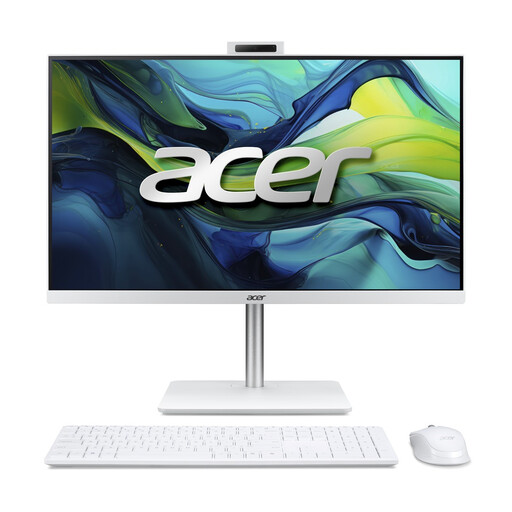
A good fit for a permanent workspace with the computer and screen combined in one configuration.
The product title lists 16 GB DDR5 and a 1 TB PCIe NVMe SSD; the screen description specifies Full HD IPS.
 No image available
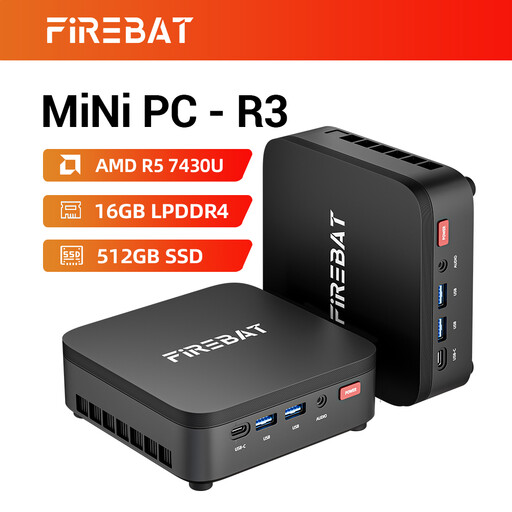
A good fit for a compact computer setup with a separate screen.
The product title lists 16 GB RAM, a 512 GB SSD and the 4K Triple Display designation.
 No image available
A good fit for a compact workspace where you connect the monitor separately.
The product title lists Windows 11 Pro; a monitor must be connected separately to this mini PC.
 No image available
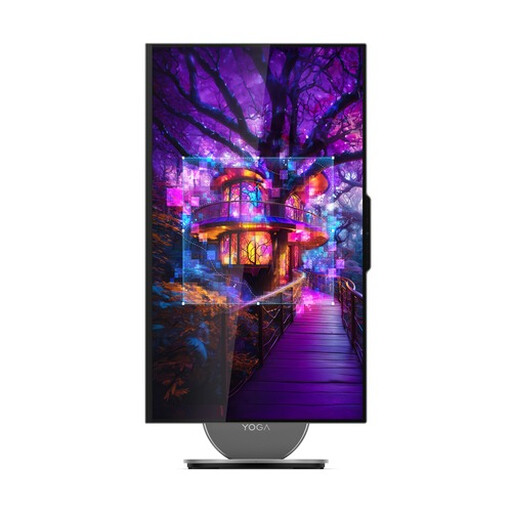
A good fit for a permanent workspace where the screen is part of the computer setup.
The product description lists a 27-inch QHD IPS screen; the product title specifies 16 GB LPDDR5X and a 1 TB SSD.
No, not based on the assignment alone. For InDesign 21.3 and later, Adobe lists 8 GB RAM as the minimum and 16 GB as the recommended amount. Check the system requirements for any other software you use.
If you’re using InDesign, you can run a preflight check and package the project before handing it over. Adobe explains that this collects the InDesign file, linked images, fonts and a report. Agree with the recipient whether they need the source package or a PDF.
Only if you don’t already have suitable components. Lenovo states that the keyboard and mouse are not included with configuration 13B9CTO1WWNL2; check the screen connections and included components of the configuration you choose.
For a consumer purchase, the retailer is responsible for putting things right if the product is faulty, according to the Dutch government; there is no fixed statutory warranty period for all products in the Netherlands. When buying from a business at a distance, you’ll often have a 14-day cooling-off period. Check the terms and exceptions that apply to your purchase.