What should you look for when choosing?
First, check that the PC can run two screens at the same time. Then choose a configuration to suit your measurements and how many components you’re willing to install yourself.
| What to consider |
What should you check? |
Who is this important for? |
| Connecting two screens |
Compare the inputs and required resolutions with two video outputs that can be used at the same time on the exact configuration. Also check which cables are included. |
If I want to use my two existing screens side by side, the connections need to be right from the start. Around 36% of consumers say connecting two screens is their top priority. |
| Measuring the bottleneck |
Check that the profiler works with your operating system and programming language. Measure a representative task before prioritising extra processing power. |
If your main aim is to find out why a script is slow, you’ll want to choose components based on the results. Around 29% of consumers put diagnosing the script first. |
| Memory and storage |
Check usage during a representative run, and confirm the installed capacity and upgrade options for the exact configuration. |
Capacity and available space matter if you want to use an editor, profiler and measurement files at the same time. Around 21% of consumers give memory and storage top priority. |
| Complete configuration |
Check which components are included, along with the operating system, power supply and any screen cables you need. |
If I’d rather get started without buying extra components or doing additional installation, what’s in the box is crucial. Around 14% of consumers say a complete configuration that’s ready to set up is their most important requirement. |
Joybuy products for script profiling with two screens
This selection features compact mini PCs whose product information mentions support for multiple screens. For your two screens, check the connections and whether the exact configuration can run them at the same time.
 No image available
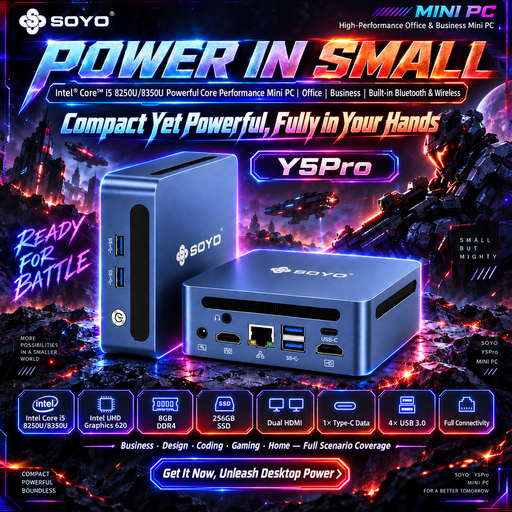
SOYO Y5Pro Mini PC, Intel Core i5 8250U/8350U, 8 GB DDR4, 256 GB SATA SSD
The product information lists two HDMI outputs and simultaneous support for multiple screens. Check that these connections are right for your screens.
The product name lists Windows 11, 8 GB DDR4 and a 256 GB SATA SSD.
View at Joybuy
 No image available
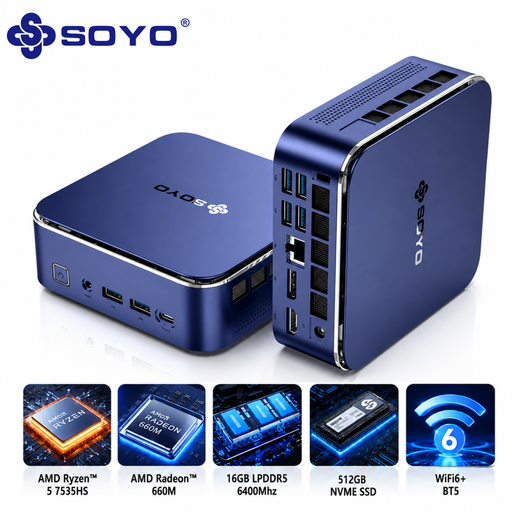
SOYO S5Air Mini PC, AMD Ryzen 5 7535HS, 16 GB LPDDR5, 512 GB NVMe SSD
The product information lists HDMI, DisplayPort and Type-C video output for a multi-monitor setup. Check the connections on both screens.
The product name lists Windows 11 Pro, 16 GB LPDDR5 and a 512 GB NVMe SSD.
View at Joybuy
 No image available
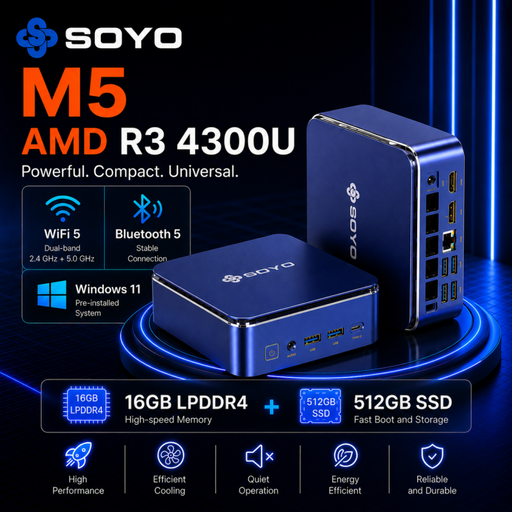
SOYO M5 Mini PC, AMD Ryzen 3 4300U, 16 GB LPDDR4, 512 GB SSD
The product name lists a triple-display configuration with HDMI 2.0, Type-C and DisplayPort 1.4. Check that this configuration suits your two screens.
The product name lists Windows 11 Pro, 16 GB LPDDR4 and a 512 GB SSD.
View at Joybuy
 No image available
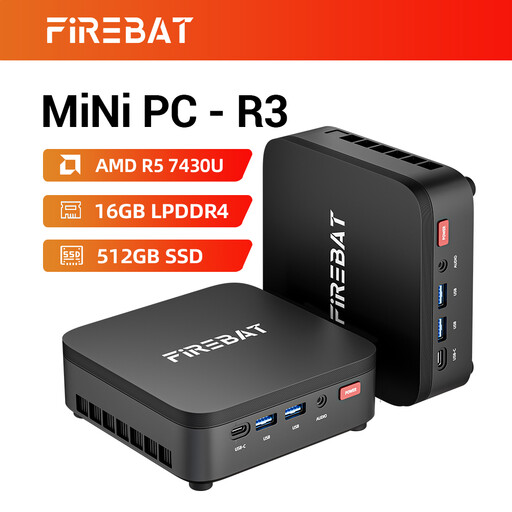
FIREBAT R3 Mini PC, AMD Ryzen 5 7430U, 16 GB RAM, 512 GB SSD
The product information lists support for three screens at once. Check the connections on the exact configuration and your screens.
The product name lists 16 GB RAM and a 512 GB SSD.
View at Joybuy
 No image available
MSI Cubi NUC AI 1UMG-005EU, Intel Core Ultra 7 155H, 16 GB DDR5, 1 TB SSD
The product information lists support for up to four screens. Check which outputs are available on this configuration for your setup.
The product name lists Windows 11 Pro, 16 GB DDR5 and a 1 TB SSD.
View at Joybuy
Frequently asked questions about desktops for script profiling
Should you buy a faster processor first if your script is slow?
No. First, measure where your script spends its time and whether CPU, memory or disk activity is affecting performance. Then choose components to suit the bottleneck you’ve identified, and check that the profiler works with your programming language.
How do you connect two screens to a mini PC?
Compare the inputs on both screens with two video outputs that can be used at the same time on the exact PC configuration, and check which cables you need. MSI specifies HDMI and DisplayPort for the Cubi 5 12M; also check that the configuration on offer is compatible with your screens.
Can you use a barebone straight away for script profiling?
Not if the components and software you need are still missing. MSI lists empty memory and storage slots for the Cubi 5 12M-001BEU. Before setting it up, check which components are included with the configuration on offer.
What guarantee are you entitled to as a consumer in the Netherlands?
According to the Dutch government, there is no fixed statutory guarantee period that applies to all products in the Netherlands. If a product is faulty, contact the seller. A manufacturer’s guarantee or extended warranty is in addition to your statutory rights.
Can you return a desktop bought online?
For distance purchases from a business, you usually have a 14-day cooling-off period, according to the Dutch government. Exceptions and the terms of the specific purchase may apply.


