Joybuy products for compact and integrated workspaces
These Joybuy products include compact desktops and an all-in-one for anyone who wants to use code, documentation and project files on a desktop.
 No image available
Mac mini, Apple M6 chip, 12-core CPU and 12-core GPU, 16 GB, 512 GB SSD
A compact desktop option if your development tools support macOS.
The product name lists 16 GB of memory and a 512 GB SSD. Check that your software and the connections you need are supported by this configuration.
Joybuy
 No image available
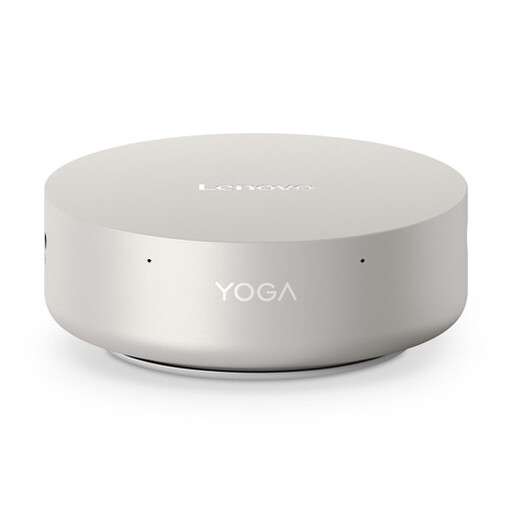
Lenovo Yoga Mini 01IPH11 Copilot+ PC, Intel Core Ultra 5 325, 16 GB LPDDR5X, 512 GB PCIe 4.0 SSD, Windows 11 Home, Seashell
A compact Windows mini PC for a workspace where space is limited.
The product name lists 16 GB LPDDR5X, a 512 GB SSD and Windows 11 Home. Check that your development tools are supported and that you can connect the peripherals you need.
Joybuy
 No image available
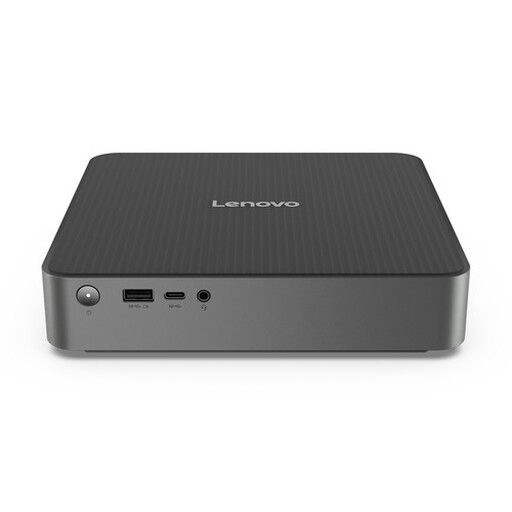
Lenovo IdeaCentre Mini PC
A mini PC option for anyone looking for a compact desktop.
Check the specifications for the exact configuration, compatibility with your software, and which connections and components are included.
Joybuy
 No image available
MSI CUBI NUC AI 1UMG-005EU, Intel Core Ultra 7 155H, 16 GB DDR5, 1 TB SSD, Windows 11 Pro
A compact Windows mini PC for anyone who wants to work with project files locally.
The product name lists 16 GB DDR5, a 1 TB SSD and Windows 11 Pro. Check that your development tools and any dependencies are supported by this configuration.
Joybuy
 No image available
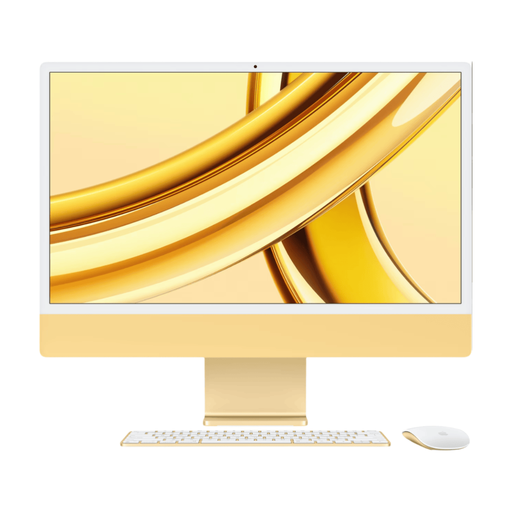
Apple iMac 24-inch M3, 24 GB, 512 GB, Dutch Yellow (2023)
An all-in-one option for anyone who wants to use their computer and screen as a single workstation.
The product description lists an M3 chip, 24 GB of memory and 512 GB of storage. Check that the connections and software compatibility suit your development environment.
Joybuy
Frequently asked questions
Can I automatically access documentation offline on a desktop?
No. Download documentation for the technologies you use in advance and test that you can open it without a network connection. For example, the Python Software Foundation offers documentation as a downloadable archive; check other sources separately.
Do I need a dedicated graphics card for a simple meal planner?
Visual Studio Code’s published system requirements don’t specify a need for a dedicated graphics card. Check for additional graphics requirements only if your particular development or testing tools have them.
What should I check when connecting and maintaining a mini PC?
Compare the ports with your screens and peripherals, and check what’s included with the configuration. For the ThinkCentre neo 50q Gen 5 configuration reviewed, Lenovo states that the screen, keyboard and mouse are optional extras, sold separately.
Does a desktop in the Netherlands always come with exactly two years of statutory warranty?
No. According to the Dutch government, the Netherlands has no fixed statutory warranty period. You’re entitled to a product that works properly, and the retailer is your point of contact if there’s a problem. A manufacturer’s warranty is separate from this.
Which privacy rules might apply to a meal planner?
If the application processes data about identifiable people, the GDPR may apply. The Dutch Data Protection Authority cites information about someone’s allergies as a possible personal data item. The obligations that apply will depend on the data and how it’s used.


