What should you consider when choosing?
First, check that your illustration software and peripherals work with macOS or Windows. Adobe recommends 16 GB or more of memory for Photoshop, but this is no guarantee that every large project will run smoothly.
| What to consider |
What should you check? |
Who is this important for? |
| Memory |
Compare the exact configuration with your software requirements and the largest files you have open at the same time. |
If I work with large or multiple layered files, I want to know whether the computer is right for my projects. Around 33% of consumers prioritise memory for large projects. |
| Storage and temporary space |
Check the SSD capacity and how much free space will be left for source files and temporary Photoshop files. Also plan a separate backup. |
I want to keep my source files and leave room for temporary files and recoverable copies. Around 27% of consumers prioritise storage and file retention. |
| Monitor and drawing equipment |
Check the video outputs, connections and included accessories for the exact model. |
If I already have a monitor or drawing device, I want to know whether it will connect to the computer and what else I need. Around 20% of consumers prioritise a setup that suits their needs. |
| Software and upgrades |
Check your software’s system requirements and drivers, and find out whether the exact model can be upgraded later. |
I want to keep using my existing software or be able to change the storage and components later. Around 20% of consumers choose primarily based on software compatibility or the ability to customise in future. |
Joybuy products
The Joybuy products shown are Windows desktops for a fixed workstation. Compare the listed memory and storage with your software, projects and the connections you need.
 No image available
Gaming Desktop PC Ryzen 7 7800X3D, GeForce RTX 5080, 32 GB DDR5, 1 TB NVMe SSD
The listed configuration has 32 GB DDR5 memory and a 1 TB NVMe SSD for a fixed workstation with large source files.
The product information lists Windows 11 Trial; check that it suits your software and how you want to use Windows.
View at Joybuy
 No image available
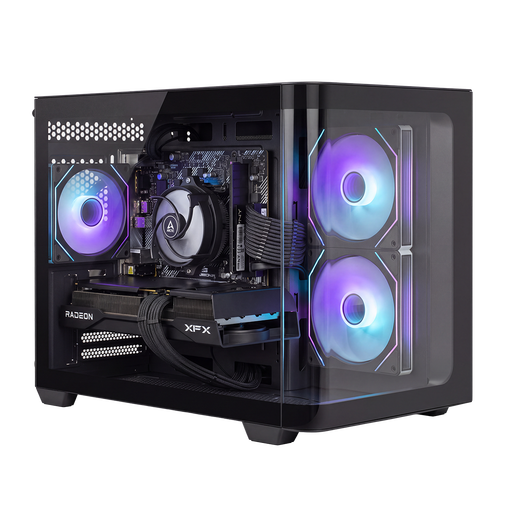
Shark Bloodlust R700 Gaming PC
The listed configuration has 16 GB memory and a 1 TB NVMe SSD; compare the memory with your illustration software’s requirements.
The product information lists Windows 11 Home.
View at Joybuy
 No image available
AlmightyShark R700 Gaming PC
The listed configuration has 32 GB DDR5 memory and a 2 TB NVMe SSD for a fixed Windows workstation with large source files.
The product information lists Windows 11 Home.
View at Joybuy
 No image available
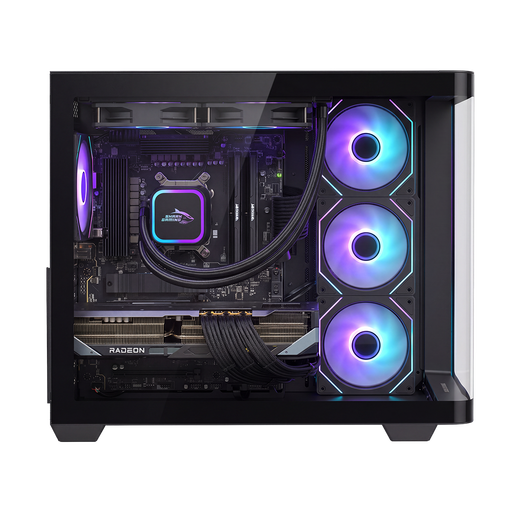
Shak RGBeast R700 Gaming PC
The listed configuration has 16 GB memory and a 1 TB NVMe SSD; check that the memory capacity is right for your largest projects.
The product information lists Windows 11 Home.
View at Joybuy
 No image available
ASUS ROG G700TF-07265F666W
This desktop lists 32 GB DDR5 memory and a 1 TB SSD; compare the configuration with your software and local archive.
The product information lists Windows 11 Home.
View at Joybuy
Frequently asked questions
Is 16 GB of memory enough for my illustrations?
For Photoshop 27.x, Adobe recommends 16 GB or more, but this doesn’t guarantee that every large, layered project will run smoothly. Compare your largest files and the programmes you use at the same time before choosing a configuration.
What can I do if Photoshop says the scratch disk is full?
Free up space or set up an additional scratch disk. For this error, Adobe recommends having at least 100 GB of free space on the primary scratch disk as a recovery step. This isn’t the same as a general minimum SSD capacity for every desktop.
How can I back up source files on a Windows desktop?
Microsoft describes File History as a way to copy files to an external drive or network location. Turn it on, check that your project folders are included and test whether you can restore an earlier version.
What are my rights when buying a desktop in the Netherlands?
When you buy as a consumer in the Netherlands, you’re entitled to a product that works as it should; there is no fixed statutory warranty period. For distance sales, you usually have a 14-day cooling-off period. The Dutch government outlines these consumer rules; check the terms and exceptions that apply to your purchase.


