
For anyone using several seats
You want the airflow to reach more than one spot in a small room while the fan is running. So look at oscillation and placement, not just the highest speed setting.


Choose a tilting desk fan if you usually want to direct airflow towards one seat. Oscillation may be a better fit if several people in different spots want to feel the breeze in turn. Then compare the noise at the setting you’ll actually use, and check that the fan fits securely in the space available. A fan moves air, but it doesn’t replace the need to bring in fresh air and extract stale air.
You want the airflow to reach more than one spot in a small room while the fan is running. So look at oscillation and placement, not just the highest speed setting.
You sit close to the fan for long periods and want a useful breeze without distracting noise. Compare airflow and noise at the same setting that matters to you.
You have limited desk or floor space and want to be able to aim or move the fan easily. Size and stability are important when choosing where to put it.
A good fit if: you usually sit in one place and want to direct the airflow towards yourself or elsewhere.
Bear in mind: a fixed direction won’t move the air between different seats by itself.
A good fit if: you and someone else at home sit in different places and want the airflow to move between you.
Bear in mind: as the fan turns, the airflow won’t be directed at one person all the time.
A good fit if: you want to move the fan between your workspace and another spot at home.
Bear in mind: check that it fits both setups and find out which accessories are included with that version.
| What to consider | What to check before buying | Who is this most relevant to? |
|---|---|---|
| Airflow where you sit | Think about where people sit and compare the tilt, oscillation and airflow at the settings you plan to use. | If I sit in different places in the same room with other people, I want the airflow to reach us in turn. Around 36% of consumers say air distribution is their top priority. |
| Noise while working or relaxing | Compare noise information for each setting and, where available, independent test results at relevant distances. | If I work or relax close to the fan for a long time, I want a useful breeze without distracting noise. Around 29% of consumers put quietness first when choosing. |
| A suitable, stable position | Measure the available desk or floor space and check the dimensions, tilt and stability in the position you intend to use. | If my desk or room has limited space, I want a model that fits securely without overhanging the edge. Around 21% of consumers say placement is their top priority. |
| Power consumption and extras | Compare the stated power with how you plan to use the fan. If you want to use it without a cable, check whether a battery is included with the version you’re considering. | If I use the fan often, I want to take its power consumption and any extra costs into account. Around 14% of consumers put running costs and extras first. |
A fan moves air, but it won’t remove stale air or bring in fresh air by itself.
Use the fan to create a breeze where people are sitting, and keep your home’s ventilation running as well.
Noise and airflow can vary by speed and distance. A claim about one setting doesn’t automatically tell you how the others sound.
Where possible, compare independent measurements at the settings and distances that matter for how you’ll use the fan.
According to Duux, the battery for the Duux Whisper Flex² No Wi-Fi is optional.
Check the exact version and what’s in the box if you want to use the fan away from a power socket.
The 2000 Series CX2050/00 is a tilting desk fan for anyone who wants to direct the airflow.
The VE-5721 is a desk fan with straightforward controls and oscillating airflow between seating areas.
The Whisper Flex² No Wi-Fi can be converted from a desk fan to a pedestal fan to suit different setups.
The retro desk fan in the green version tested is a straightforward model for a fixed spot.
This selection features Xiaomi models for desk or floor placement and air circulation. Check which setup suits the spot where you want the airflow to reach for each model.
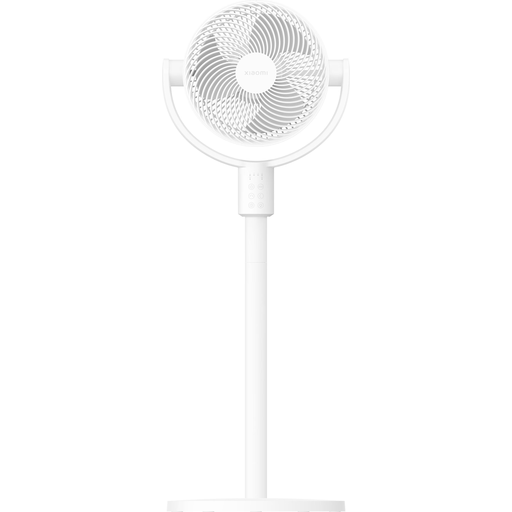 No image available
A good fit if you want to circulate air and, according to the product description, switch between desk and floor placement.
The product name lists 3D oscillation, 100 speeds, two modes and app control.
 No image available
A good fit if you want to distribute the airflow and, according to the product description, use the fan on a desk or on the floor.
The product name lists app control and 100 adjustable speeds; the product description mentions automatic oscillation.
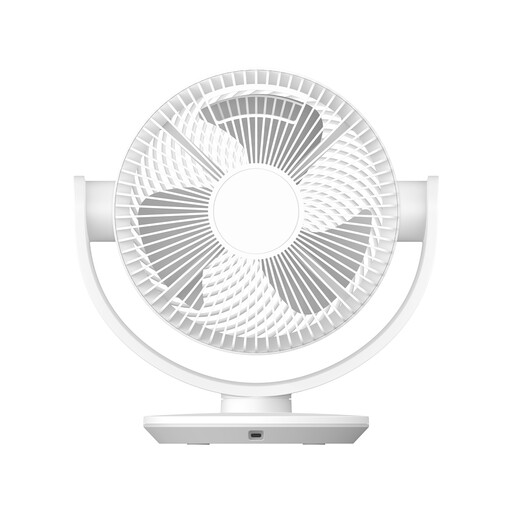 No image available
This desk model is a good fit if you want to move air from a fixed workspace.
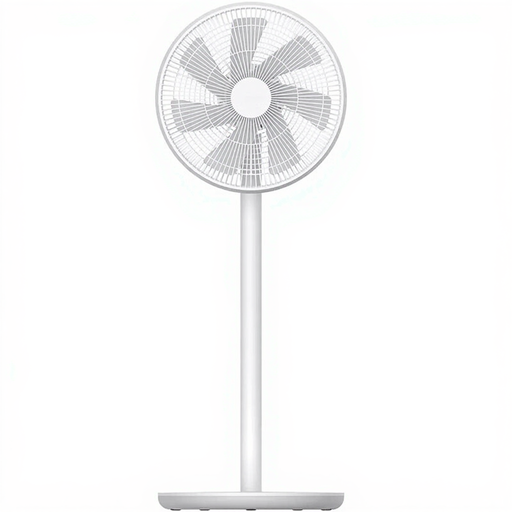 No image available
A good fit if you’re looking for a pedestal fan to circulate air around the room.
The product name lists app control, seven blades, 90° oscillation and adjustable height.
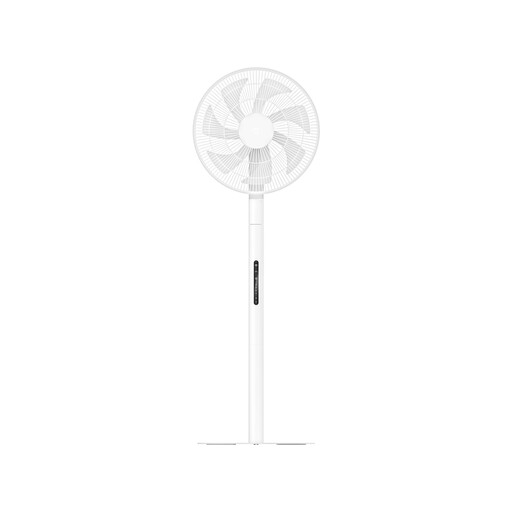 No image available
A good fit if you’re looking for a pedestal fan with several control options.
The product name lists app, remote and touch control, plus Type-C charging support.
No. A fan moves air and can help cool someone in its airflow. Ventilation requires both a supply of fresh air and the removal of stale air, so keep your home’s ventilation running.
Place the fan somewhere stable, where the base sits securely, and direct the head towards the seat you’ll be using. Follow the instructions for your exact model when cleaning it; the Consumentenbond assesses stability and ease of cleaning separately.
For a stated power rating, calculate consumption as watts × hours of use ÷ 1000; the result is in kWh. Then multiply this by your own price per kWh. A stated maximum power rating doesn’t necessarily reflect consumption at every setting.
For a standard online purchase, you generally have a statutory 14-day cooling-off period after delivery, subject to legal exceptions. Your statutory guarantee is separate from any manufacturer’s guarantee: if a product used normally breaks sooner than you could reasonably expect, the seller must offer an appropriate solution. ACM ConsuWijzer explains these consumer rights.
CE marking is required for products covered by EU rules that specifically require it. It is the manufacturer’s declaration that the product complies with the applicable rules, not an independent assessment of its performance. Check the relevant marking and safety information for the exact version.