
Home worker with a dedicated workspace
Wants to direct the air at or around the desk, without the fan automatically turning towards other areas.


Choose an adjustable desk fan if you want the air directed mainly towards one workspace; an oscillating model is a better fit if you want the airflow to reach different areas in turn. Compare noise and airflow at the setting you’ll actually use, and check that the base, power supply and controls will work with your desk. A fan circulates indoor air, but it doesn’t replace the need to bring in fresh air and remove stale air, according to Milieu Centraal.
Wants to direct the air at or around the desk, without the fan automatically turning towards other areas.
Wants to check that the airflow remains comfortable at a usable setting while working or studying. The Consumentenbond considers both noise and air movement in its fan tests.
Needs to consider how much room the base takes up and whether a compact model will provide the required power supply and reach.
First decide whether you want to direct the air at one fixed spot or have it move between several areas. Then consider noise, the space available and the power supply.
| What to consider | What to look for | Who is it important for? |
|---|---|---|
| Airflow at one workspace | Check whether the head tilts, and assess the airflow at your usual distance and preferred setting. | If you mainly want a directed breeze at one desk, the setting and direction that feel comfortable there matter most. Around 33% of consumers give directed airflow the highest priority. |
| Noise while working | Compare noise and airflow at each setting and distance; manufacturers’ figures are not automatically comparable. | If you work or study, you’ll want a setting that isn’t too distracting but still provides enough airflow. For around 27% of consumers, getting this balance right is the top priority. |
| Space and power supply | Measure the available space and check the model’s dimensions, base or clip, and power supply. | If your desk is crowded or the nearest socket is awkwardly placed, size and power supply will determine where you can put the fan. Around 20% of consumers prioritise these practical considerations. |
| Airflow across several areas | Check whether the exact model oscillates and whether there’s enough space for it to move freely. | If you move between your desk and other areas of the room, moving airflow may suit the way you use the fan better. Around 20% of consumers prioritise airflow across several areas. |
A breeze at your desk won’t automatically remove polluted indoor air. Milieu Centraal describes ventilation as both bringing in fresh air and removing polluted air.
Choose a fan to move the air, but continue to use the ventilation options in your home too.
The balance between noise and airflow depends on the setting and distance. A figure from one manufacturer isn’t necessarily comparable with one from another model.
Compare noise and airflow for the same usage scenario, and don’t treat figures measured under different conditions as a ranking.
A tilting head lets you direct the air in a chosen direction; oscillation moves the airflow automatically.
Check the specifications for the exact model if you want to spread the air across several seating areas.
The battery for the Duux Whisper Flex² Smart is optional. For a portable model, also check which power accessories are included.
Check the box contents before buying and make sure the power supply suits your workspace.
The Philips CX2050/00 is described as a desk fan with an adjustable head, several speed settings and a timer.
The VE-5721 and VE-5776P offer different designs: an oscillating desk fan and a compact mini USB fan.
Duux describes the Whisper Flex² Smart as a model that can be converted from a desk fan to a pedestal fan.
These product picks are suited to creating a breeze around your desk, from compact personal fans to models for use on a desk or as a pedestal fan.
 No image available
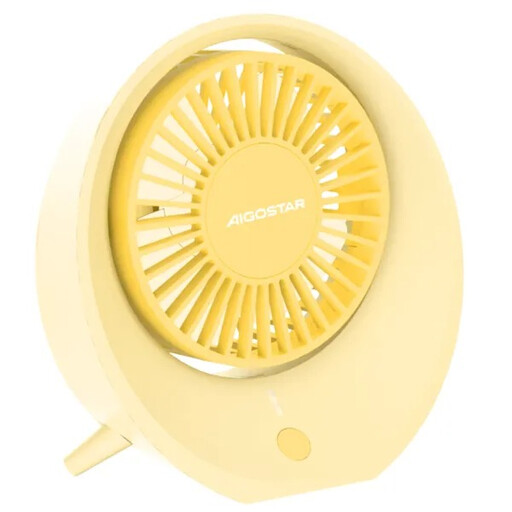
The clip-on design may suit you if you want to save space on your desk.
The product name specifies a 4-inch diameter and four blades. According to the product information, the USB power adapter isn’t included.
 No image available
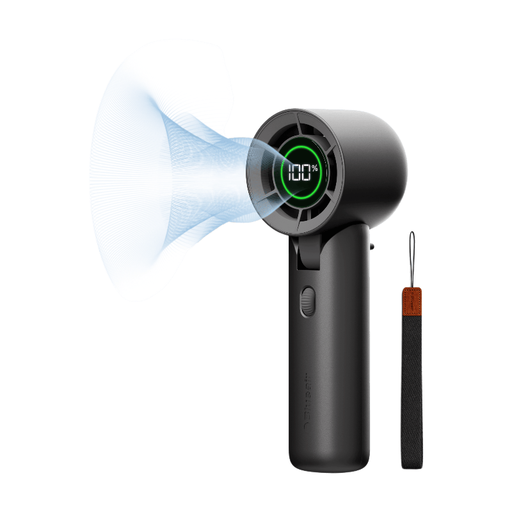
This portable handheld fan may suit personal use at your desk or on the go.
The product name specifies USB-C charging and a 32H battery life.
 No image available
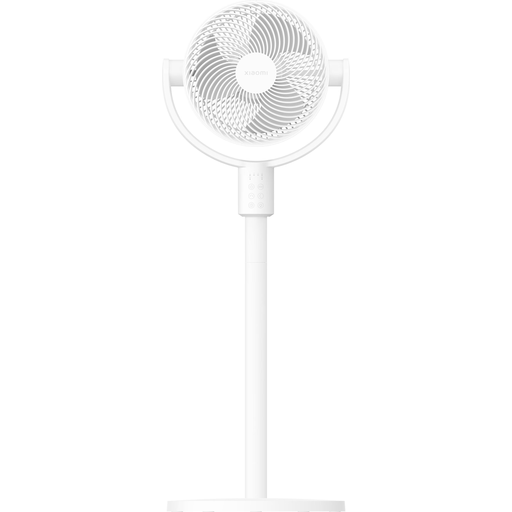
Its desk and pedestal options may suit you if you want to use the same fan in different places.
The product name specifies 3D oscillation, adjustable height, two modes, 100 speed settings and app control.
 No image available
The product information describes it as suitable for use as both a desk and floor fan, so you can use it in different places.
The product name specifies app control, a DC inverter motor and 100 adjustable speed settings.
 No image available
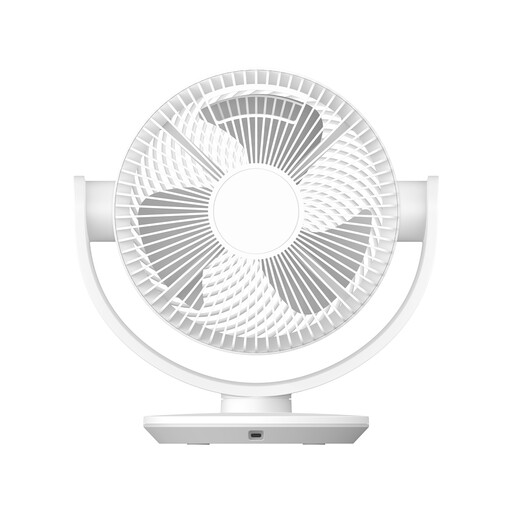
The product name describes this as a desk fan for air circulation, suited to a permanent spot on your desk.
No. A desk fan moves the air around the room; according to Milieu Centraal, home ventilation requires both a supply of fresh air and the removal of polluted air. So make sure you continue to use the ventilation options in your home.
A tilting head lets you direct the air in a chosen direction; oscillation moves the airflow automatically. Check the specifications for the exact model if you want the air to reach more than one area.
Compare noise alongside airflow at the setting and distance you plan to use. A figure provided by one manufacturer isn’t necessarily directly comparable with one for another model.
Place the fan on a suitable surface as instructed in the manual, and make sure the base, head and any oscillating movement have enough clearance. Consult the manual for the exact model before opening the grille or cleaning the appliance.
ACM ConsuWijzer states that you generally have a statutory cooling-off period of up to 14 days after the product has been delivered; some legal exceptions may apply. Your statutory rights also apply if a product doesn’t do what you could reasonably expect when used normally. These rights are separate from the cooling-off period, and the seller must resolve the issue in line with the applicable terms.