What should you look for when choosing one?
First decide whether the airflow should be focused on your chair or reach other seating areas too. Then choose a suitable spot and a setting that feels comfortable while you work.
Directional desk fan
Choose this when: you mainly want airflow at one desk and have space on the desktop.
Consider: according to the Consumentenbond, a desk fan is primarily intended for one person; check that you can point the model towards your seat.
Oscillating desk fan
Choose this when: you’d like the breeze to reach several areas in turn.
Consider: the airflow moves between positions, so it isn’t constantly directed at one person; a stated coverage area is no guarantee it will work the same way in your living room.
Pedestal or tower fan
Choose this when: you want to keep your desk clear or spread airflow from a spot beside it.
Consider: a pedestal fan takes up floor space; the Consumentenbond describes tower models as slimmer, but not height-adjustable or tiltable.
| What to consider |
What should you check? |
Who should consider this? |
| Coverage and airflow distribution |
Check whether the model can be aimed or oscillates, and where it can be placed; don’t treat a stated coverage area as a guarantee for your room. |
If I want other seating areas to benefit from the airflow too, I look at oscillation and placement. Around 36% of consumers prioritise airflow distribution. |
| Noise while you work |
Compare noise figures for each fan setting. The number of speeds alone says little about maximum airflow, according to the Consumentenbond. |
If you want to work or talk without disturbance, look for a useful setting that’s comfortable at close range. Around 29% of consumers prioritise a quiet desk area. |
| Placement and space |
Measure the space available and decide at what height you want to feel the airflow; a table fan on the floor may be too low. |
If I have limited desk space, I weigh up a spot nearby against the height I need. Space requirements are the main consideration for around 21% of consumers. |
| Power consumption and maintenance |
Check the power rating in W and how long you’ll use it; calculate kWh using W ÷ 1000 × hours. Follow the instructions for the exact model when cleaning it. |
If I use it regularly, I want to know how the running time affects my energy use and how to clean the appliance. Around 14% of consumers prioritise practical use and maintenance. |
Joybuy products for airflow at your desk
This selection ranges from a personal handheld fan and a desktop model to pedestal fans for placing beside your desk. Before buying, check the product information and safety marking for the exact variant; according to the NVWA, CE marking is mandatory for electrical products that fall under the applicable requirements.
 No image available
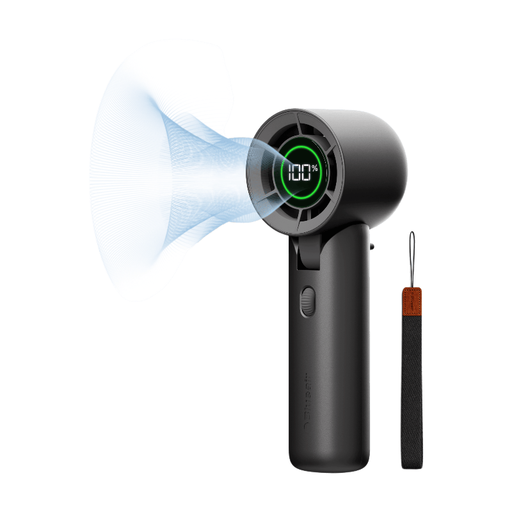
BLUEAIR AlwaysCool Portable Handheld Fan F7 – Graphite
A portable handheld fan for personal airflow at your desk.
The product name mentions USB-C charging and 32H Battery.
View at Joybuy
 No image available
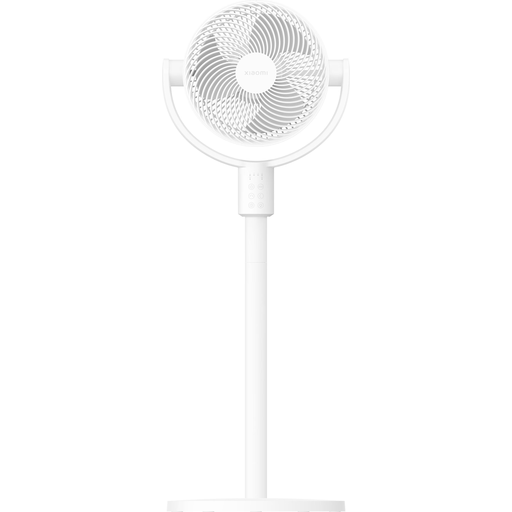
Xiaomi Smart Standing Air Circulation Fan
A pedestal model for anyone who wants to distribute air across several areas from a spot beside the desk.
The product name mentions 3D automatic oscillation, adjustable height, two modes and 100 speeds; the stated airflow distance is 13 m.
View at Joybuy
 No image available
Xiaomi Smart Standing Fan 2
A pedestal fan for anyone who wants to use the space beside the desk and keep the desktop clear.
The product name mentions app control, 7+5 blades and 100 adjustable speeds. According to the product description, it must be placed on a flat, stable surface, with the base fitted correctly.
View at Joybuy
 No image available
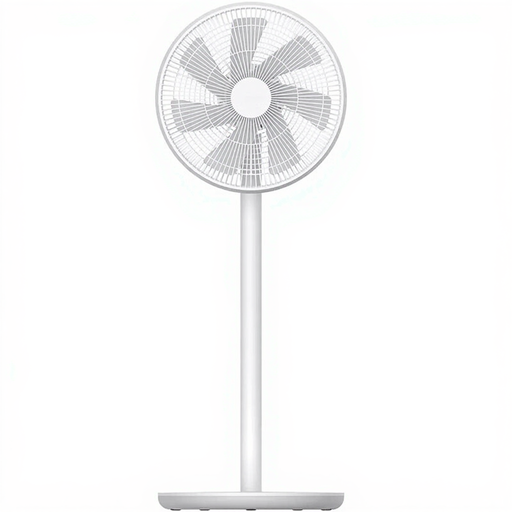
Xiaomi Smart Standing Fan 2 Lite
A pedestal model for anyone who wants to direct and distribute airflow from beside the desk.
The product name mentions app control, seven blades, 90° oscillation, adjustable height and a stated airflow distance of 12 m.
View at Joybuy
 No image available
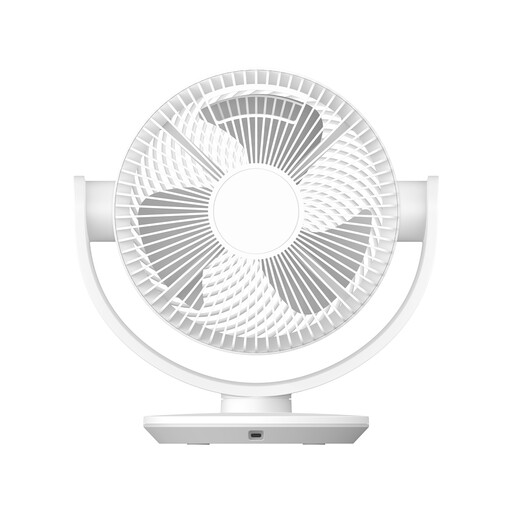
Xiaomi Smart Desktop Air Circulation Fan EU
A desktop model for directing airflow around your workstation without placing a pedestal fan beside the desk.
The product name identifies this as a desktop air circulation fan; check that its dimensions suit the space available.
View at Joybuy
Frequently asked questions
Will a desk fan make my living room colder?
No. An ordinary fan doesn’t lower the air temperature, although the moving air can make you feel cooler. Milieu Centraal recommends shading from the sun and airing your home appropriately as separate ways to keep it cool.
Does air circulation replace ventilation in my living room?
No. Ventilation means bringing in fresh air and removing stale air; a fan that only circulates indoor air doesn’t do this. Take account of the ventilation features already in place, as Milieu Centraal advises.
Should I choose a directional or an oscillating fan?
Choose directed airflow if your own seating area is the priority; oscillation is better if you want the breeze to reach several areas in turn. With oscillation, the airflow isn’t constantly directed at one person, and the actual coverage also depends on where you place the fan.
Where should I put a desk fan?
Place the appliance so that the airflow reaches you at the height you want while seated. The Consumentenbond advises against putting a desk fan on the floor if that makes the breeze too low; follow the instructions for the exact model when cleaning and using it safely.
What should I check for fan product safety?
Check the product information and CE marking for the exact variant. According to the NVWA, CE marking is mandatory for electrical products that fall under the applicable requirements; a mention on a retailer’s website doesn’t, on its own, prove that a specific item meets every requirement.


