Choose a tilting desk fan if you want to direct air from your desk towards your work or into the room. Choose a model with automatic oscillation if you want the airflow to reach different areas in turn. Also compare the space available and the noise level at the setting you’ll actually use. A fan moves air, but it won’t remove dust or hobby fumes by itself, and it’s no substitute for a supply of fresh air.
Who is a desk fan suitable for?
Air circulation around your hobby desk
If you want to direct air across your workspace or further into the room, consider the tilt direction and whether the fan has automatic oscillation. The Dutch Consumers' Association describes table and desk fans as being intended for use close to one person.
Work in comfort with a gentle breeze
If you spend a long time concentrating on your hobby, compare the noise level at the setting you’ll actually use. A quoted noise level for a quiet setting doesn’t automatically tell you how loud the fan will be on a higher setting.
Limited space on your desk
If your tools and projects already take up a lot of room, compare the fan’s dimensions and base with the space available beside your work. The Dutch Consumers' Association notes that a table or desk fan is primarily intended for one person.
What should you consider when choosing?
Tilting table fan
Suitable if: you want to direct the airflow from a fixed position across your work or into the room.
Trade-off: tilting lets you point the fan head, but doesn’t by itself create a changing airflow from side to side.
Oscillating table fan
Suitable if: you want the airflow to reach more than one area around your desk in turn. Rowenta lists automatic oscillation for the VU2630F0.
Trade-off: you’ll still need a suitable space on your desk; also check whether you can switch off the oscillation.
Compact air circulator
Suitable if: you’d rather direct air from your desk further into your hobby room. BONECO describes the F100 as a table air circulator with three settings.
Trade-off: check the dimensions and noise level at your preferred setting. Air circulation is no substitute for ventilation when there’s dust or fumes.
| What to consider |
What should you look for? |
Who should consider this? |
| Air direction |
Check whether the fan tilts and whether it oscillates automatically; these are different features. |
Do you want to feel the air across your workspace or in different areas in turn? Around 36% of consumers say directing airflow is their main reason for buying. |
| Noise while you work |
Only compare noise levels when the relevant setting and measurement basis are clear. Check that you can get the airflow you want at a usable setting. |
If you work with concentration for long periods, you’ll want a breeze without the noise becoming a distraction. Around 29% of consumers put being able to work in peace at the top of their list. |
| Space available on your desk |
Compare the dimensions and base with the space available. Keep loose materials out of the airflow. |
If you have tools or projects on your desk, it’s important to have space beside your work area. Around 21% of consumers say desk space is their main consideration. |
| Power consumption |
Check the wattage of the exact model. To estimate energy use, multiply the power in kW by the hours of use; to estimate the cost, multiply that figure by your own electricity tariff. |
If you use the fan often or for long periods, you’ll want to estimate its energy use. Around 14% of consumers pay particular attention to hours of use and electricity costs. |
Common mistakes
-
Assuming a fan extracts air
A fan moves air, but it won’t remove polluted air or bring in fresh air by itself. Milieu Centraal recommends extra ventilation when doing DIY.
First decide whether you’re only looking for air movement. Ventilate more when working on your hobby, and assess the risks of the materials and processes you use separately.
-
Assuming a quiet-setting measurement applies to every setting
Rowenta quotes 42 dB(A) for the quiet night setting on the VU2630F0. This figure doesn’t automatically describe the noise level at other settings.
Compare noise and airflow with the relevant setting clearly stated; don’t base your choice on a single minimum figure.
-
Confusing tilt with automatic oscillation
Setting the tilt direction won’t make the airflow move from side to side automatically.
Check both features separately if you want the air to reach different areas around your desk.
Brands to consider
Philips
The CX2050/00 is a table fan with a tilting head, designed to let you adjust the direction of the airflow.
- Philips lists three speeds, two modes and a timer for this model.
- Philips quotes 738 m³/u and a minimum of 23 dB(A). These are manufacturer figures, not independently verified performance figures for the setting you’ll use.
Rowenta
The VU2630F0 is a table fan with an adjustable direction and automatic oscillation.
- Rowenta lists four settings and 42 dB(A) for the quiet night setting.
- For turbo mode, the manufacturer quotes an airflow of up to 45 m³/min, with a possible model variation of ±10%. The night-setting figure doesn’t indicate how loud the fan is on turbo.
BONECO
BONECO describes the F100 as a compact table air circulator with three settings.
- For the F100, BONECO lists dimensions of 202 × 207 × 238 mm and a maximum power of 20 W.
- BONECO quotes 32–57 dB(A). These are manufacturer figures for this model, not independently measured performance figures.
Duux
The Whisper Flex 2 without Wi-Fi is a pedestal model worth considering if positioning and airflow beyond your immediate workspace are important.
- For this version, Duux lists 30 speed settings and adjustable oscillation.
- It’s a pedestal model, not a small table fan. Check whether the version without Wi-Fi suits your set-up, and don’t confuse it with the Smart version.
Joybuy products
These are table, desk and compact fans for moving air around a workspace. Check the positioning, features and safety information for the exact product version.
 No image available
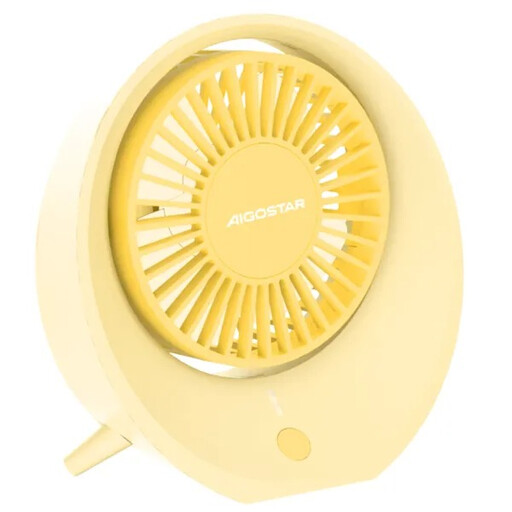
4-inch USB clip-on fan with 4 blades
The clip attachment is suited to a fixed position on the edge of a desk; check beforehand that the edge is suitable for attaching it.
View at Joybuy
 No image available
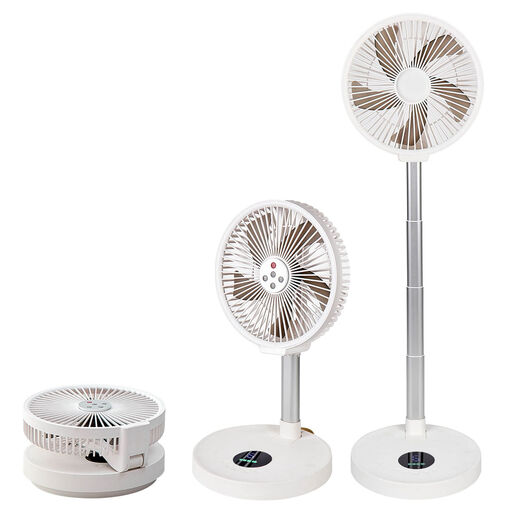
Foldable table and floor fan, 7200 mAh
The product title describes it as suitable for use on a table or floor, with six speed settings, a timer and a remote control. Check that the set-up and controls suit your hobby space.
The title lists a 7200 mAh battery and adjustable height.
View at Joybuy
 No image available
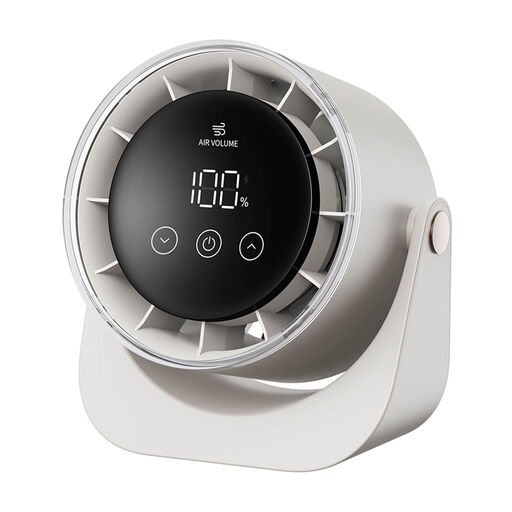
Cordless compact desk air circulator
The product title lists a portable design, an LED display, 100 speed settings and 90° tilt adjustment. This makes it worth considering if you want to adjust the direction at your desk.
View at Joybuy
 No image available
Xiaomi Smart Standing Fan 2
The product information describes it as suitable for use on a table or floor, with automatic oscillation. This makes it a useful option if you want to direct air from a table-top position towards more than one area.
The product title lists app control and 100 adjustable speed levels.
View at Joybuy
 No image available
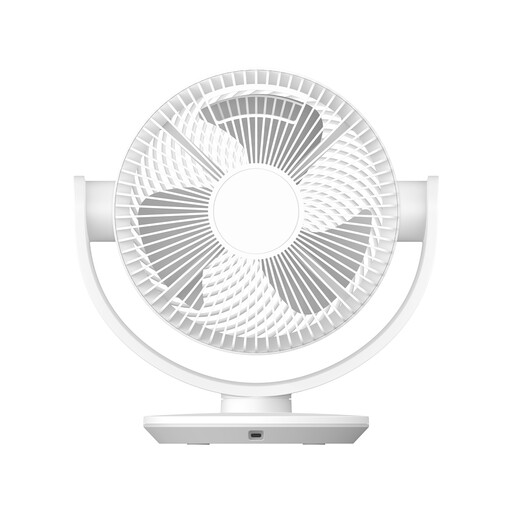
Xiaomi Smart Desktop Air Circulation Fan EU
This desktop model is designed to circulate air around a desk. Compare the dimensions of the exact version with the space available on your work surface.
View at Joybuy
Frequently asked questions
Can a desk fan remove dust or fumes from hobby work?
No, it’s no substitute for ventilation: a fan moves air, while ventilation brings in fresh air and removes polluted air. Milieu Centraal recommends extra ventilation when doing DIY. Any additional protection you need depends on the material and the process.
Does a fan make the hobby room colder?
No. According to Milieu Centraal, moving air feels cooler on your skin, but a fan doesn’t actually make the air colder.
How can I keep a fan usable when doing dusty hobby work?
Follow the cleaning instructions for the exact model before removing any parts. BONECO lists a removable blade cover for the F100; this doesn’t tell you how to dismantle other models. Also bear in mind that loose materials could be moved by the airflow.
What safety rule applies to a mains-powered fan?
Electrical equipment with a rated AC voltage of 50–1000 V that falls under Directive 2014/35/EU must meet the applicable EU requirements for electrical safety and CE marking, as described by EUR-Lex. Check the information for the exact version; this voltage requirement doesn’t automatically apply to every USB or battery-powered fan.
Do I have a cooling-off period when buying online?
For many distance purchases made by consumers from a business, a 14-day cooling-off period applies, according to the Dutch government. Check the seller’s information and the exceptions that apply to your purchase.


