Who is this for?

Housemate who values peace and quiet

You use the fan during conversations or while concentrating on work, and want to know how noisy it is at a setting that moves enough air. The Consumers' Association assesses both airflow and noise at different settings in its fan tests.

User who wants to circulate air

You don’t want the airflow aimed at just one chair. An oscillating function can direct the airflow towards other seats too.

User with a small workspace

You want a breeze at your desk without taking up much space. The Consumers' Association describes a desk fan as small and easy to move, but mainly intended for one person.

What should you look for when choosing?

Directional desk fan

A good choice if: you mainly want to feel the air at your own desk and don’t need to keep directing it towards other people at home.

Consider: according to the Consumers' Association, a desk fan is mainly intended for one person. Check whether the head tilts and whether you need it to oscillate.

Oscillating desk fan or air circulator

A good choice if: you want the airflow to reach other seats too; horizontal oscillation moves the air from side to side.

Consider: the airflow is less consistently directed at one spot. Eurom says the Vento 3D Silent Comfort Black oscillates both horizontally and vertically.

What to consider What should you look for? Who is this most important for?
Noise when sharing a space Compare noise levels and airflow at the same usable setting; check whether noise figures are manufacturer claims or measured results. If you want to feel a breeze during conversations or focused work without the noise dominating the room, quiet operation matters most to you. Around 40% of consumers prioritise low noise above all else.
Airflow reaching more seats Check for horizontal oscillation, any vertical movement and whether you can lock the direction in place. If you want the airflow to reach other people too, a moving stream matters more than a constant breeze directed at one chair. Around 30% of consumers prioritise air circulation.
Airflow at your own desk Check whether the head is adjustable and whether the airflow suits the distance to where you sit. If you mainly want to feel a breeze at your own workspace, consider the direction and reach at the setting you plan to use. Around 20% of consumers prioritise personal airflow above all else.
Space and extended use Check the dimensions and base of the exact model, and look at the stated power consumption in W for the settings you use. If the fan needs to fit into a small workspace and stay there for long periods, its size and how you’ll use it should factor into your choice. Around 10% of consumers prioritise a suitable size and ease of use.

Common pitfalls

  • Comparing only the lowest noise level

    A quiet setting is of little use if it doesn’t move enough air at the distance you sit. The Consumers' Association assesses both noise and airflow at different settings.

    Compare both at the same setting that provides enough airflow for your needs.

  • Confusing a tilting head with automatic oscillation

    According to Philips, the Philips CX2050/00 has a tilting head; the product information doesn’t mention oscillation. Eurom says the Vento 3D Silent Comfort Black oscillates both horizontally and vertically.

    Check the exact model separately to see whether its head tilts and whether it oscillates automatically, horizontally or vertically.

  • Assuming a product listing means the model is in stock

    The Joybuy listing for the Philips CX2050/00 states that this product is currently unavailable.

    Check current availability and the full model number before ordering.

Brands to consider

Eurom

The Vento 3D Silent Comfort Black is worth considering if you want to circulate air both horizontally and vertically around your workspace.

  • Eurom lists eight speeds, a remote control and oscillation in both directions for this model.
  • The claim that it runs quietly comes from Eurom; it isn’t an independent noise comparison.

Philips

The CX2050/00 is a directional desk fan for anyone who wants a breeze at their desk without needing automatic oscillation.

  • Philips lists three speeds, two modes, a timer and a tilting head for this model.
  • The product information doesn’t mention oscillation, so check whether a directional fan without automatic movement suits your shared sitting area.

Tristar

The VE-5721 is a desk fan worth comparing if you’re looking for simple controls and horizontal oscillation.

  • Tristar lists two speeds, an 85° horizontal oscillation range, 25° vertical adjustment and mains power.
  • The stated noise and airflow figures come from Tristar; don’t treat them as independent test results.

Joybuy products

This selection includes compact fans for directing airflow at a desk, as well as models for circulating air around several seats. The pedestal models need to be positioned differently from desk and clip-on fans.
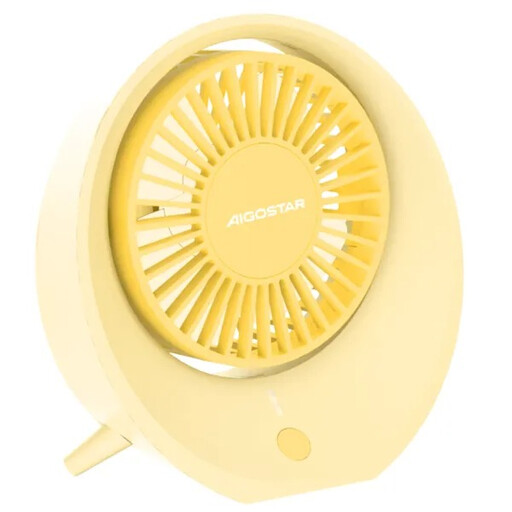
4 Inch USB Clip-on Fan - 4 Blades

4 Inch USB Clip-on Fan - 4 Blades

The clip-on design is a good way to direct airflow towards your desk if you have a suitable edge to attach it to.

The product name specifies USB and four blades. For charging, use only a certified 5V DC USB adapter and keep the fan away from moisture.

View at Joybuy
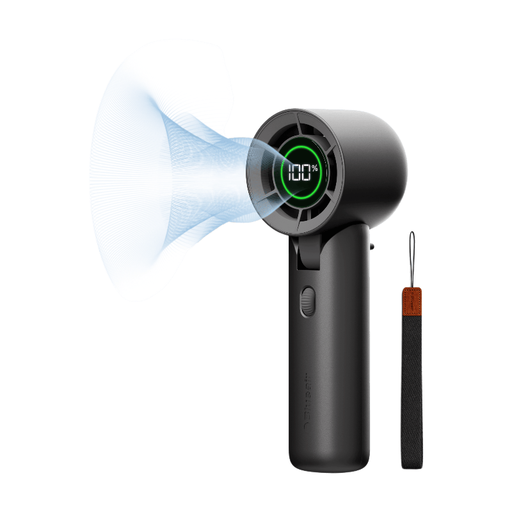
BLUEAIR AlwaysCool Portable Handheld Fan F7

BLUEAIR AlwaysCool Portable Handheld Fan F7

This portable model is designed to provide personal airflow at a desk; its product name also specifies desk use.

The product name states a 32-hour battery life and USB-C charging. Don’t expose the device to liquids or excessive moisture.

View at Joybuy
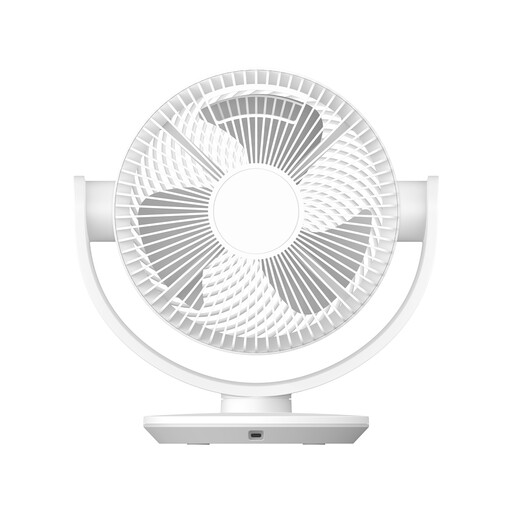
Xiaomi Smart Desktop Air Circulation Fan EU

Xiaomi Smart Desktop Air Circulation Fan EU

The product name describes this as a desktop air circulator, making it a good fit if you want to distribute airflow around your workspace.

View at Joybuy
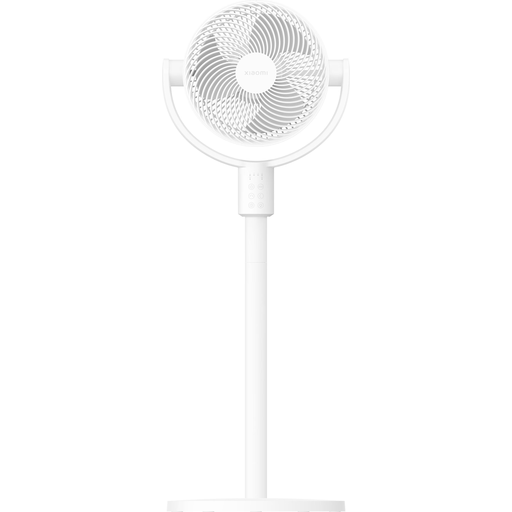
Xiaomi Smart Standing Air Circulation Fan

Xiaomi Smart Standing Air Circulation Fan

This pedestal model is an option if you want to circulate air around several seats and have room for a freestanding fan.

The product name specifies automatic 3D oscillation, app control and 100 speeds. This is a pedestal model, not a desk fan.

View at Joybuy
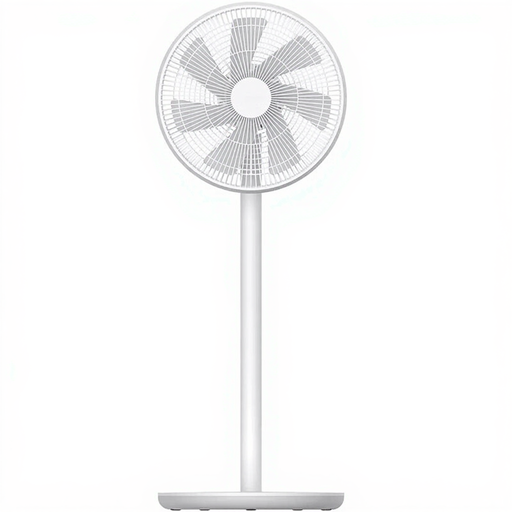
Xiaomi Smart Standing Fan 2 Lite

Xiaomi Smart Standing Fan 2 Lite

This pedestal model is designed to circulate air around a seat when a desktop fan doesn’t offer the positioning you need.

The product name specifies app control, 90° oscillation and an adjustable-height design. Bear in mind that this is a pedestal fan.

View at Joybuy

Frequently asked questions

Will a desk fan cool a whole shared sitting area?

According to the Consumers' Association, a desk fan is mainly intended for one person. If you want the airflow to reach several seats, check the oscillation function and airflow at the setting you want to use; the number of settings alone won’t tell you how much air you’ll feel.

Where should I place and maintain a fan?

Place the fan on a stable surface where its airflow won’t be blocked. The Fire Service advises keeping electrical appliances free of dust and ensuring heat can escape; follow the instructions for your chosen model when cleaning or taking it apart.

What are my rights after making an online purchase in the Netherlands?

For a standard online purchase, you generally have a statutory cooling-off period of up to 14 days after delivery, with some exceptions. You’re also entitled to a product that is of satisfactory quality; there is no fixed statutory two-year guarantee period in the Netherlands. What you can reasonably expect from a product depends, among other things, on the product and how it is normally used. If there’s a fault, contact the seller.

Does a CE mark prove that a fan has been independently tested?

No. According to the European Commission, the manufacturer is responsible for establishing compliance with the applicable EU product rules and affixing the mark; there is no central EU body that routinely issues a certificate for this. A CE mark is not an independent assessment of performance.
