
Designer dealing with window reflections
You work beside a bright window and want to see your screen clearly. The Arboportaal advises keeping your line of sight parallel to the window; you should also consider using blinds or other window coverings.


Start with the position of your workspace: the Arboportaal advises keeping your line of sight parallel to the window and using blinds or other window coverings if needed. Then compare the monitor’s anti-glare finish, adjustability, colour settings, resolution and connections. A high quoted brightness figure alone won’t tell you whether the screen will remain easy to see in your room.
You work beside a bright window and want to see your screen clearly. The Arboportaal advises keeping your line of sight parallel to the window; you should also consider using blinds or other window coverings.
You review the colours and details of a landing page. Check which colour modes and resolution the specific monitor model offers, and which mode suits your work.
You want to use design tools and a browser preview side by side, and may want to combine video and laptop power through a single connection. Check that the monitor and laptop have compatible connections and that the monitor provides suitable charging power.
First, address the daylight and screen position: the Arboportaal advises keeping your line of sight parallel to the window. Then compare the monitor’s features in the context of your own workspace.
| What to consider | What to look for | Who is this important for? |
|---|---|---|
| Reflections and visibility | Check the exact model’s anti-glare finish and adjustability. Also consider whether you can position your workspace so that your line of sight is parallel to the window. | If I work beside a bright window, I want to assess text and images without reflections getting in the way. Around 36% of consumers prioritise visibility by a window. |
| Web colours | Check whether the model has an sRGB mode and which colour settings you’ll actually use. A quoted wide colour gamut doesn’t automatically tell you which mode is active. | When checking landing pages, I want to know whether colours are shown in a suitable mode. Around 29% of consumers give web colour assessment top priority. |
| Workspace and clarity | Compare the screen size and resolution, and check the dimensions and viewing distance in your own setup. A larger screen needs more desk space. | If I want to view design windows and a browser preview at the same time, I’m looking for enough workspace without losing sight of how much room my desk has. Around 21% of consumers prioritise workspace. |
| Connecting and powering a laptop | Check that your laptop and cable support the video connection, and compare the required charging power with the monitor’s specifications. | If you want to connect video and possibly power through the monitor, check that it’s compatible with your laptop. Around 14% of consumers give laptop connectivity top priority. |
A brightness figure doesn’t tell you how much reflection your window will cause. For example, ASUS lists typical brightness of 350 cd/m² and HDR peak brightness of 400 cd/m² for the ASUS ProArt PA279CRV. These are different figures, and neither measures visibility beside a window.
Only compare brightness figures measured on the same basis, and also consider the screen position and whether you’ll use window coverings.
A quoted P3 coverage figure doesn’t tell you which colour mode is active while you’re designing. This can matter when you’re checking web colours.
Check whether the exact model has an sRGB mode, and choose the right monitor settings for your work.
The video connection and available charging power need to be compatible with your laptop. The monitors mentioned differ in their connections and quoted power output.
Compare your laptop’s video and charging requirements with the specifications of the monitor and cable.
Also check whether you’ll need a different cable, an adapter or a separate laptop charger.
The PD3225U is a 31.5-inch 4K option for anyone looking for a larger workspace, colour modes and laptop connectivity.
The ProArt PA279CRV combines a 27-inch 4K format with design-focused colour modes and USB-C.
The UltraFine 27UP850K-W is a 27-inch 4K option with USB-C and an adjustable stand.
According to Dell, the UltraSharp U2725QE combines a 27-inch 4K screen with a hub and an anti-glare surface.
The ColorEdge CG2700X is designed for work where regular colour calibration is a selection criterion.
These monitors cater for different design needs, from a more compact 27-inch 4K screen to larger displays with colour settings or laptop connections. If you plan to use one beside a bright window, also check your workspace and the features of the specific model.
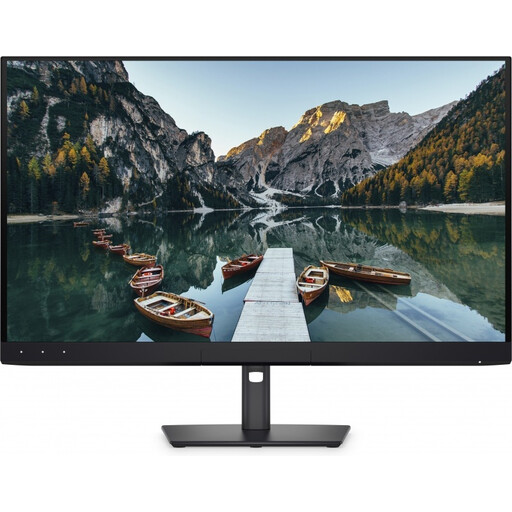 No image available
A good fit if you’re looking for a larger screen and do colour-critical work regularly.
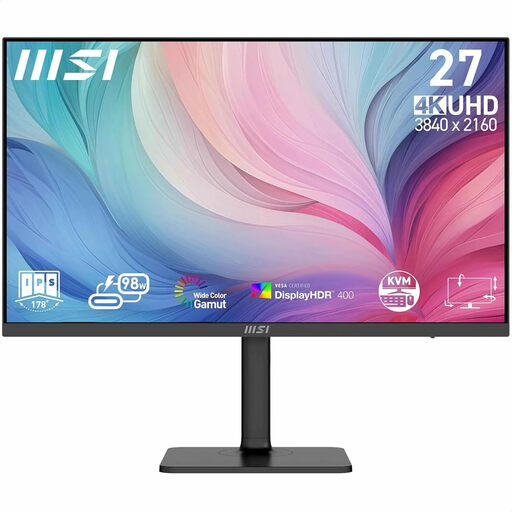 No image available
A 27-inch option for anyone who wants to review a landing page and browser preview on one screen.
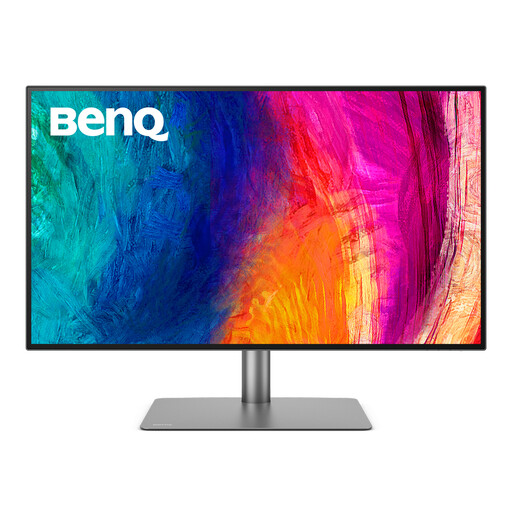 No image available
A good fit if you want to view your design, browser preview and panels side by side on a larger screen.
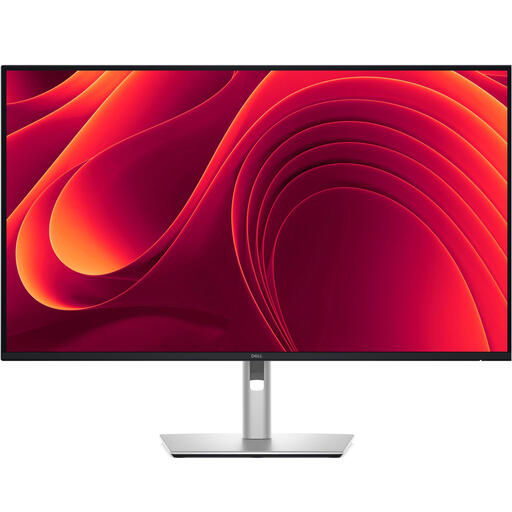 No image available
A larger 4K screen for anyone who wants to use design tools and a browser preview side by side.
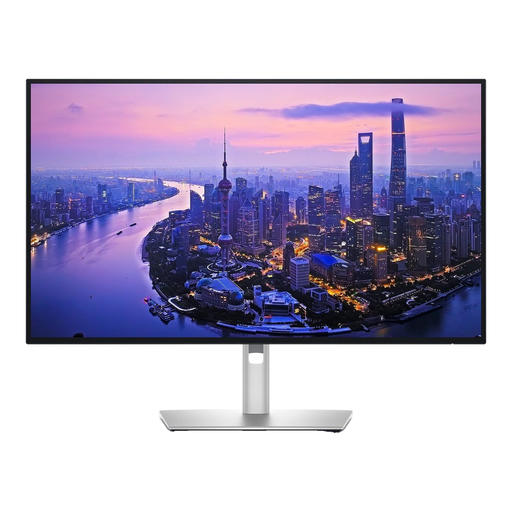 No image available
A more compact 27-inch screen for anyone who values design detail and an anti-glare surface.
No, not if the window is reflected directly in the screen. The Arboportaal advises keeping your line of sight parallel to the window and using blinds or other window coverings if needed. Then compare the quoted brightness and finish of different monitors.
Position and adjust the screen to reduce reflections in your workspace. The Arboportaal also sets out requirements for employees’ workstations; specific conditions apply to laptop use, among other things, if you work at a screen for more than two hours a day. These employment rules aren’t a universal product specification for every private buyer.
LG lists support for hardware calibration through LG Calibration Studio and says the software isn’t included in the box. Before buying, check which software and other items you’ll need for your way of working.
According to the Rijksoverheid, online purchases from a business usually come with a 14-day cooling-off period, although there are exceptions. The European Commission states that electronic displays, including computer monitors, are covered by EU energy labelling rules.