
You watch TV beside tall windows during the day
You regularly watch concert films while daylight falls on or around the screen. Visibility in dark scenes and distracting reflections are both worth considering when you choose a TV.


If you have tall windows and regularly watch TV during the day, it’s worth checking how well the specific model handles reflections as well as how bright it gets. A bright screen won’t necessarily prevent reflections. Mini LED is often a sensible choice for a bright room, while OLED can be appealing for its deep blacks and wide viewing angle if you can control the incoming light. Also check that the TV supports the HDR formats used by your concert films, works with your audio equipment and suits your viewing distance.
You regularly watch concert films while daylight falls on or around the screen. Visibility in dark scenes and distracting reflections are both worth considering when you choose a TV.
You want to listen to concert audio through a soundbar or another audio system, so you check in advance that the TV and your equipment can be connected.
Black levels, contrast and viewing angle matter to you, but you weigh these preferences against the daylight in your room.
A good fit if: you watch during the day and can’t easily avoid the light from your windows. Compare how well each model handles reflections and how bright it gets.
Trade-off: Mini LED dims the picture in zones. Also check that the TV supports the HDR format used by your films.
A good fit if: you value black levels and viewing angle above all, and can keep windows out of the screen’s reflections by adjusting the TV’s position or using window coverings.
Trade-off: Brightness and reflection handling vary by model. Compare the version you’re considering with the light levels in your room.
| What to consider | What to check before buying | Who is this important for? |
|---|---|---|
| Reflections in daylight | Check how the specific model handles reflections and consider the position of the window in relation to where you sit. | If I watch during the day with tall windows, I want to be able to see dark concert scenes without the window’s reflection getting in the way. Around 40% of consumers say daytime visibility is their main consideration. |
| Connecting audio equipment | Check for HDMI-ARC or eARC on both the TV and your soundbar or audio system. If you have older equipment, check whether an optical connection will work. | If I want to listen to concert audio through my own equipment, the connection needs to work with both devices. Around 30% of consumers give audio connectivity the highest priority. |
| Contrast and HDR | Compare dark and bright scenes in your usual room lighting, and check that the TV supports the HDR format used by your film. | If details in dark stage scenes matter to me, I want to take black levels and the HDR format of my films into account. Around 20% of consumers put film contrast first. |
| Screen size and energy use | Measure your viewing distance and available space. Compare the energy label of the specific models you’re considering, including for HDR. | For my usual seat, I’m looking for a screen size that suits the room, and I want to compare energy use. Around 10% of consumers give screen size and running costs the highest priority. |
Reflections from tall windows can still be visible, especially in dark concert scenes. Brightness alone doesn’t tell you how the screen will perform in your room.
Compare both reflection handling and brightness for the specific model, and consider where you plan to place it.
TVs and concert films can use different HDR formats. For example, the product information for the Samsung QN90F doesn’t list Dolby Vision support, while Philips lists this format for the 65MLED910/12.
Check which formats your concert films use and which ones the specific TV supports.
A large screen won’t necessarily be the right size for your viewing distance and available space. Screen size and settings can also affect energy use.
Measure the viewing distance and the space available for a stand or wall mount, then compare the energy labels of the models you’re considering.
A larger screen may use more electricity; energy use depends on the model, how you use it and your energy tariff.
The 65-inch QN90F is a Mini LED model worth considering if window light is a concern.
The OLED65G55LW from the G5 series is an OLED option for anyone weighing up black levels and viewing angle.
The 65MLED910/12 is a QD Mini LED model with Ambilight.
The BRAVIA 7 range offers a Mini LED option to compare.
The C7K series includes QD Mini LED models in a range of screen sizes.
These Joybuy products are Mini LED and related TV options to compare for watching concert films in daylight. Check the relevant screen features, HDR formats and connections for each model.
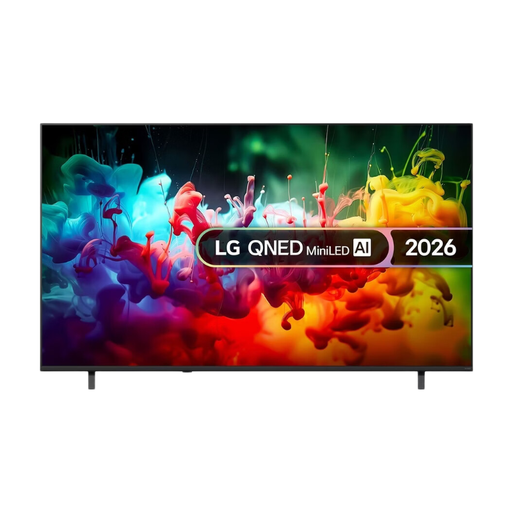 No image available
A 75-inch 4K TV with Mini LED, for anyone considering a large screen for films in a bright room.
75 inches; 4K; Mini LED; 2026.
 No image available
A 55-inch QD Mini LED TV with listed HDR formats and a 2.1.2 sound system.
55 inches (140 cm); 4K; HDR10+; Dolby Vision and Dolby Atmos; 144 Hz; integrated 2.1.2 sound system.
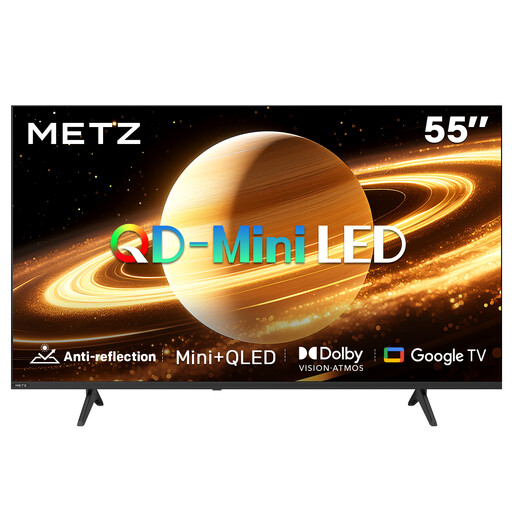 No image available
A 55-inch QD Mini LED model with a matte screen finish. Compare this feature with the window reflections in your room.
55 inches; 60 Hz; Dolby Vision and Dolby Atmos; HDMI 2.1; Google TV; matte screen finish.
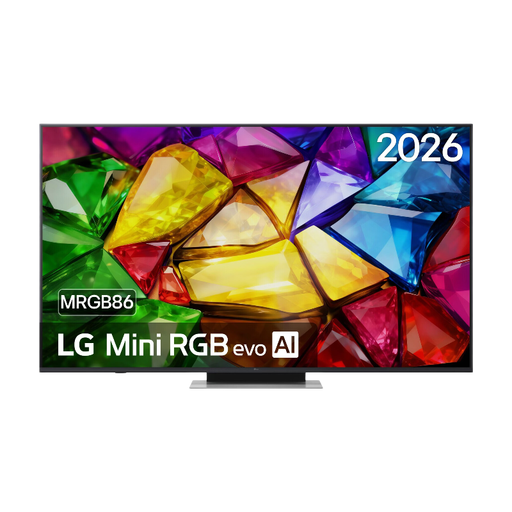 No image available
A Mini RGB evo TV to compare if you want to check how it connects to your own audio equipment as well as consider the picture.
Model: 65MRGB86B9A; Mini RGB evo.
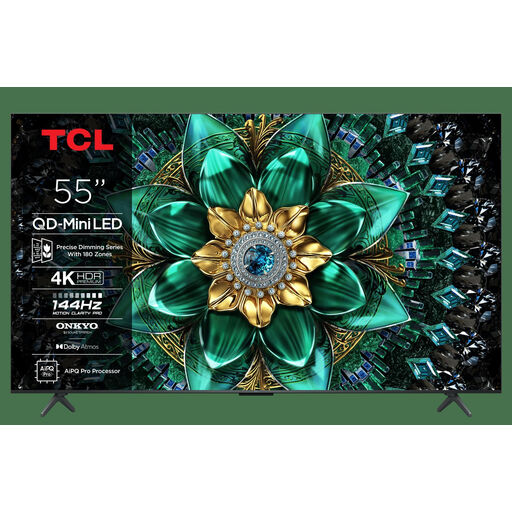 No image available
A 55-inch 4K Mini LED TV with listed HDR and audio features. Check which ones suit your films and audio setup.
55 inches; 4K; Dolby Vision IQ and Dolby Atmos; Onkyo 2.1; 144 Hz; HDMI 2.1; Energy Class F.
No. As well as brightness, check how the specific screen handles reflections and consider the position of the window. Even a TV designed for bright rooms can reflect light.
Check that both the TV and soundbar have HDMI-ARC or eARC, then use the connection marked for this on the TV. If this connection isn’t available on both devices, optical audio may be an alternative, though the controls may work differently.
Watch a familiar scene with both light and dark areas in the lighting you usually watch in. Consumentenbond recommends using your usual lighting; then adjust the picture so that details remain visible in both areas.
The European energy label for TVs includes information about energy use under normal viewing and in HDR. According to the Netherlands Authority for Consumers and Markets, the seller is responsible if a consumer product doesn’t meet what you could reasonably expect from it. A commercial guarantee doesn’t replace your statutory rights.
For a new TV bought online, ACM ConsuWijzer says you generally have a statutory 14-day cooling-off period after delivery. Check the conditions for unpacking, trying out and returning the TV in advance.