What should you look for when choosing?
OLED
A good fit if: your guests sit at an angle and the room is relatively dark during the race. Consumentenbond generally describes OLED TVs as offering wider viewing angles and deeper blacks.
Bear in mind: a suitable mini-LED TV may be a better fit in a brightly lit room. Check reflections on the specific OLED model.
Mini-LED or LCD
A good fit if: the room stays lit. RTINGS more often lists mini-LED TVs as an option for bright rooms.
Bear in mind: the technology doesn’t guarantee a wide viewing angle. Assess the model you choose from the side seats.
First decide which factor matters most for your setup, then check the specific model and the event you want to watch.
| What to consider |
What to look for |
Who it matters to |
| Viewing from different seats |
View the screen from an angle from the seats at either end and check that everyone can see the full picture. |
If my guests are sitting to the sides too, I want the picture to remain clear from those seats. Around 33% of consumers prioritise viewing from different seats. |
| Clarity of moving race footage |
Watch race footage and camera pans on the model; look for blur, trailing and picture artefacts. |
I want to follow the cyclists and fast camera movements clearly, not just see a high Hz figure on the box. Around 27% of consumers prioritise motion clarity. |
| Picture quality with evening lighting |
Assess reflections and brightness in lighting similar to your own room, and see whether you can move a lamp. |
If the lights stay on during the race, I want to see the picture clearly without distracting reflections. Around 20% of consumers prioritise lighting and reflections. |
| Screen size and access to the broadcast |
Measure the viewing distance and the available space. For the specific race, check the provider, app or channel and whether you need a receiver. |
I want a screen size that suits the viewing distance and to know I can watch the race I want using my equipment. Around 20% of consumers prioritise screen size and access to the broadcast. |
TVs at Joybuy for watching cycling together
This selection includes OLED, QLED and QD-Mini LED TVs in a range of screen sizes. Compare the size with your viewing distance and check the viewing angle, reflections and access to the broadcast you want for each model.
 No image available
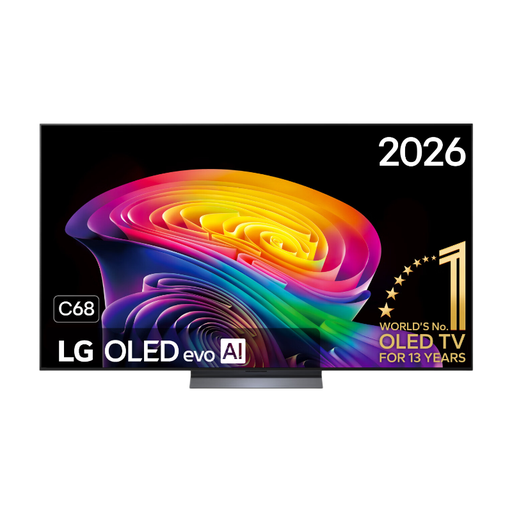
LG OLED65C68LA 65-inch OLED evo 4K Smart TV
OLED may be an option if your guests sit at an angle; check the viewing angle and reflections for this specific model.
65-inch, OLED, 4K and 120 Hz.
View at Joybuy
 No image available
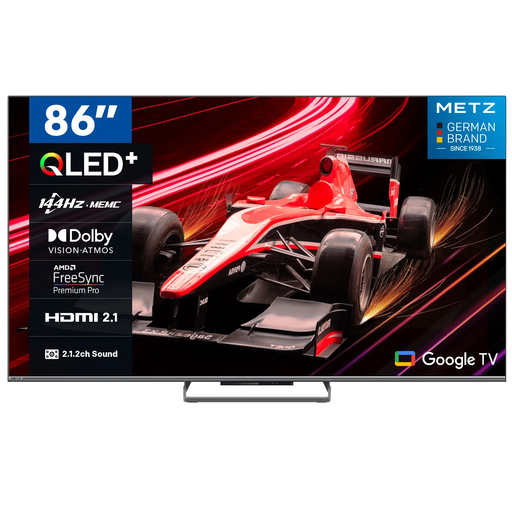
METZ 86MQE8000Z 86-inch QLED Google TV
An 86-inch screen may be a good option if it suits your viewing distance and available space; measure both before buying.
QLED, 4K HDR10+ and 144 Hz.
View at Joybuy
 No image available
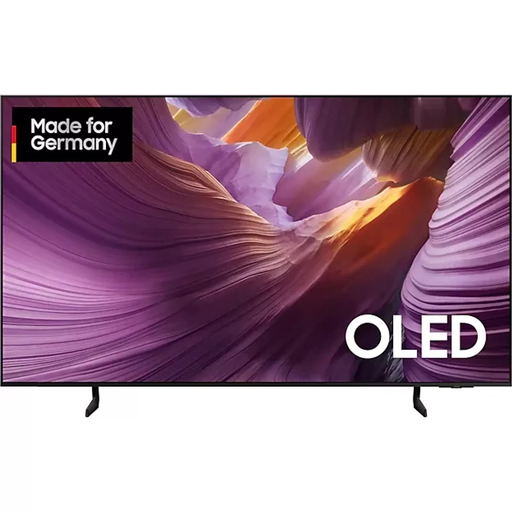
Samsung S85F Series GQ55S85FAU 55-inch OLED 4K TV
OLED is worth comparing if viewers will be sitting in different places; assess the viewing angle for this version.
55-inch and 4K.
View at Joybuy
 No image available
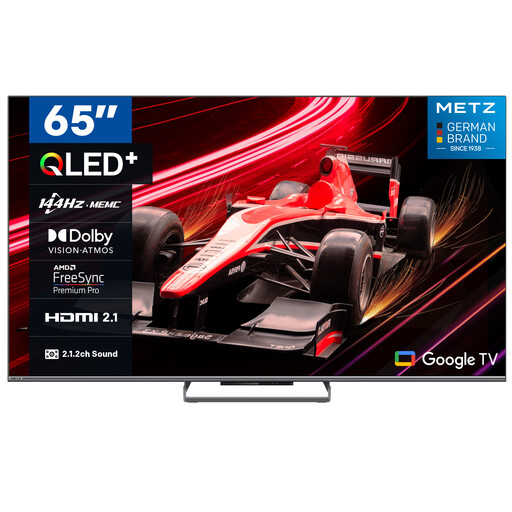
METZ 65MQE8000Z 65-inch QLED Google TV
Compare the 65-inch screen size with your viewing distance, and check which app, channel or receiver you need to watch the race you want.
QLED, 4K HDR10+ and 144 Hz.
View at Joybuy
 No image available
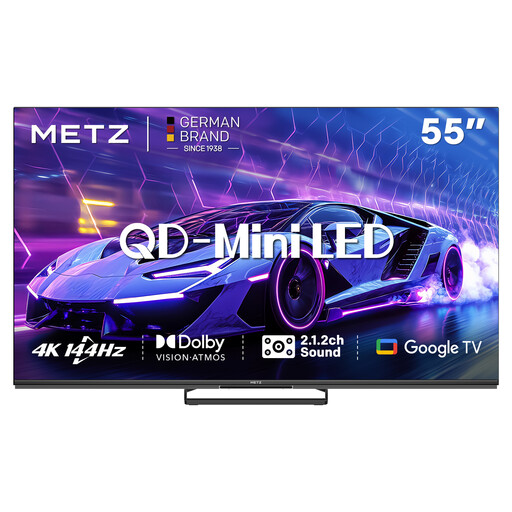
METZ 55MNE8000Z 55-inch QD-Mini LED Google TV
QD-Mini LED is worth comparing if the room stays lit; check reflections and the viewing angle for this model in your own setup.
55-inch, QD-Mini LED and Google TV.
View at Joybuy
Frequently asked questions
Do I need a 4K TV for watching cycling with guests?
No, 4K isn’t essential. The difference you can see also depends on the broadcast resolution and viewing distance. First choose a screen size that suits the seating, then check the picture source.
How can I work out a starting point for screen size?
Measure the distance from the seating and use it as a starting point. Based on its own research, Consumentenbond suggests a general viewing distance of around 2.4 times the screen diagonal. Then check that the screen and setup are comfortable for all your guests.
How can I tell if I can watch the cycling race I want on my TV?
Check the specific race and broadcast with the provider, then make sure you can use the required channel, app or receiver. For various cycling races, Ziggo lists providers including NOS, Eurosport and HBO Max with the sports add-on. This overview doesn’t guarantee a broadcast of a different race or on another date.
What should I check when placing or wall-mounting the TV?
Measure the available width and viewing distance, and allow for seats to the sides. Make sure any wall bracket and installation are suitable for the dimensions and instructions of the exact TV model.
Which Dutch consumer rights and energy information should I know about?
For online purchases, you usually have a statutory 14-day cooling-off period after delivery, subject to legal exceptions, according to ACM ConsuWijzer. The statutory guarantee is separate from a manufacturer’s warranty: if a product develops a fault too soon under normal use, the seller is responsible for offering an appropriate solution. EU rules on energy labels apply to electronic displays. Compare models using the label and the accompanying product information from the European Commission.


