
Country music fan at a fixed desk
Wants to listen to vocals and instruments from a computer through a stereo pair. Check in advance that you have room for two speakers and that their connections suit your audio source.


For playing country music from a computer at a fixed workstation, an active stereo pair or a compact PC speaker set could be a good fit, provided the connections match your computer. If you want to stream music around your home using an app, Wi-Fi is another option. Check the space available, how you’ll set everything up, and whether you’ll need any adapters or cables.
Wants to listen to vocals and instruments from a computer through a stereo pair. Check in advance that you have room for two speakers and that their connections suit your audio source.
Looking for speakers for music and computer audio on a smaller desk. Check which audio connection and power supply the set needs.
Wants to control music from a phone or music service and is considering Wi-Fi or a speaker that can be moved from room to room.
Start with your audio source and listening spot: a computer and a fixed desk setup need different connections from Wi-Fi streaming. Consider a speaker with a battery if you’ll be moving it regularly.
| What to consider | What should you check? | Who is this important for? |
|---|---|---|
| Stereo placement | Measure to see whether two speakers will fit, and compare their connections with those on your computer or other music source. | If I want to listen to vocals and instruments from my computer in a fixed spot, I’ll consider where to place both speakers. Around 33% of consumers put stereo placement first. |
| Space and power | Check the dimensions, the audio connection available, and how many USB ports the set needs or what type of power supply it requires. | With a crowded desk, I want to know whether the set will fit and connect to my computer. Around 27% of consumers prioritise a compact size and a PC connection. |
| Wi-Fi or Bluetooth | Check that your playback device and music service work with the connection you choose, and whether you’ll need to install an app. | If I want to control music through an app or across several rooms, I’ll look at the home streaming features. Around 20% of consumers put home streaming first. |
| Portability and volume | For a portable model, check the stated battery life and charging method; choose a listening volume that suits your home. | If I want to carry the speaker between rooms, a fixed desk setup may be less practical. Around 20% of consumers prioritise portability. |
For the Creative Pebble Pro, Creative states that reaching a maximum of 30 W RMS via USB audio requires connections to both the USB-C audio port and the separate USB-C PD power port.
Check the connections and power requirements for the exact version before ordering.
The Sonos Era 100 requires a separate Sonos adapter and a compatible audio cable for its line-in connection.
Check the output on your computer or other source, and remember to allow for the required adapter and cable.
A battery-powered speaker is designed to be moved. A fixed stereo or Wi-Fi setup may be a better fit if you mainly listen at your desk.
First decide whether you really want to move the speaker between locations, then compare the connections you’ll need at your desk.
Edifier describes the R1280DBs as an active stereo pair with Bluetooth, two line inputs, and optical and coaxial inputs.
Audioengine describes the A2+ Gen 3 as a compact stereo pair with USB-C audio, Bluetooth and an analogue input.
Creative lists USB-C audio, Bluetooth and an AUX connection for the Pebble Pro.
Sonos lists Wi-Fi, Bluetooth, AirPlay 2 and an optional analogue line-in connection for the Era 100.
These Joybuy products are aimed at desk use, with stereo speakers, compact PC audio and a few alternatives for portable use or Wi-Fi streaming.
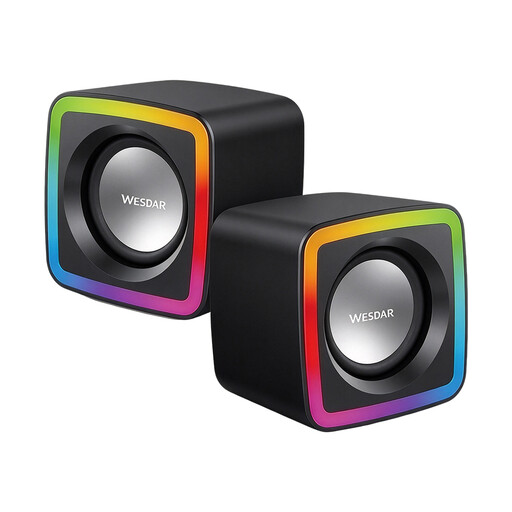 No image available
A pair of speakers for listening to music at your desk.
Dimensions: approx. 72 × 73 × 65 mm per speaker.
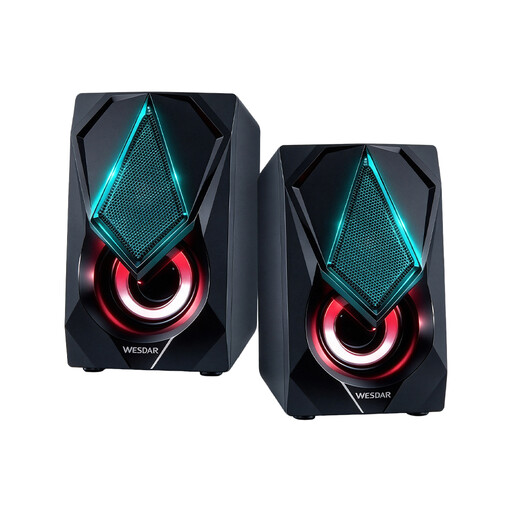 No image available
A stereo desktop set for listening to music when you want a compact desk setup.
Dimensions: approx. 120 × 72 × 88 mm per speaker.
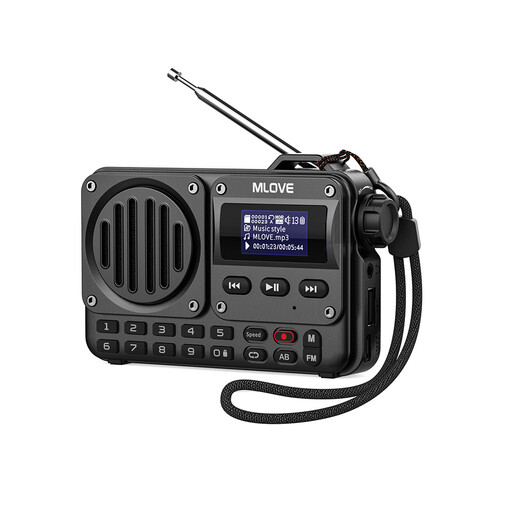 No image available
An option for playing music over Bluetooth in places where you don’t want to use a fixed desk setup.
The product description lists a built-in battery and up to 20 hours of playback, as well as AUX, USB drive and TF card support.
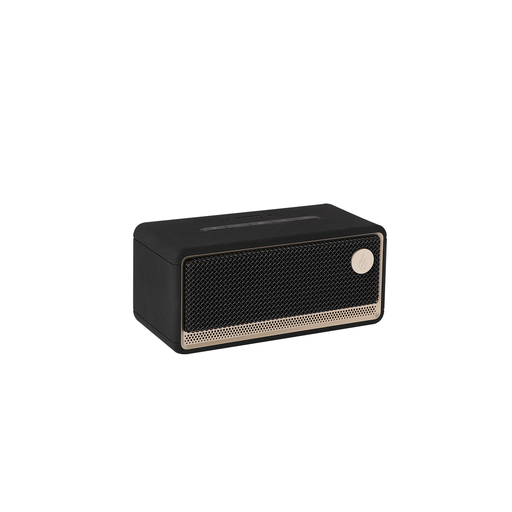 No image available
The listed Wi-Fi, app and multi-room features are suited to home streaming.
The product information lists Wi-Fi, Bluetooth, AirPlay 2, USB and AUX.
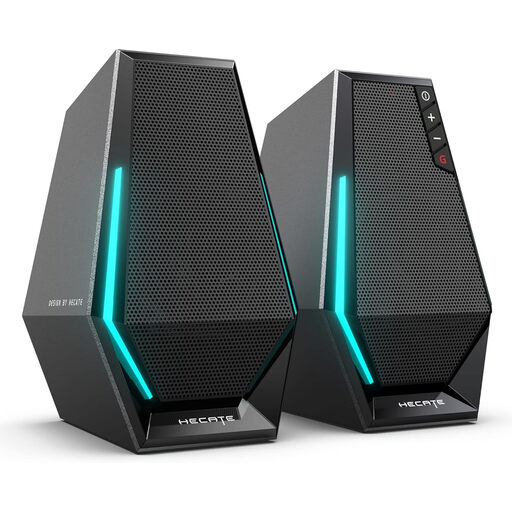 No image available
A desktop stereo set with connections for computer or phone audio.
The product description lists USB, 3.5 mm AUX and Bluetooth 5.3.
No, not if you choose a speaker with a connection that suits your computer. An active stereo pair might use USB-C audio, an analogue input or Bluetooth, for example. Choose Wi-Fi if you want the associated home streaming and control features.
Not before the initial setup: Sonos says you need to set up the Era 100 using the Sonos app over Wi-Fi first, then pair a Bluetooth device.
Make room for your chosen setup and try out the positioning from your usual listening spot. Audioengine recommends experimenting with different positions, as rooms and personal preferences vary. So don’t assume one particular angle or distance is essential for every model.
Don’t assume there’s one permitted volume that applies to every home. The Dutch government advises people to discuss things with their neighbours first if noise is causing a nuisance, for example by agreeing on when music can be played.