
Vandaag of morgen in huis

Kwaliteit gegarandeerd

Welkomstaanbiedingen ontgrendelen: GRATIS bezorging | Tot 80% korting | Gratis 30 dagen JoyPlus-proefperiode
Download de app
A sleek PC build without a mess of cables. For many PC builders, that's the ultimate goal. Corsair addresses this with the iCUE LINK system, a technology that drastically simplifies connecting components like fans. Instead of running a separate cable for each fan to your motherboard or a controller, you can now easily daisy-chain them together. This not only results in a cleaner system but also makes installation significantly faster.
But which type of iCUE LINK fan is right for your build? Choosing between the QX, LX, and RX series can be tricky. This article will help you understand the differences and make an informed decision for your setup.
Before we dive into the specific models, here are a few key considerations to help you choose the right fan for your situation.
Not all fans are created equal. Performance is often expressed in two key metrics:
white case fan that needs to blow air through your case without obstruction.So, consider carefully where you plan to place the fan. You'll need a different type of fan for a radiator than for general airflow in your case.
Nobody likes a PC that sounds like a jet engine taking off. Therefore, pay attention to the noise level, expressed in decibels (dB). The Corsair iCUE software gives you precise control over fan speed via PWM support. This allows you to find the perfect balance between cooling performance and quiet operation. Models with bearings like magnetic levitation (found in the LX series) are often designed for quieter and more durable performance.
The biggest advantage of this series is the LINK system itself. You only need a single cable to connect an entire chain of fans (and other compatible components) to a central hub. This makes cable management significantly easier. Many users start with a pc fan 3 pack, as these starter kits often include the required iCUE LINK System Hub.
Below is an overview of three popular 120mm RGB fan models from the iCUE LINK series. We'll highlight the specifications and intended user to help you with your choice.
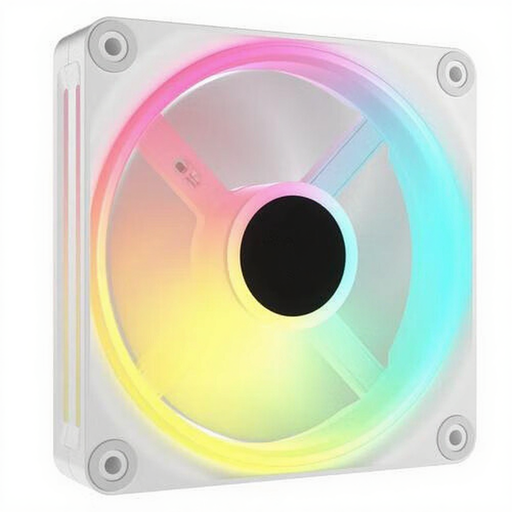
Why this model stands out: The Corsair QX120 is a versatile choice that offers a great balance between aesthetics and performance. What makes this model unique are the RGB LEDs placed on both sides of the fan frame, making the lighting effects visible from any angle.
Specifications:
Who is this for? This is an excellent all-rounder for PC builders who want both powerful cooling and striking RGB lighting. The QX120 performs well as a case fan and can also be used on radiators, making it a flexible option for most builds.
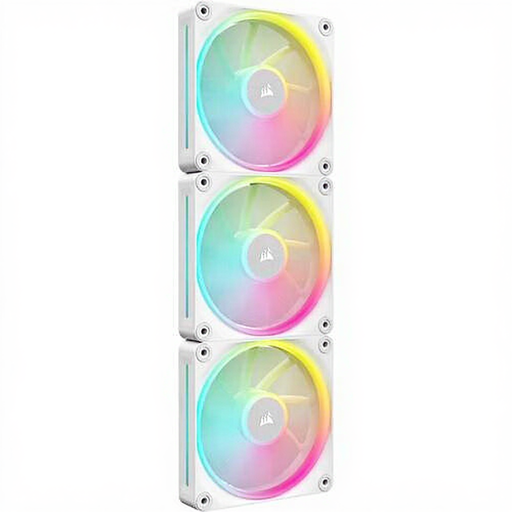
Why this model stands out: The Corsair LX120 is aimed at users seeking premium build quality and the quietest possible operation. According to the manufacturer, its magnetic levitation bearing ensures minimal friction, resulting in lower noise levels and a longer lifespan.
Specifications:
Who is this for? The LX120 is ideal for those who prioritise quiet pc cooling without compromising on performance. Thanks to its high static pressure, this model is particularly well-suited for use on radiators in an AIO or custom water-cooling loop.
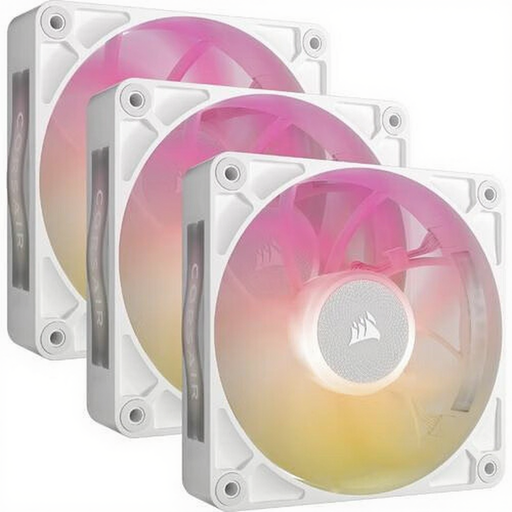
Why this model stands out: The Corsair RX120 is designed with a focus on pure cooling performance. This model delivers high airflow at a relatively lower maximum RPM, indicating an efficient blade design. It's a powerful fan for systems that require maximum cooling.
Specifications:
Who is this for? This fan is the choice for performance enthusiasts. If you have a high-end CPU or GPU that generates a lot of heat and you need maximum airflow through your case, the RX120 is a strong contender.
The iCUE LINK series offers a streamlined experience, but perhaps you're looking for something different. A wide range of cooling solutions is available to match a white build, from fans to complete CPU coolers. If you're curious about other options, check out our extensive selection.
? See More Options for a White PC Cooler Here
Corsair iCUE LINK is an ecosystem that allows you to connect compatible components, such as fans and AIO coolers, using a single cable. This significantly reduces the number of cables in your PC and simplifies cable management. All connected devices are managed through one central hub and the Corsair iCUE software.
Yes, you can use different types of iCUE LINK fans in a single system and connect them to the same iCUE LINK System Hub. The iCUE software will recognise each model, allowing you to configure them individually or as a group for speed and lighting.
Yes, to use the iCUE LINK system, you need an iCUE LINK System Hub. This hub is often included in starter kits (like a pc fan 3 pack) but is also available for purchase separately. The hub is powered by a PCIe power cable and connects to a USB header on your motherboard.
