What should you look for when choosing?
First, check that you can read the text comfortably from where you play. Then choose controls that suit both your device and the game’s level of support.
| What to consider |
What should you check? |
Who should consider this? |
| Compatibility |
Check the full model variant, the devices it works with and whether your game supports a controller. |
If you switch between PC and console, don’t rely on a general compatibility claim alone. Around 36% of consumers prioritise compatibility with their device and game above all else. |
| Readability |
Try adjusting the screen brightness and viewing position before choosing a different type of controls. |
If text is difficult to read in a bright room, first check whether a different viewing position or screen setting helps. Around 29% of consumers put readability in bright conditions first. |
| Comfortable controls |
Compare handheld controls with a separate controller, and check which buttons your game requires. |
If you can already read the screen comfortably, grip, button reach and playing position may determine your choice. Around 21% of consumers prioritise comfort during longer sessions. |
| Power and aftercare |
Check how the exact model is powered and who to contact if it develops a fault. |
If you want to factor in charging, batteries or support, check the product information and the seller’s role. Around 14% of consumers put power and aftercare at the top of their list. |
Joybuy products
These Joybuy product options are suited to different devices and ways of playing. Before choosing, check game support and compatibility with the exact controller model.
 No image available
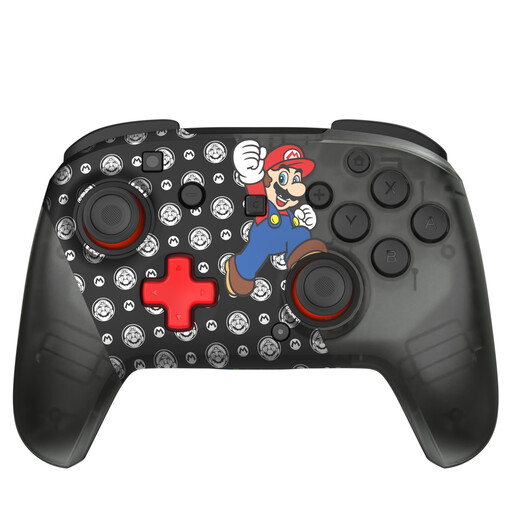
Turtle Beach Rematch Super Mario Jump wireless controller
For wireless control on Switch, Switch 2 or Switch OLED, as stated in the product information.
The product name lists 40 hours of battery life; check the product information for the conditions of use.
The product description mentions two programmable rear buttons and a rechargeable battery.
Joybuy
 No image available
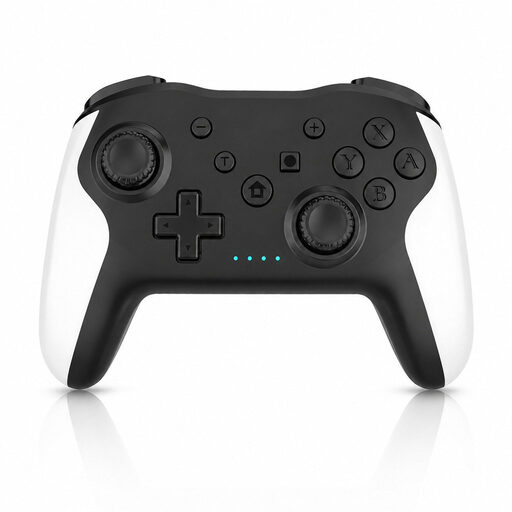
Wireless game controller for Switch and PC
An option to consider if you play on Switch or PC; also check whether your visual novel supports controller controls.
The product description mentions Bluetooth, dual vibration, a 6-axis gyroscope and up to 10 hours of battery life.
Joybuy
 No image available
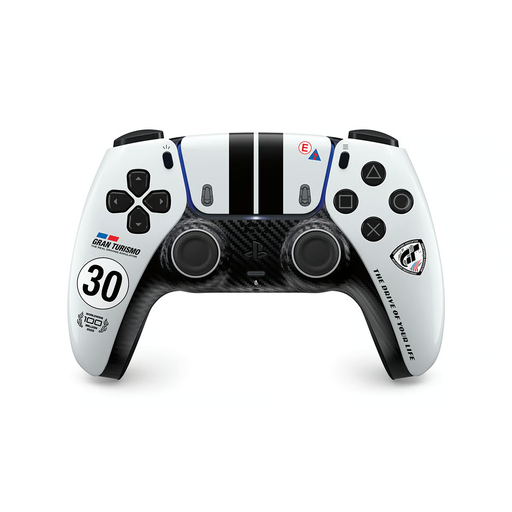
PlayStation DualSense wireless controller – Gran Turismo Limited Edition
For anyone looking for a controller for PS5 who also uses a PC; check support for your specific PC game.
The product description mentions Bluetooth for PS5 and a USB-C connection for PC.
Joybuy
 No image available
GameSir Cyclone 2 – Black-Bundle Edition
An option for use with Switch or PC; check whether each game supports the controls you want to use.
The product description lists Bluetooth, a cable or a wireless dongle as connection options.
The product name mentions TMR sticks and Hall effect triggers; the bundle name is Black-Bundle Edition.
Joybuy
 No image available
Nintendo Switch Pro Controller – black
For separate controls on Nintendo Switch; a controller won’t make the screen brighter, so check readability separately.
Nintendo estimates the original Switch Pro Controller’s battery life at around 40 hours, depending on use. According to Nintendo, it can be used wirelessly with Switch 2, but its HOME button can’t wake the console.
Joybuy
Frequently asked questions
Will a different controller make text easier to read in a bright room?
No, a controller won’t change the screen brightness. For Nintendo Switch, Nintendo explains how to adjust brightness automatically or manually; also check whether you can read the text comfortably from your chosen seat.
Can I play every PC visual novel entirely with a controller?
No, support varies by game. Steam lists Eliza as having full Xbox controller support, while the ASANA demo is listed as having partial controller support. So check the information and controls for the specific title.
Can I use an original Switch Pro Controller with Switch 2?
According to Nintendo, the original Switch Pro Controller can be used wirelessly with Switch 2, but its HOME button can’t wake the console from sleep. Nintendo says the Switch 2 Pro Controller doesn’t work with the original Switch.
What can I do if my controller develops a fault after purchase?
According to the Dutch government, the seller must provide a solution if a product has a problem. For online purchases, the seller must also tell you about the cooling-off period, which is usually 14 days; this period is separate from your rights if a product is faulty.


