
Traveller with one controller
Wants to pack light and first checks that the power supply and charging station are suitable for their controller.


Start by checking the exact controller model, then see what power supply is available in the holiday cottage: a USB port alone doesn’t guarantee compatibility. A USB charging station may suit one supported controller, while a dual-controller dock is most useful if you’re taking two. Also check whether your chosen model needs its own mains adapter.
Wants to pack light and first checks that the power supply and charging station are suitable for their controller.
Wants to charge two compatible controllers in one place and checks whether the station works without being connected to the console.
Wants to avoid taking a holder for the wrong Joy-Con generation.
First check that the charger is compatible with your controller, then consider which power connection and charging capacity will suit your stay.
| What to consider | What should you check? | Who is this important for? |
|---|---|---|
| Compatibility | Compare your full controller model with those listed by the manufacturer. For Nintendo, check the difference between Joy-Con and Joy-Con 2. | If I’m taking a holder with me, I want to make sure it fits my exact controller model first; around 33% of consumers say compatibility is their main concern when buying. |
| Power and luggage | Check the power connection and which cable or adapter is included. Also consider which compatible power supply you can use in the holiday cottage. | If I don’t know which connection will be available where I’m staying, I want to know in advance what power supply and accessories to bring; around 27% of consumers say this is their main concern when buying. |
| Number of controllers | Count how many controllers you want to charge at once and check whether you can play while they’re charging. | If you’re taking two controllers, you’ll want to know whether they can charge at the same time; around 20% of consumers prioritise charging multiple controllers simultaneously. |
| Safe use and what’s included | Check which parts are included and follow the instructions. Don’t use damaged cables, and place the charger somewhere with plenty of space around it. | If I don’t know the charging setup, I want to know which power supply to bring and how to position the charger safely; around 20% of consumers say safe use and a complete set are their main concerns when buying. |
A USB-C connection alone doesn’t mean a holder will fit every controller. For example, Microsoft says its battery and cable kit is for Xbox Wireless Controllers with a USB-C port; Nintendo states that the Joy-Con 2 Charging Grip doesn’t work with original Joy-Con.
Before buying, check the full controller model and the manufacturer’s compatibility information.
The PowerA Solo version is described as including a USB cable, while Sony lists an adapter and mains cable for the CFI-ZDS1.
Compare the listed box contents with the connections available for you to use in the holiday cottage.
A USB-powered station may mean you need to bring a suitable USB power supply yourself.
Nintendo distinguishes between the standard grip and the charging versions for the original Switch and Switch 2.
Check that it’s a charging grip and that it’s designed for your Joy-Con generation.
The Nintendo Joy-Con 2 Charging Grip is sold separately.
The CFI-ZDS1 charging station can charge up to two DualSense or DualSense Edge controllers.
Its range includes a USB-powered Solo Charging Station and a dual charging station for DualSense controllers.
Offers a rechargeable battery with a USB-C cable as an alternative to a dock, for Xbox Wireless Controllers with a USB-C port.
Offers model-specific charging grips for original Joy-Con and Joy-Con 2.
Venom says the VS2881 Twin Docking Station is designed for Xbox Series X|S and Xbox One controllers.
This selection includes Joy-Con charging solutions for different Switch generations and a DualSense charging station for PlayStation 5. Check that each product is suitable for your controller and the power supply available to you.
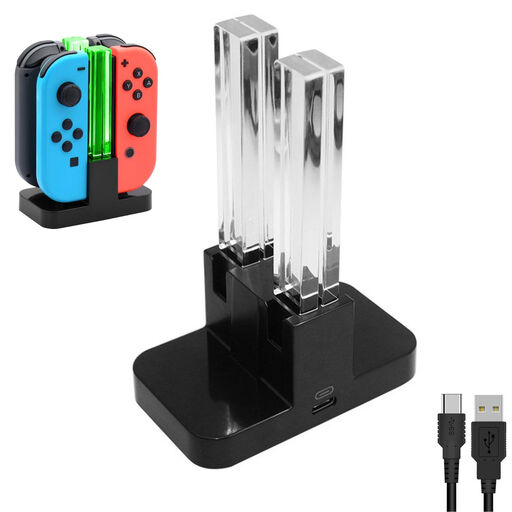 No image available
An option if you’re looking for a charging station for Switch controllers; check that it’s compatible with your controllers.
The product name specifies a 4-way charger.
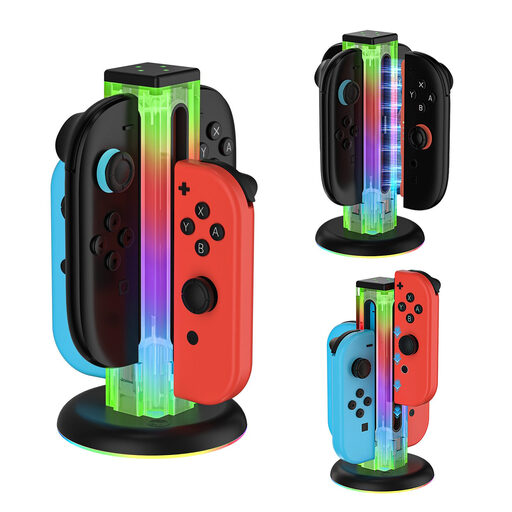 No image available
A good fit if you’re looking for a charging station for Joy-Con controllers and use one of the Switch systems listed in the product name.
Before buying, check that the stated compatibility covers the generation of Joy-Con you want to charge.
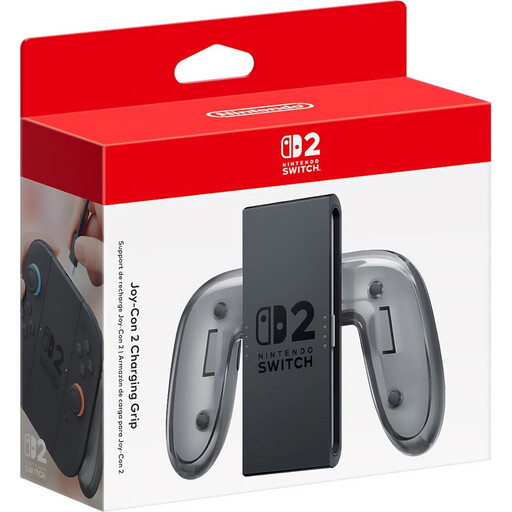 No image available
For charging Joy-Con 2 while you play; the product name identifies this model as a charging grip for Switch 2.
Check that you can use a suitable USB-C power supply.
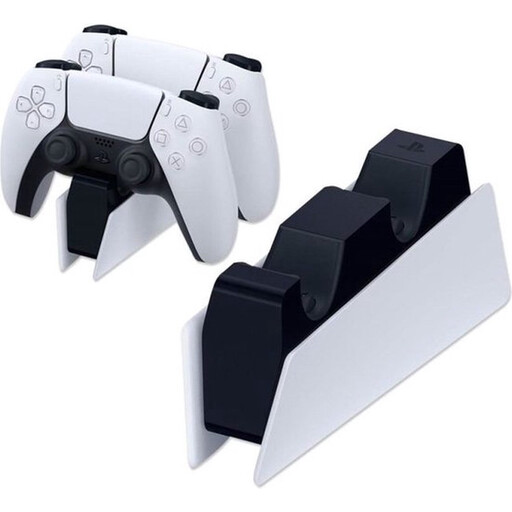 No image available
A charging station for PlayStation 5 DualSense controllers; check that the model-specific compatibility suits your controller.
The product name specifies DualSense and PlayStation 5.
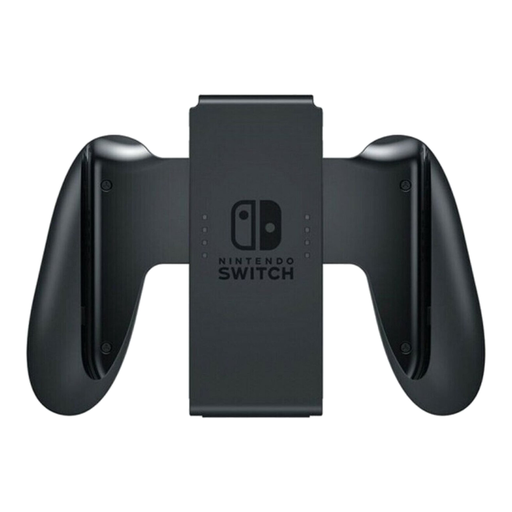 No image available
For charging Joy-Con controllers while you play; the product name identifies this as a charging grip for Nintendo Switch.
Check that the grip is suitable for the Joy-Con generation used with your Switch.
No. Check both the controller model and the power connection. Microsoft says its battery and cable kit is for Xbox Wireless Controllers with a USB-C port; Nintendo states that the Joy-Con 2 Charging Grip doesn’t work with original Joy-Con.
Nintendo lists the Switch 2 power supply as an alternative to the USB connection on the Switch 2 grip. Check that the power supply you plan to use is suitable for this setup.
Follow the instructions for your chosen model. Sony says to use the adapter and mains cable included with the CFI-ZDS1; the Netherlands Fire Service advises placing chargers in an open area and not using damaged cables.
If a product is faulty, you have a statutory guarantee from the seller, in addition to any manufacturer’s warranty. ACM ConsuWijzer says that online product purchases generally come with a cancellation period of up to 14 days after delivery; check the relevant exceptions and returns policy.