What should you look for?
Check compatibility and battery type first, then choose between a cable and a dedicated dock. Finally, make sure there’s a dry, clear spot for it on your worktop.
| What to consider |
What should you check? |
Who is this most important for? |
| Compatibility and battery type |
Check the full controller model, the battery type and whether a battery is included. |
I want to be sure this solution will charge my specific controller; a compatible plug alone doesn’t guarantee that. Around 34% of consumers prioritise compatibility and battery type. |
| Safe charging on the worktop |
Choose a dry spot away from areas where spills might occur, and don’t use a damaged charger or cable. |
If the charging spot is in the kitchen, I want to keep the charger away from moisture and leave it in the open. Around 33% of consumers consider a dry, safe spot the most important factor. |
| Space and charging bays |
Compare how much space the dock takes up with the number of controllers you want to charge at once. |
I want to keep my controllers in one dedicated spot and charge them together if needed, without using more worktop space than I have available. Around 20% of consumers focus mainly on space and charging capacity. |
| Included accessories and aftercare |
Check which battery, cable and power supply are included, and who is listed as the seller. |
I want to know in advance which other parts I might need and who to contact if something goes wrong. Around 13% of consumers give extra accessories and aftercare top priority. |
Charging stations at Joybuy
This selection includes charging stations for Xbox controllers, Joy-Con and PS5 DualSense. Check that the grip and included battery in each version are compatible with your controller.
 No image available
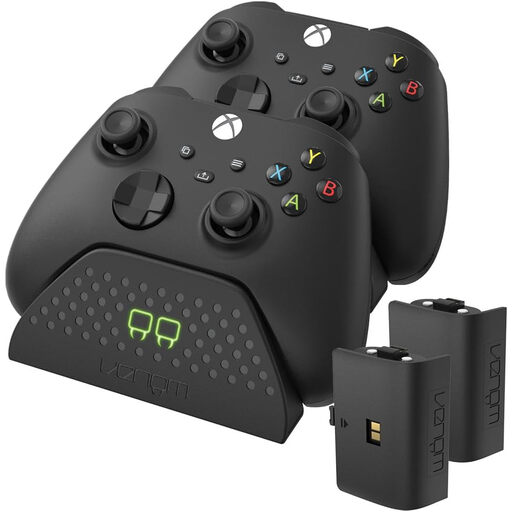
Venom Dual Charging Station with 2 batteries, Xbox Series/Xbox One
The product description lists a dedicated charging spot for two Xbox Series X|S or Xbox One controllers, plus two rechargeable batteries.
It also mentions a charging cable and charging indicators. Keep the charging station away from liquids, as stated in the product warning.
View at Joybuy
 No image available
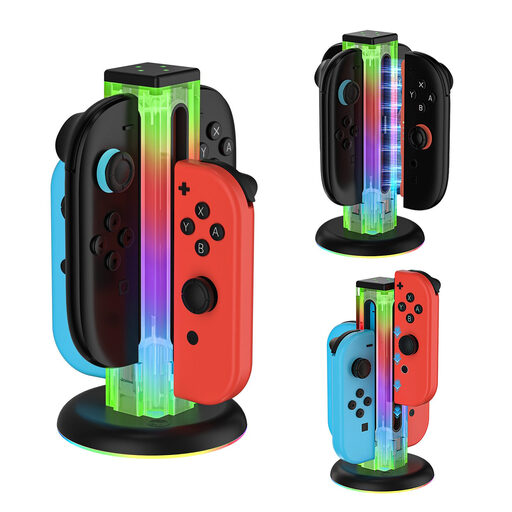
4-in-1 charging station for Joy-Con controllers, Switch series and Switch 2
The product description lists up to four charging bays, with a magnetic connection for Switch 2 Joy-Con and a slide-in design for original models.
Before ordering, check that the version and connection are compatible with your generation of Joy-Con.
View at Joybuy
 No image available
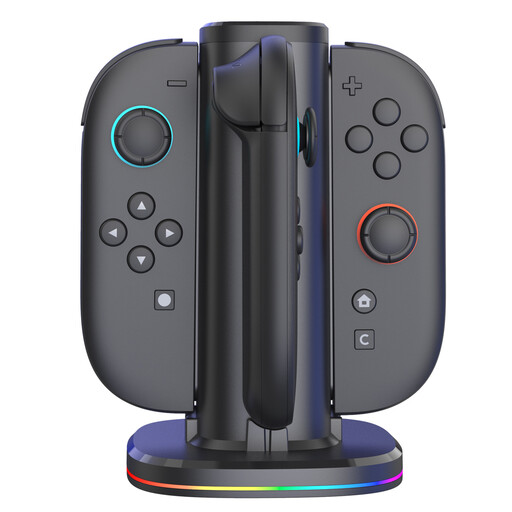
Four-way charging station for Switch 2 Joy-Con, with RGB lighting
The product description lists space for up to four Switch 2 Joy-Con controllers and magnetic attachment.
Charging indicators and adjustable RGB lighting are also mentioned; check that your controllers are compatible with the specified Switch 2 version.
View at Joybuy
 No image available
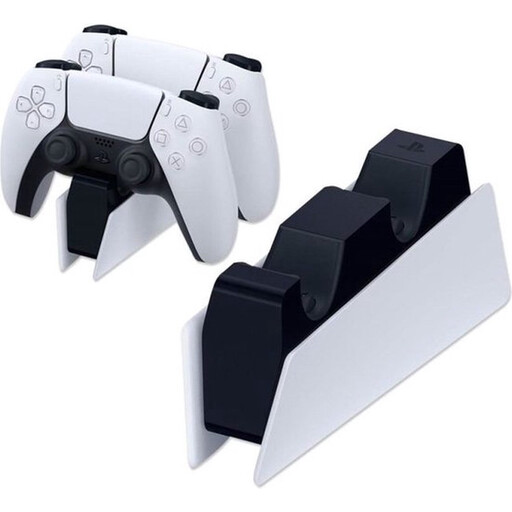
Sony PlayStation 5 DualSense Charging Station (EU) (PS5)
The product information says it can charge up to two DualSense controllers at once, with a mains adapter and power cable included.
Check the full model number in the listing and keep the station away from liquids, as stated in the product information.
View at Joybuy
 No image available
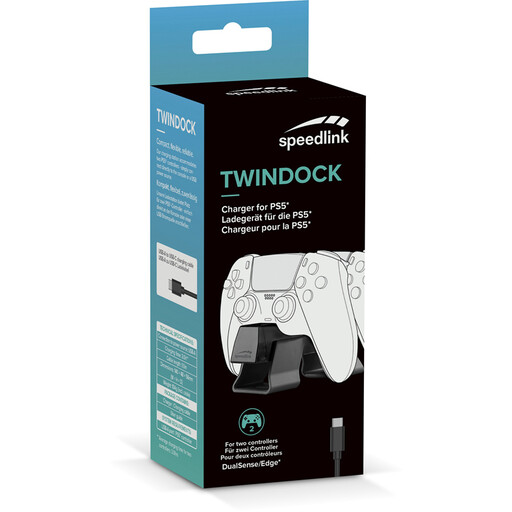
Speedlink TWINDOCK Charger, black (PS5)
The product description says it can charge two DualSense or DualSense Edge controllers at once.
It includes a detachable USB-C to USB-A cable, which can be connected to a console or USB-A power source.
View at Joybuy
Frequently asked questions
Will a standard Xbox controller charge my rechargeable AA batteries via USB-C?
No. Microsoft says rechargeable AA batteries don’t charge inside a standard Xbox controller. Use the charging method recommended by the battery manufacturer; a compatible rechargeable Xbox battery pack is a different solution.
Can I use a Joy-Con 2 charging grip with original Switch Joy-Con?
No. Nintendo says the Joy-Con 2 charging grip isn’t compatible with Nintendo Switch Joy-Con. Check which generation of Joy-Con the grip is designed for.
Where should I put a controller charger on a kitchen worktop?
Choose a dry spot away from spills and leave the charger in the open so it can release heat. The Netherlands Fire Service also advises against using damaged cables or chargers, and recommends following the instructions.
Is CE marking required for an electrical charging station in the Netherlands?
According to the Netherlands Food and Consumer Product Safety Authority, CE marking is required for electrical products. A visible mark alone doesn’t prove that a specific item is safe or compatible with your controller.
What can I do if my charging station bought online doesn’t work properly?
If a product is faulty, the seller in the Netherlands is your point of contact for your statutory guarantee rights; a manufacturer’s guarantee doesn’t replace these rights, according to the Dutch government. For a standard product bought online, you’ll generally also have a statutory cooling-off period of up to 14 days after delivery, with some exceptions.


