What should you look for when choosing?
Mac mini
A good fit if: your workflow requires macOS or you want to inspect web content on a connected iPhone using Safari Web Inspector.
Bear in mind: check your other software, the ports and the storage you need. You may need to buy a display and peripherals separately.
Compact Windows desktop
A good fit if: you want to use Windows software and save desk space.
Bear in mind: check the video ports, display compatibility and features of the exact configuration.
Larger Windows tower
A good fit if: desk space is less of a concern and you want to explore the flexibility of a larger model.
Bear in mind: check which components can actually be upgraded in each configuration. The product family name alone won’t tell you.
First, decide which programmes and testing methods you use. Then compare the configuration and the complete workstation. The percentages in the table reflect the primary needs listed.
| Consideration |
What should you check? |
Who is this important for? |
| Browser-based design |
Check that your browser and programmes are compatible and that WebGL is enabled. Figma Help Centre lists macOS and Windows for browser use. |
I mainly design in a browser and want to choose a computer suited to that main task. Around 37% of consumers give browser-based design top priority. |
| Image editing |
Compare your Photoshop version with the exact configuration. Adobe recommends at least 8 GB RAM for Photoshop 27.x, and 16 GB or more for the best experience. |
I edit images as well as landing pages and want to factor in that additional task when choosing. Around 27% of consumers prioritise image editing. |
| iPhone inspection |
If you need Safari Web Inspector on a connected iPhone, check the Mac workflow and the connection you’ll need. Apple describes inspecting an iPhone from a connected Mac. |
I want to examine web content on a connected iPhone and need this specific testing method. Around 18% of consumers prioritise inspection on an Apple device. |
| Workstation and upgrades |
Make a list of your display and input devices, then check the ports and whether components can be replaced in each configuration. |
I want to know whether my existing workstation will do and whether I might want to upgrade components later. Around 18% of consumers prioritise a complete workstation and upgrade options. |
Joybuy products for web design at home
This selection includes a Mac mini, compact Windows desktops and an all-in-one desktop for a home workstation. The right configuration for you will depend on your software, storage needs and display setup, among other things.
 No image available
Mac mini M6, 24 GB, 512 GB SSD
A Mac mini could be a good fit if you need Mac software or want to use Safari Web Inspector on a connected iPhone. Apple describes this inspection workflow from a connected Mac.
The product title lists 24 GB memory and a 512 GB SSD.
View at Joybuy
 No image available
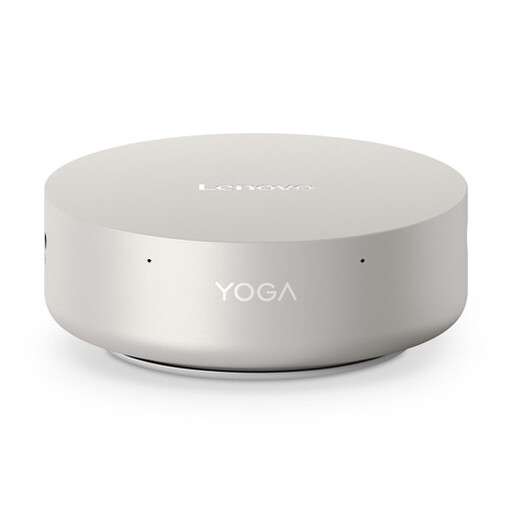
Lenovo Yoga Mini 01IPH11 Copilot+ PC, Core Ultra 5 325, 16 GB, 512 GB SSD
This compact Windows desktop could be a good fit if you use Figma in a Windows browser. Figma Help Centre lists Windows as a supported desktop platform for browser use.
The product title lists Windows 11 Home, 16 GB LPDDR5X and a 512 GB PCIe 4.0 SSD.
View at Joybuy
 No image available
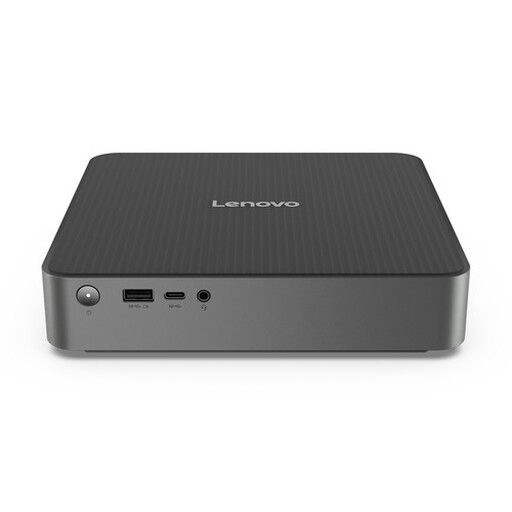
Lenovo IdeaCentre Mini
A compact desktop to consider if you’re looking for a small computer for your home workstation. Before buying, check the configuration, ports and display compatibility.
View at Joybuy
 No image available
MSI CUBI NUC AI 1UMG-005EU, Core Ultra 7 155H, 16 GB, 1 TB SSD
This mini PC could be a good fit if you want a compact desktop with room for local project files. Check that the ports and display setup suit your workstation.
The product title lists 16 GB DDR5, a 1 TB SSD and Windows 11 Pro.
View at Joybuy
 No image available
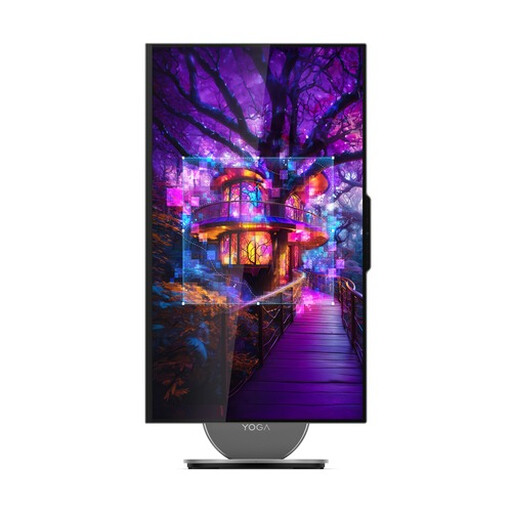
Lenovo Yoga AIO 27IAH10 F0J2001DNY, 27-inch QHD
An all-in-one could be a good fit if you want a desktop with a display built into the same setup. Check that the ports and display specifications suit your work.
The product title lists a 27-inch QHD display with 120 Hz, 16 GB LPDDR5X, a 1 TB SSD and Windows 11 Home.
View at Joybuy
Frequently asked questions
Do I need a Mac for Figma?
No. Figma Help Centre describes browser use on macOS and Windows, among other operating systems. Check that your browser is compatible and WebGL is enabled. Other programmes in your workflow may still determine which platform is right for you.
Is 16 GB RAM essential for designing a landing page?
No, not as a general requirement for this task. If you use Photoshop 27.x, Adobe lists 8 GB as the minimum and recommends 16 GB or more. For more demanding software, check the requirements for the version you actually use.
What should I check if I want to use my existing display?
Check the video outputs on the exact desktop configuration and the inputs on your display. Also check which cables and input devices you already have. Specifications for a product family don’t necessarily apply to every configuration.
Do I need a Mac to inspect an iPhone page with Safari Web Inspector?
Apple describes this inspection workflow using a connected Mac. If you want to examine web content on a physically connected iPhone, check that the Mac workflow and the required connection will work with your setup.
What is the cooling-off period for online purchases in the Netherlands?
According to the Dutch government, consumers buying at a distance generally have a 14-day cooling-off period, with some exceptions. Don’t assume the same consumer rights apply when you’re buying for business purposes.


