
Music worksheet creator
You write instructions and enter notes in notation software. The MuseScore Studio Handbook describes entering notes using a computer keyboard, mouse, MIDI keyboard or virtual piano keyboard.


A computer keyboard is the straightforward choice for typing text, formatting and using notation shortcuts. A MIDI keyboard is most useful if you want to play notes in and your notation software supports MIDI input. Then consider the desk space you need, the keyboard layout and the connection: a MIDI keyboard takes up extra room and won’t replace your computer keyboard.
You write instructions and enter notes in notation software. The MuseScore Studio Handbook describes entering notes using a computer keyboard, mouse, MIDI keyboard or virtual piano keyboard.
You want to leave room for your mouse and other work materials, while taking into account other people working beside you or using the same computer. Features and connections vary between keyboard versions.
You want to enter pitches using piano keys. Check whether your notation software supports MIDI input and whether there’s room for a MIDI keyboard alongside your computer keyboard.
Choose this if: you mainly type worksheet text and enter notes and shortcuts using your computer.
Bear in mind: a compact model may not have a separate numeric keypad, and some keys may require key combinations.
Choose this if: you’d rather play in pitches and your notation software supports MIDI input.
Bear in mind: you’ll still need a way to enter text and control your software. Novation lists the Launchkey Mini 25 MK4’s footprint as 339 × 177 mm.
| What to consider | What should you check? | Who is this important for? |
|---|---|---|
| Keys for notation and text | Try letters, numbers and navigation keys in your notation software. Also check whether your operating system requires Fn key combinations. | If I often write text and enter notes using letters and numbers, I want to be able to use the keys I need easily. Around 36% of consumers give convenient notation input top priority. |
| Space and key noise | Compare the dimensions with the space you need for your mouse and work materials. Treat a description such as ‘quiet’ as a product claim, not a sound measurement. | If I share a desk, I want to leave room for my mouse and minimise disruption to others. Around 29% of consumers prioritise desk space and key noise. |
| Connections and switching | Check Bluetooth access and the USB ports available. BakkerElkhuizen says the UltraBoard 950 Wireless can pair with up to five devices; according to the manufacturer, the wired UltraBoard 950 V2 has USB-C with a USB-A adapter. | If I switch between computers at the same workstation, I want the connection to suit those devices. Around 21% of consumers prioritise connectivity and switching. |
| Playing notes in | Check that your notation software supports MIDI and consider whether there’s room for an extra device alongside your computer keyboard. Novation specifies 25 mini keys for the Launchkey Mini 25 MK4. | If I’d rather enter pitches using piano keys, I want to know whether the software supports the MIDI keyboard. Around 14% of consumers give playing notes in top priority. |
MIDI can be a way to enter notes, but worksheet text and general software controls still require suitable computer input.
Work out how much you’ll type and how much you’ll play in. Then measure whether you have room for both devices.
An extra MIDI keyboard needs extra desk space alongside your computer keyboard.
Compact keyboards may not have a separate numeric keypad, and some navigation actions may require key combinations.
Try the notation and navigation shortcuts on the operating system you use at the shared desk.
A description of a mechanism or quiet keys doesn’t tell you how audible a particular keyboard will be in your workspace.
Try the model yourself if possible, and check the applicable returns policy before buying.
The MX Keys Mini is a compact computer keyboard for entering text and notation shortcuts while keeping space clear beside the keyboard.
The UltraBoard 950 Wireless and UltraBoard 950 V2 Wired are different compact computer keyboards.
The KC 6000 SLIM is a slim computer keyboard with a scissor mechanism.
According to the manufacturer, the B1 Pro is a compact keyboard with Bluetooth, a 2.4GHz receiver and wired connectivity.
The Launchkey Mini 25 MK4 is a MIDI controller for anyone who wants to play notes in as well as enter text.
These computer keyboards are designed for text and keyboard input at a shared desk. Check that the layout and connection of each model suit the way you work.
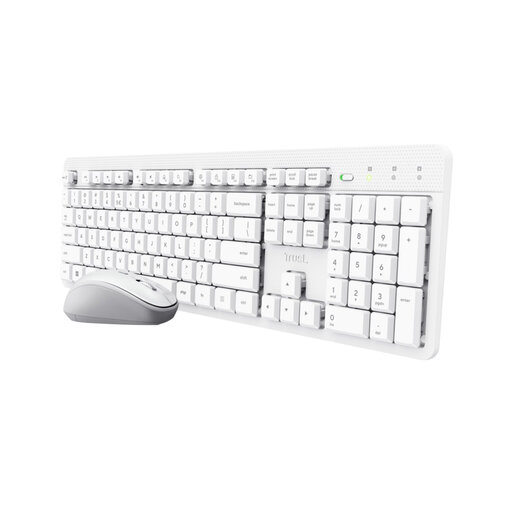 No image available
A computer keyboard for entering worksheet text and controlling notation software at a shared desk.
The product description mentions quiet keys and a wireless RF connection via a USB receiver. The version on offer has a US QWERTY layout.
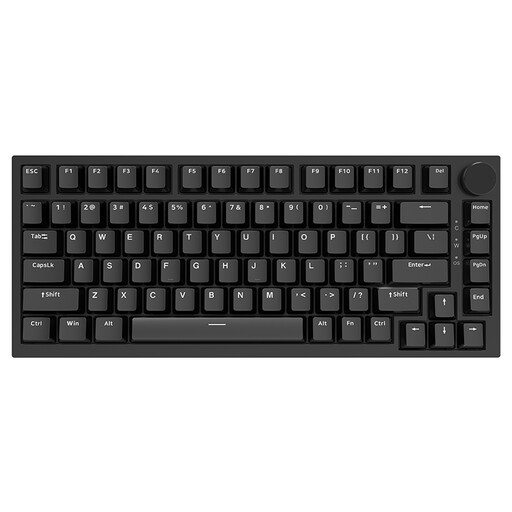 No image available
A wired computer keyboard for text and shortcuts, with a stated compact size for desks where space is limited.
The product information lists a 75% layout, US QWERTY and dimensions of 327 × 136 mm.
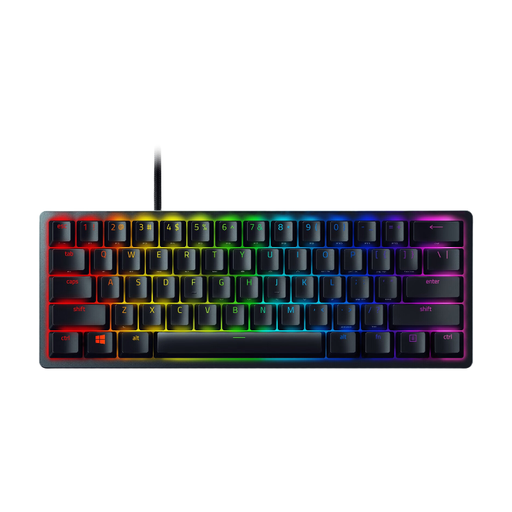 No image available
A compact computer keyboard for entering text and controlling notation software, while making the most of the desk space available.
The product description lists a wired connection, a 60% layout and a detachable USB Type-C cable.
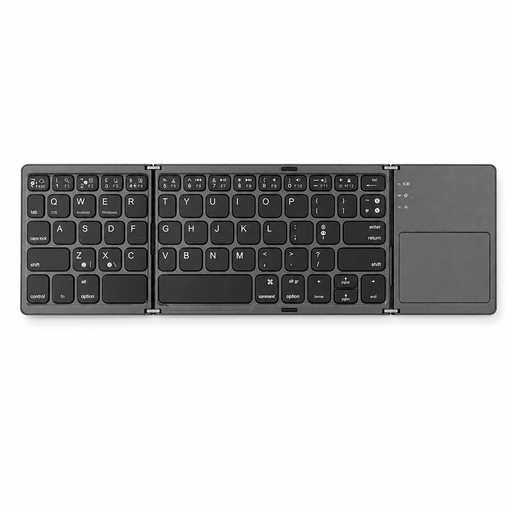 No image available
A keyboard for computer input that folds away when not in use. Check that its size and layout suit the work you need to do.
The product information lists 63 keys and dimensions of 305 × 98 mm when unfolded. The stated folded size is 152 × 97 × 12 mm.
 No image available
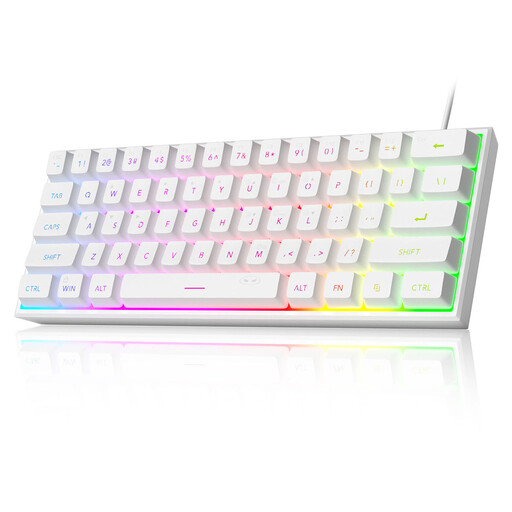
A wired computer keyboard for entering text and notes using computer keys, with a compact size for anyone looking to save space.
The product information lists US QWERTY, 61 keys and dimensions of 29.2 × 10.1 cm. It doesn’t have a separate numeric keypad.
Yes. The MuseScore Studio Handbook describes entering notes using a computer keyboard and mouse; MIDI is an additional input option, not a requirement.
Try the letter and number keys, navigation and any Fn key combinations in your own notation software. If you’re using a wireless keyboard, check that the computer allows Bluetooth; with a wired keyboard or MIDI keyboard, check that the port you need is free.
According to Arboportaal, if you work at a screen for more than two hours a day, the screen and keyboard must not be attached to each other. When using a laptop, it must be possible to use a separate screen or keyboard. This is a workplace requirement that applies under certain conditions, not a general product specification for every buyer.
For a standard online consumer purchase, you generally have 14 days from delivery to change your mind, subject to legal exceptions. This is separate from your statutory rights if a product doesn’t perform as you could reasonably expect under normal use; according to ACM ConsuWijzer, the seller must put this right.