
Vandaag of morgen in huis

Kwaliteit gegarandeerd

Welkomstaanbiedingen ontgrendelen: GRATIS bezorging | Tot 80% korting | Gratis 30 dagen JoyPlus-proefperiode
Download de app
Connecting an extra monitor, adding more storage or making a gaming PC cooler may seem straightforward. However, incorrect connections, limited space and unclear product specifications regularly lead to disappointing purchases. Computer hardware and accessories must not only suit your requirements, but also be compatible with your existing system.
The main pitfalls are:
For a Thunderbolt 4 docking station, check that your laptop actually supports Thunderbolt 4. A USB-C port is not automatically suitable for Thunderbolt. According to the product information, Thunderbolt 4 offers theoretical data speeds of up to 40 Gbit/s. The number of monitors and maximum resolution also depend on your laptop, graphics chip, cables and monitors.
A USB4 dock may also list speeds of up to 40 Gbit/s, but the available features vary by model. Therefore, check:
According to the product information, the Microsoft Surface USB4 Dock supports charging at up to 65 W and connecting two 4K monitors at 60 Hz or one 8K monitor at 30 Hz. Always check that your laptop and monitor configuration support this combination.
With a graphics card, physical dimensions are just as important as the chip. According to the listed specifications, the ASUS Prime Radeon RX 9070 OC Edition is 312 mm long, 130 mm high and occupies three slots. Therefore, measure:
According to the product details, the card uses a PCIe 5.0 x16 interface and has two 8-pin PCIe power connectors. The exact requirements for your power supply depend on the complete system. A PCIe connector or bridge is not a universal solution: only use an accessory that exactly matches the connection and power configuration.
A 120mm fan and a 140mm fan are not interchangeable. Check the mounting holes, thickness and available space in the case or radiator. A Corsair PC fan with PWM will generally use a 4-pin connector for automatic speed control. For RGB, you also need to check the connector type and whether a controller is required.
When choosing PC cooling, consider:
The stated airflow and noise figures are the manufacturer’s product specifications. Your actual experience will depend on the case, fan curve, installation and ambient temperature. RGB is primarily a design choice and, on its own, says nothing about cooling performance.
An external hard drive is practical for photos, videos, documents and archives. A desktop model such as the WD Elements Desktop requires its own mains adapter, making it less suitable for use on the go. Also check the file system: a drive pre-formatted for Windows may need to be reformatted for some other systems. This will erase any existing data.
Always use safe removal and do not disconnect the drive during data transfer. A hard drive is suitable for additional storage and a backup copy, but important files should preferably be stored in multiple locations.
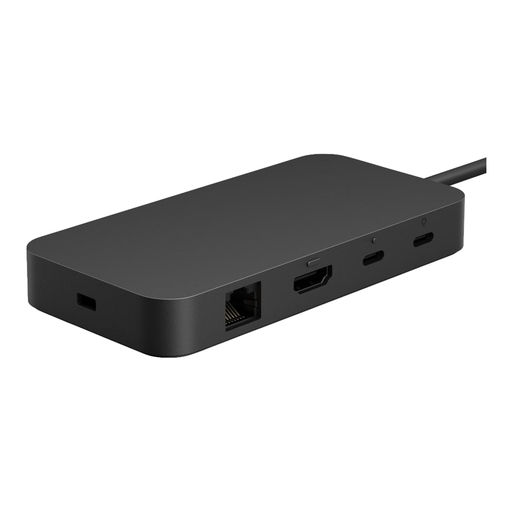
Why it suits this profile: This compact USB4 dock combines HDMI, USB-C, USB-A and Ethernet to create a tidy workspace with a single cable to a compatible laptop.
The product information explicitly lists USB4/Thunderbolt compatibility and a USB-C host connection. Even so, check this against your laptop’s specifications.
Up to 65 W charging according to the product details, USB4 support and a weight of approximately 700 grams.
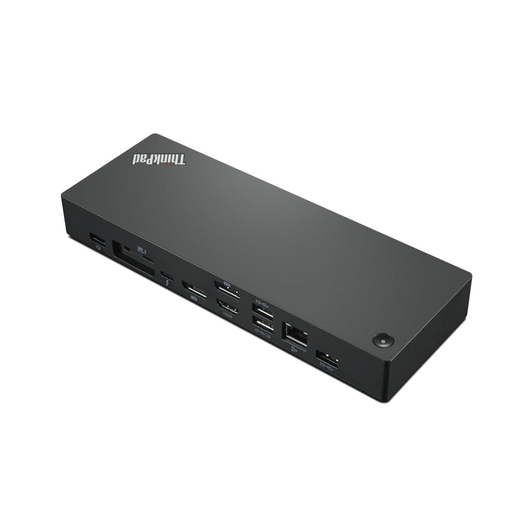
Why it suits this profile: Suitable for professionals using multiple monitors, a wired network and demanding applications at a fixed workstation.
The listed specifications mention Thunderbolt 4, two DisplayPorts, HDMI and support for up to four monitors. A suitable laptop graphics chip and DSC may be required for maximum display output.
40 Gbit/s transfer speeds according to the product details, 1 Gbit/s Ethernet and support for up to 100 W Power Delivery.
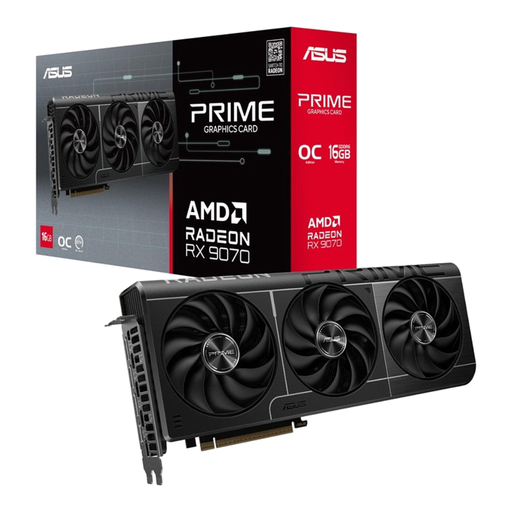
Why it suits this profile: An option for gamers and content creators looking for a powerful GPU and with enough space for a large card with additional power connectors.
The card is listed as 312 mm long, occupying three slots and using two 8-pin PCIe connectors. This allows you to check case and PSU compatibility in advance.
16 GB GDDR6 memory, PCIe 5.0 x16 and three DisplayPort 2.1a connections alongside HDMI 2.1b.
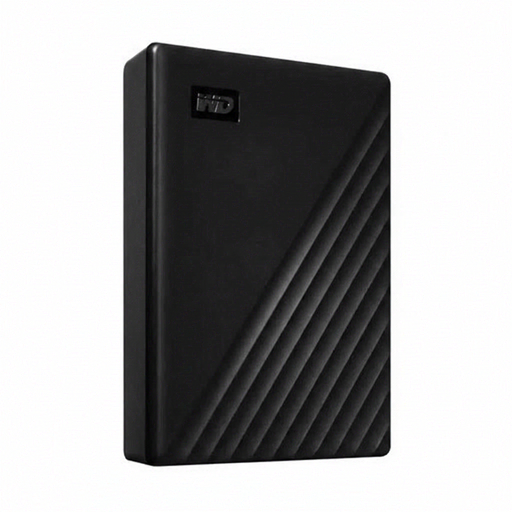
Why it suits this profile: A desktop solution for large photo, video and project libraries that are mainly used in one fixed location.
According to the product information, the drive has its own mains adapter and is not bus-powered. This makes its power requirements clear in advance, but limits mobile use.
24 TB capacity, USB 3.2 Gen 1 and backwards compatibility with USB 3.0 and USB 2.0.
We have put together a complete, up-to-date list of products that fully meet these strict selection criteria and the applicable European safety regulations.
No. For simple peripherals, USB-C or USB4 may be sufficient. Thunderbolt 4 is particularly relevant when you want high data speeds, multiple monitors or an extensive professional workstation. Check your laptop’s host port before ordering.
Its lifespan varies depending on usage, heat, transport and workload. A desktop HDD kept in a fixed, dry location will generally experience less mechanical stress than a drive that is frequently carried around. Never store important files on just one external hard drive.
Case fans usually consume relatively little electricity, but the exact consumption depends on the number of fans, their speed and the controller used. PWM control can help fans run more slowly during light use. Check that your motherboard has enough connectors before buying multiple fans.
