First, measure the shelf, including the stand and space for cables. Then decide from the furthest viewing position whether a compact screen will be large enough for the video. A larger screen mounted elsewhere may work better for viewers sitting further away, but you’ll need a suitable place to mount it. For any model, also check that it can play your own video and that the spoken instructions are clear.
Who is this buying guide for?
Workshop host with a narrow shelf
You want to show the video without the TV stand or cables extending beyond the available space. Measure the overall dimensions, including the stand. The Consumers’ Association also highlights the importance of viewing distance.
Workshop host with viewers sitting further away
You want participants to be able to follow the actions in the video from different spots around the room. The Consumers’ Association recommends considering viewing distance, viewing angle and reflections when choosing a TV.
Workshop host with their own video file
You want the video to play without a hitch, so choose a connection based on the device that already plays the file. The Consumers’ Association explains that you can connect a laptop to a TV via HDMI.
What should you consider when choosing?
Compact TV on the shelf
Choose this if: the TV fits with its stand and cables, and participants are sitting close enough to the screen.
Bear in mind: viewers sitting further away may find it harder to see details in the video.
Larger screen in a different spot
Choose this if: viewers at the furthest spot need a larger picture and there’s a suitable place to mount the TV.
Bear in mind: check that the bracket is suitable for the model, as well as the viewing angle and cable reach.
Measure the available space and the distance to the furthest viewer before choosing a screen size. Then test the video using the playback source you plan to use during the workshop.
| What to consider |
What should you check? |
Who is this important for? |
| Fit on the shelf |
Compare the width and depth with the overall dimensions, including the stand, and allow space for the cables. |
I want the TV to sit securely on the available shelf without the connections or cables being cramped. Around 36% of consumers prioritise how well the TV fits on the shelf. |
| Visibility for the group |
Measure the distance to the furthest viewing position and assess the video from different spots in the room. |
If participants are watching from further away or at an angle, I want them to be able to follow the action. Around 29% of consumers prioritise visibility for the group. |
| Playing the video |
Check which connection you need and test the picture and sound using your own file. |
I want to know that my workshop video will play from the source I already use, rather than having to find another solution during the session. Around 21% of consumers prioritise confidence that playback will work. |
| Speech and regular use |
Listen to the video in the room. If necessary, check which audio connections are available and compare the EU energy label. |
If spoken instructions are important and the TV will be on often, I want to check in advance that the sound works in the room and compare energy use. Around 14% of consumers prioritise speech and regular use. |
Common pitfalls
-
Comparing only the screen size with the shelf
The TV’s width, height and depth, including the stand, determine whether it will actually fit.
Measure the available space and compare it with the overall dimensions, including the stand, before choosing a size.
If the TV doesn’t fit on the shelf, you may need to put it somewhere else or find a separate mounting solution.
-
Assuming a USB port will play any video file
Having a USB port doesn’t guarantee that it will work with your particular file.
Check which file formats are supported, or test the video beforehand from a laptop via HDMI.
You’ll also need space for a laptop and HDMI cable during the showing, as well as a suitable connection.
-
Assuming Full HD or QLED means everyone will be able to see clearly
Resolution and panel names alone don’t tell you whether participants will be able to follow the video from where they’re sitting or standing.
Before choosing a screen, assess your video from the furthest and most angled viewing positions.
-
Treating a paid workshop showing like watching a film at home
The right to watch a film at home doesn’t automatically mean you can show it during a workshop.
If the material belongs to someone else, check the screening rights before using it. The Dutch Government explains that permission may be needed to use and make copyright-protected films available to the public.
Brands worth comparing
Philips
According to Philips product information, the Philips 32PFS6900/12 is a 32-inch Full HD TV with Ambilight. Compare it with other compact screens if you’d like to consider this picture feature.
- Full HD and Ambilight are features of this model.
- Measure the overall dimensions, including the stand, and check that the picture will be large enough from the furthest viewing position.
Samsung
According to Samsung Netherlands, the Samsung UE32F6000FUXXN is a 32-inch Full HD smart TV with Tizen features.
- The manufacturer lists Tizen features for this model.
- Test your own workshop video with your preferred playback source. If you’re mounting it on the wall, check that the bracket is suitable for the exact model.
TCL
According to TCL Netherlands, the TCL 32S5400AF is a 32-inch Full HD model with Android TV.
- Android TV is listed as a feature of this model.
- Check that your preferred app or playback method will work with your workshop video.
LG
According to LG Netherlands, the LG 32LQ63006LA is a compact Full HD smart TV with webOS.
- webOS is listed as a feature of this model.
- Check whether your preferred service is available in your region and if you’ll need a separate subscription.
METZ
METZ product documentation describes the 32MQF7000Z as a 32-inch QLED LCD TV with a resolution of 1366 × 768 pixels.
- The manufacturer’s documentation lists the screen type and resolution.
- On their own, these specifications don’t tell you whether small details in the workshop video will be clear from your viewing positions.
TVs at Joybuy for a compact viewing setup
This selection from Joybuy includes compact 24- and 32-inch TVs, with models for placing on a surface and models that let you play a video via HDMI. Check the dimensions and test your own video file before making a choice.
 Image unavailable
KOORUI K32Q1FFQ-T8 32-inch Full HD QLED TV with Tizen OS
An option to consider if a 32-inch screen fits the measured space; test your own video file separately.
The product name lists Full HD, QLED, Tizen OS and Dolby Audio.
View at Joybuy
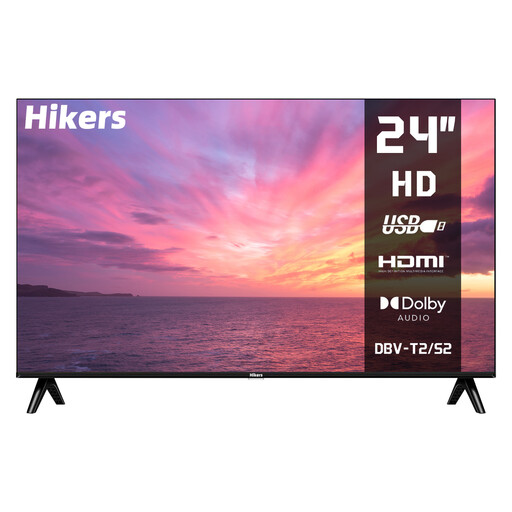 Image unavailable
Hikers HD 24-inch TV (60 cm), non-smart
A compact size to consider when shelf space is limited; check whether the picture will be large enough from the furthest viewing position.
The product name lists HDMI and USB. Check that your playback source and video file will work.
View at Joybuy
 Image unavailable
CHiQ L32QM10E 32-inch QLED Smart Google TV
A 32-inch model to compare if it fits your measured setup; test the video using your preferred playback source.
The product name lists QLED and Smart Google TV.
View at Joybuy
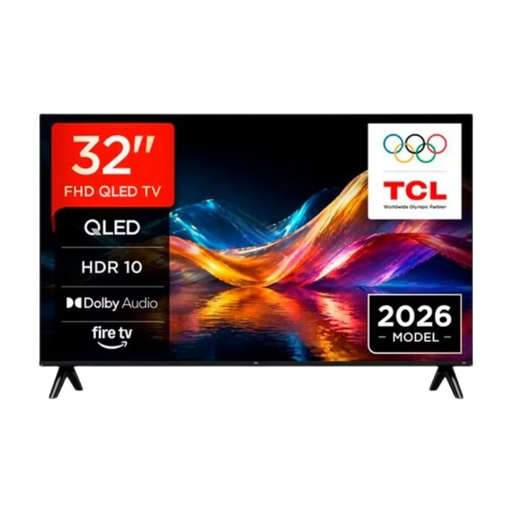 Image unavailable
TCL 32V5D 32-inch QLED Smart TV
A compact TV to add to your comparison if a 32-inch screen fits; test the video using your own playback source.
The product name lists QLED and Smart TV.
View at Joybuy
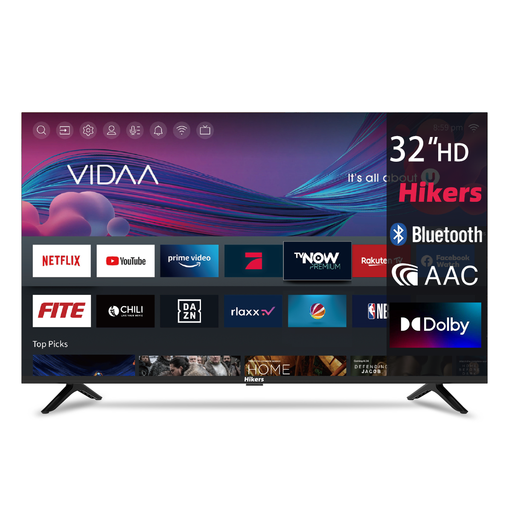 Image unavailable
Hikers HD 32-inch Smart TV
A 32-inch option for a compact viewing setup; check the overall dimensions and assess visibility from the furthest spot.
The product name lists HDMI and USB. Test your preferred playback method with your own file.
View at Joybuy
Frequently asked questions
How can I tell if a 32-inch TV is large enough?
Measure the distance from the furthest viewing position and assess the video from the actual viewing spots. The Consumers’ Association uses the viewing distance in centimetres divided by 2.4 as a guide to the screen diagonal in centimetres. Then check whether participants can make out the actions in your video.
Can I play the workshop video from a laptop?
Yes, you can display a laptop’s picture on a TV via HDMI. Check in advance that both devices have the connection you need, and test the sound with your own file too.
What should I consider when mounting a TV on the wall?
Check that the manufacturer recommends the bracket for your exact TV model. Samsung Netherlands also advises checking the TV’s model, size and year of manufacture. Make sure the mounting spot is suitable and the cables will reach.
Do I need to buy an extended warranty to get my statutory rights?
No. According to ACM ConsuWijzer, the retailer remains responsible if a product doesn’t meet the reasonable expectations you had when using it normally. There is no general Dutch rule that statutory cover always lasts for two years.
Can I show any film during a workshop?
No, not without checking first. The Dutch Government says you need permission from the rights holder to use and make copyright-protected films available to the public. Before the workshop, check the rights for any material that belongs to someone else.


