Joybuy product picks
The Joybuy picks below are aimed at photography on the go, with zoom, framing and print preparation in mind. Don’t compare stated digital zoom with optical zoom, and don’t treat megapixel claims as a standalone measure of print quality.
 No image available
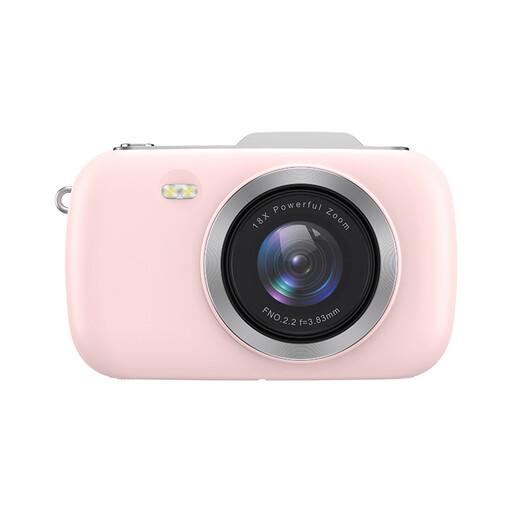
KOMERY G7-A 4K camera, 18X zoom, pink
Could suit you if you want to switch between different compositions from one spot; check which part of the stated zoom is optical.
The product title lists 18X zoom and 80MP photo resolution. That megapixel figure alone doesn’t indicate image quality or suitability for a particular print.
View at Joybuy
 No image available
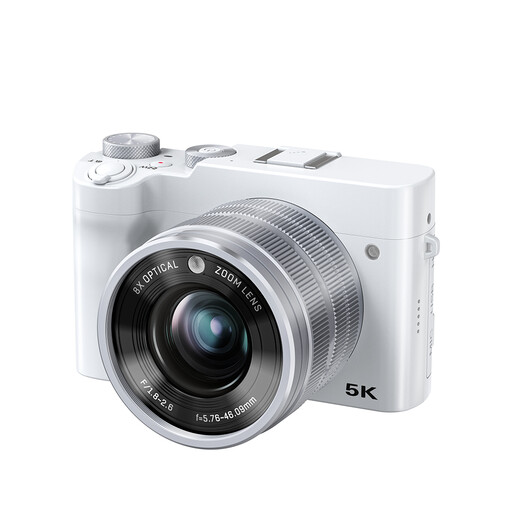
Songdian camera, 8X optical zoom, 5K, 64MP, white
Could suit you if you want to frame a wider composition and details from one viewpoint using optical zoom.
The product title lists 8X optical zoom; the product description mentions autofocus and manual focus. The stated 64MP isn’t an independent print quality test.
View at Joybuy
 No image available
Songdian 4K pocket camera, 44MP, 16X digital zoom, pink
Could suit you if you’re looking for a pocket camera for photos and video; its stated zoom is digital and won’t frame distant details in the same way as optical zoom.
The product title lists 4K and 44MP. The product description mentions autofocus and 16X digital zoom.
View at Joybuy
 No image available
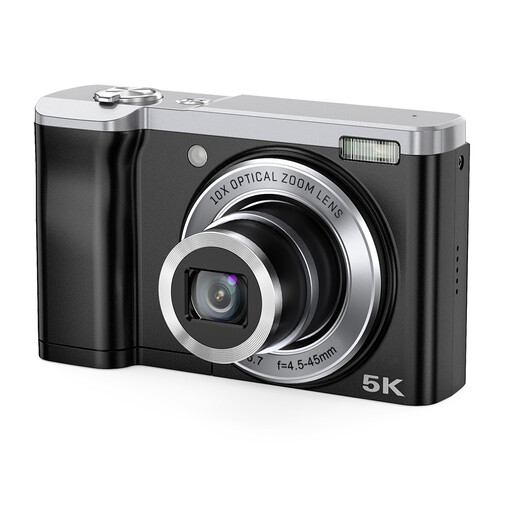
Songdian 5K camera, 10X optical zoom, black
Could suit you if you need optical zoom to frame different compositions from one spot.
The product title lists 10X optical zoom. The product description mentions a 16MP front camera and a 12MP rear camera; the 56MP figure also listed is interpolated.
View at Joybuy
 No image available
Sony ZV-1 compact camera
Could suit you if you want to combine RAW shooting with optical zoom, with a stated range that’s best suited to wide-to-mid-range framing.
The product specifications list a 1-inch sensor, 20MP, RAW shooting, 24–70 mm and 2.7× optical zoom. Its telephoto reach is more limited than that of a camera with a greater optical zoom range.
View at Joybuy
Frequently asked questions
Can a polarising filter make canal reflections stronger?
Not as a general rule: according to Nikon, a circular polarising filter can significantly reduce reflections on water. If you want to preserve the reflection, compare shots with and without the filter, and check that the accessory fits your camera.
How can you tell whether your photo is large enough for the exhibition?
First, ask the organiser or printer about the required print size and submission specifications. Adobe gives 300 pixels per inch as a common guideline for prints viewed up close, but notes that a lower figure may work when the viewing distance is greater. Base your calculations on the pixels left after cropping.
What should you check before having your photo printed?
Check the sharpness, the crop you want and the original pixel dimensions before resizing or submitting the file. If you want to edit RAW files, check that the model supports RAW; Fujifilm lists RAW shooting for the X100VI.
What happens if a newly purchased camera develops a fault unexpectedly soon?
According to ACM ConsuWijzer, under the applicable statutory rules, the seller must put a faulty product right free of charge when it’s used normally. This could mean repairing or replacing it. What you can expect depends on the product and circumstances; there isn’t an automatic fixed period of just two years.
Can you exhibit canal photos that show identifiable passers-by?
The answer isn’t the same for every photo or exhibition. The Dutch Data Protection Authority explains that identifiable people are personal data and that the private-use exemption doesn’t apply to wider distribution. Consider the exhibition and any online publication separately, and make sure you have a valid legal basis where necessary.


