
Manager dealing with an unreliable internet connection
Wants pre-loaded messages to remain visible without a livestream and can arrange updates on site. Philips and iiyama describe USB or storage playback options for specific displays.


A signage display with confirmed USB playback can show pre-loaded messages without a continuous internet stream. A standard monitor needs a separate player for this. Then choose based on viewing distance, ambient light and daily operating hours. Local playback doesn’t mean you can update new messages remotely if the connection drops.
Wants pre-loaded messages to remain visible without a livestream and can arrange updates on site. Philips and iiyama describe USB or storage playback options for specific displays.
Wants text to be readable from the actual viewing distance, taking ambient light and reflections into account. Product specifications from Philips, iiyama and LG provide useful points of comparison for screen size and finish.
Wants to use an existing monitor and choose a separate player for the messages. LG describes the connection options for the 43UN700P-B; also check that your chosen player can play content locally.
Choose this if: you can supply pre-prepared notices at one location and want to play them without a livestream. Philips confirms USB playlists and scheduling for the 32BDL3511Q/00; iiyama describes playback from storage for the LH5041UHS-B2AG.
Bear in mind: someone will need to transfer new files on site. iiyama states that the built-in player on the LH5041UHS-B2AG does not support portrait orientation.
Choose this if: you already have a suitable monitor or want to choose the screen and player separately. Check that the player stores content locally and can play it through a suitable video input.
Bear in mind: a USB port or HDMI connection doesn’t, on its own, make a monitor an offline media player.
Choose this if: you want to manage messages remotely and have a connection available when sending new content. Samsung lists delivery from a computer or USB and MagicINFO Lite for the QE43T.
Bear in mind: central management won’t solve an interrupted connection when sending new messages. Samsung rates the QE43T for 16/7 operation, not 24/7.
| Point to consider | What should you check? | Who is this most relevant to? |
|---|---|---|
| Showing messages when the connection is poor | Check whether the exact screen or player supports locally stored playlists and the file formats you need. | If I want pre-loaded notices to remain visible when the internet is unreliable, local playback is my top priority. Around 36% of consumers put this need first. |
| Readability from the viewing position | View a sample message from the intended distance and consider text size, screen size and reflections. | If visitors need to read the board from an entrance, I want the text and contrast to suit the distance and available light. Readability is the top priority for around 29% of consumers. |
| Operating hours and placement | Compare the planned hours of operation with the stated duty cycle, and check that playback works in your preferred portrait or landscape orientation. | If the board will be on for long periods or needs to be mounted vertically, I want to know in advance whether the stated operating hours and playback orientation are suitable. Around 21% of consumers prioritise these requirements. |
| Complete setup and management | Identify the player, software and update process you’ll need; also check the energy information for the specific screen. | If I need to arrange the screen and content management together, I want to weigh up everything the complete setup requires. Around 14% of consumers prioritise a complete solution. |
A connection on a standard monitor doesn’t confirm that it can play a playlist from USB on its own. Philips describes this feature for the 32BDL3511Q/00; the product information mentioned for the LG 43UN700P-B doesn’t confirm standalone USB playlist playback.
Check the playback features of the exact model, not just whether it has USB or HDMI.
A separate player may also require extra installation and its own power connection.
A locally stored message can remain visible, but a new message won’t arrive over the internet while the connection is down.
Agree who will prepare and transfer files, and how outdated messages will be removed.
On-site updates take time for the person managing the noticeboard.
iiyama states that the built-in media player on the LH5041UHS-B2AG does not support portrait orientation.
Check your preferred orientation and test the playback source with the files you actually want to show before finalising the installation.
A different player or adapted screen layout may require extra preparation.
The European energy label helps you compare electronic displays, but it doesn’t automatically cover all the components and management costs of a noticeboard setup.
Compare the information for the exact screen and factor in the hours it will actually be switched on.
A separate player and software management are also part of the practical setup.
The Q-Line 32BDL3511Q/00 is a compact signage display for scheduled USB content.
The ProLite LH5041UHS-B2AG is a professional signage display for indoor locations where long operating hours matter.
The QE43T is a 43-inch signage display with USB content delivery and content management options.
The 43UN700P-B is a large standard monitor for use with a separate player or local source.
These product options focus on large professional signage and kiosk displays for fixed indoor installations. Check whether the exact model can play your required files locally; a stated operating time or operating system doesn’t confirm this on its own.
 No image available
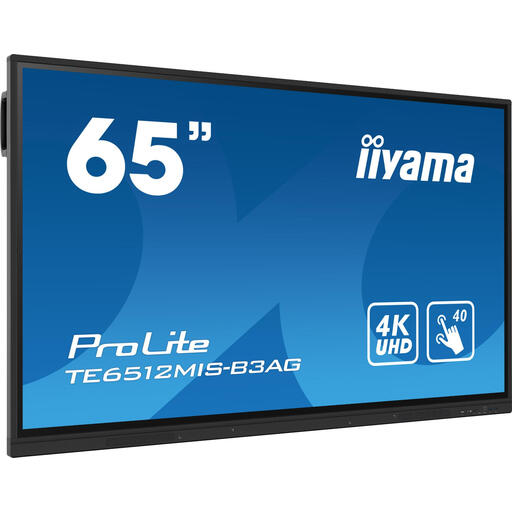
Suitable for a fixed indoor installation where you want a large touchscreen; the product information specifies 24/7 operation.
65-inch, 4K, 400 cd/m², touchscreen, Wi-Fi and Android 11.
Check that your chosen playback solution stores content locally if the board needs to remain visible when the connection is disrupted. The product information recommends professional installation and adequate ventilation.
 No image available
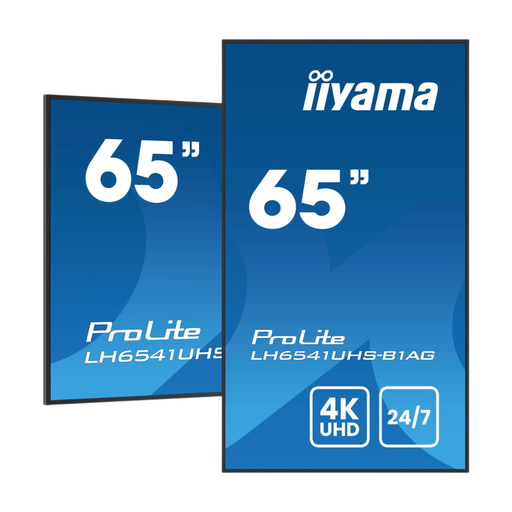
An option for a fixed indoor location where you want a large signage display with a built-in media player.
64.5-inch, 4K, 500 cd/m² and rated for 24/7 operation. The product description mentions playback of music, videos, photos and images.
Check the file formats you need and how it works if the connection is interrupted before deciding how to play content.
 No image available
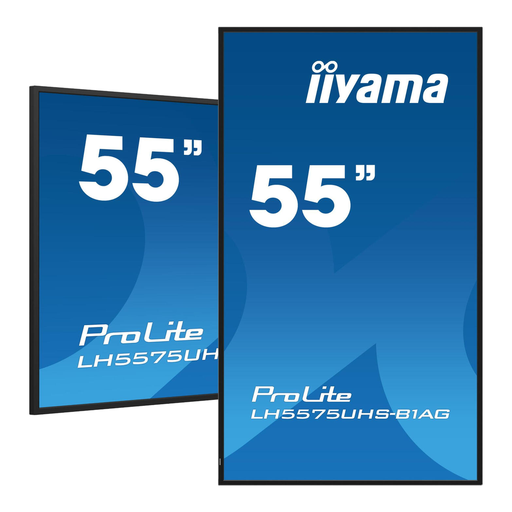
Suitable for a fixed installation where the product information says the screen can stay on continuously.
55-inch, 4K, 500 cd/m², Android 11 and rated for 24/7 operation; the product information also mentions FailOver.
Find out what FailOver does in your chosen configuration and how local playback works if the internet connection is temporarily lost. Ensure adequate ventilation for 24/7 use.
 No image available
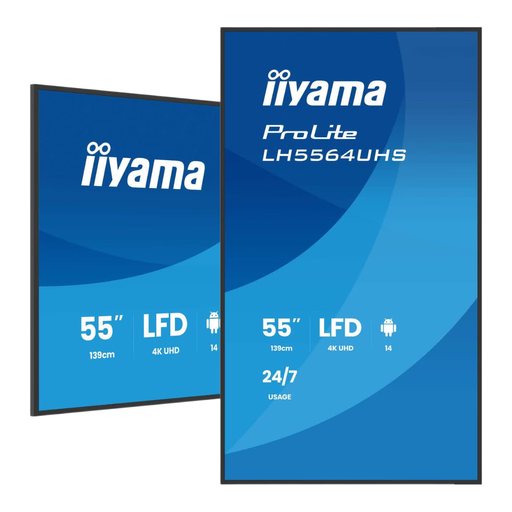
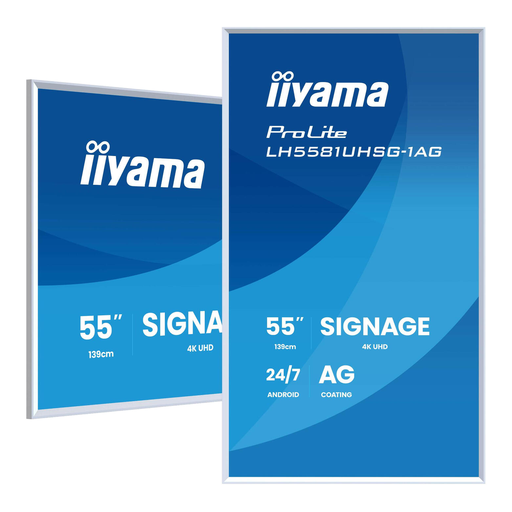
An option to consider for an indoor space where a matte finish and stated brightness matter.
55-inch, 4K, 500 cd/m², matte anti-glare finish, Android 11 and rated for 24/7 operation.
Compare the stated brightness with the lighting conditions on site; this specification alone doesn’t guarantee readability. The product information recommends professional installation and sufficient ventilation space.
 No image available
Suitable for a fixed indoor installation where both portrait and landscape placement are important.
54.6-inch, 4K, 500 cd/m², Android and rated for 24/7 operation. The product information mentions content management through iiSignage² or Android apps.
Check which playback features and management options remain available without a reliable connection.
Not through an internet-dependent connection while it’s down. Content stored locally in advance may remain visible on compatible equipment; Philips, for example, describes a USB playlist for the 32BDL3511Q/00. Test both how updates work and what happens if the connection is lost across the complete setup.
It varies by model. iiyama states that the built-in media player on the LH5041UHS-B2AG doesn’t support portrait orientation. Check the manual for your preferred orientation and playback source before finalising the installation.
For the exact screen, compare the information on the European energy label and in EPREL, using your planned operating hours as a guide. ACM ConsuWijzer explains statutory consumer guarantees and the seller’s responsibilities. If you’re buying on behalf of an organisation, check which terms and rights apply to that purchase.
Not without first considering the legal basis for processing the information. The Dutch Data Protection Authority explains that processing personal data under the GDPR requires an appropriate legal basis; consent is one possible basis, but not automatically the only one. Before displaying personal data or identifiable event photos, consider who can see the screen and which legal basis applies to each message.