Joybuy products
These screens are aimed at professional signage for community notices, from compact displays to larger screens designed for long-term use.
 No image available
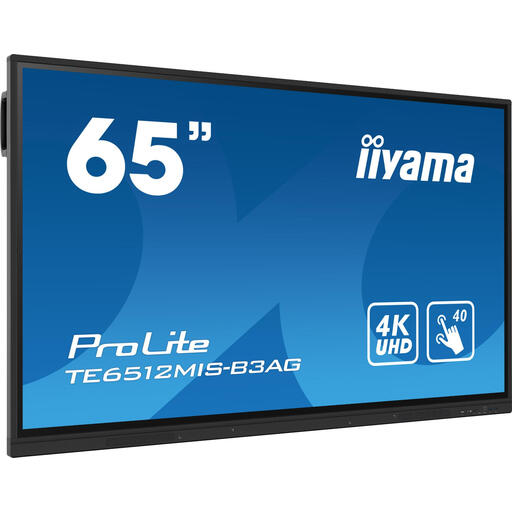
iiyama TE6512MIS-B3AG
May suit you if you’re looking for a large interactive screen to display community notices over long periods.
65 inches, 4K, touchscreen, Wi-Fi, Ethernet, Android 11 and 24/7 use. Professional installation is recommended; make sure the screen is securely mounted.
View at Joybuy
 No image available
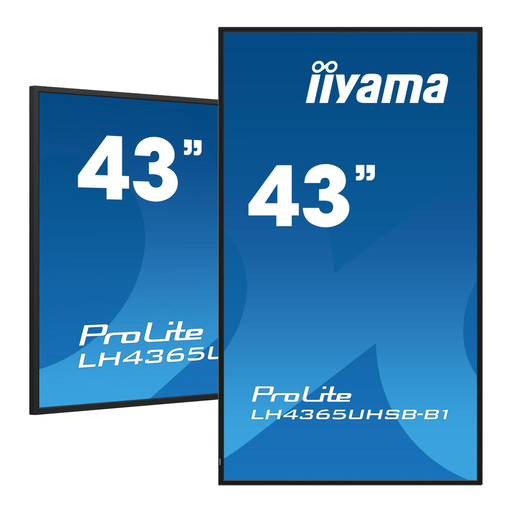
iiyama 43-inch Vivid-Bright 4K display
May suit you if you’re looking for a large signage screen for long-term indoor use.
42.5 inches, 4K, 800 cd/m², Android 11, Wi-Fi, Ethernet and 24/7 use. The product description specifies indoor use.
View at Joybuy
 No image available
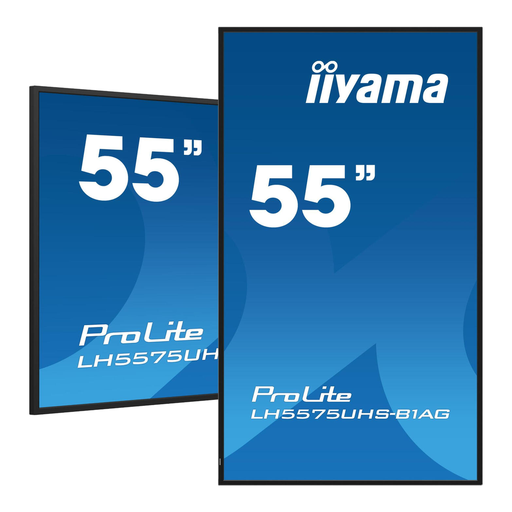
iiyama 55-inch 4K UHD signage display
May suit you if you need a large screen to keep community notices on display for long periods.
54.6 inches, 4K, 500 cd/m², Android 11 and 24/7 use. The product information specifies indoor use and recommends leaving at least 10 cm of clear space around the ventilation openings.
View at Joybuy
 No image available
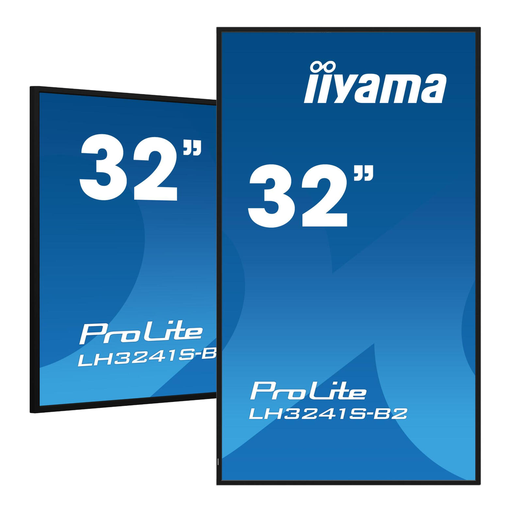
iiyama 32-inch Full HD display
May suit a more compact space where visitors can view the noticeboard from close by.
31.5 inches, Full HD and built-in media player. The product information lists 350 cd/m², 24/7 use and both landscape and portrait orientations.
View at Joybuy
 No image available
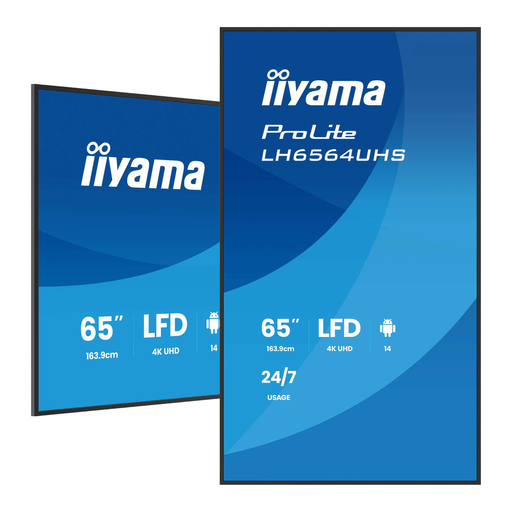
iiyama LH6564UHS-B1AG
May suit you if you want to display community notices on a large professional signage screen.
65 inches, 4K, 500 cd/m², Wi-Fi, Android and 24/7 use. The product title lists VESA mounting.
View at Joybuy
Frequently asked questions
Is 4K enough to make small text readable from the corridor?
No, not on its own. Test the physical text size, amount of text, contrast and viewing distance using real notices. The cited study on character height looked at different, shorter viewing distances, so it doesn’t provide a universal measurement for a community noticeboard.
Can the screen be wall-mounted in portrait orientation and left on all day?
Only if the exact model supports the planned orientation and operating hours. Philips specifies portrait and landscape mounting with 24/7 use for the 43BDL5050D/00. Before installation, also check which mounting method is suitable for the screen and wall.
How can you keep notices up to date without connecting a computer every time?
Compare the built-in content options with using a separate content source. iiyama describes iiSignage² for the LH4375UHS-B2AG; Philips describes Android apps and web apps for the 43BDL5050D/00. Check that the setup you want to use and any software requirements are suitable.
What costs and rights should a community organisation check before buying?
Include the screen, mounting, any content source or software, and power consumption in your comparison. ACM outlines statutory consumer guarantees, but ACM ConsuWijzer notes that consumer protection doesn’t automatically apply when a business uses a contract mainly for business purposes. So check the name under which the organisation is buying and the terms that apply.
Does a standard digital community noticeboard in the Netherlands have to comply with WCAG by law?
The official sources consulted don’t establish a general WCAG requirement for every standalone community noticeboard. The Digital Accessibility Decree for Government applies to websites and mobile apps of public authorities; European accessibility rules apply to specified products and services, not automatically to every information screen. If the noticeboard is part of a public service or another regulated application, its applicability must be assessed separately for that specific situation. W3C contrast criteria can still be useful as a design aid, without creating a general legal requirement.


