Who is this guide for?

Organisers with viewers at the back

If you’re showing a reel to a group, you’ll need to consider the distance to the back row and the layout of the room. The Dutch Consumers’ Association (Consumentenbond) recommends using the viewing distance as a starting point when choosing a screen size.

Organisers with seats spread around the room

If some seats are beside or at an angle to the TV, the viewing angle and any reflections matter too. The Consumentenbond discusses these differences between LCD and OLED TVs.

Organisers playing the reel themselves

If you’re using a laptop or video player, check in advance that both picture and sound are transmitted properly. The Consumentenbond explains TV connections; test your actual setup in the room.

What should you look for?

What to consider What should you check? Who is this important for?
Screen size and viewing distance Measure the distance from the back row and the space available, including the stand. The Consumentenbond suggests around 2.4 times the screen’s diagonal as a comfortable viewing distance; this isn’t a fixed rule for a club room. If I’m sitting at the back, I want to follow the animation’s details without the screen being too big for the room. Around 31% of consumers put screen size and visibility from the back first.
Room lighting and viewing angle Check the screen in similar lighting to the room and from the furthest seats. Look out for reflections and dark scenes. If visitors are spread around the room or the lights stay on, I want the picture to be easy to make out from different seats. Around 25% of consumers prioritise room lighting and the view from the sides.
Playback and sound Test the complete video file, the laptop output and the TV input. Listen from the back too, and check that the connections match if you’re using external speakers. If I’m playing the reel myself, I want to know in advance that the picture and any dialogue will reach the whole room. Around 25% of consumers put reliable playback and sound at the top of their list.
Cost and future use Compare TVs that suit the room, and check the energy label, placement options and connections you’ll need. If the club plans to use the TV again, I want to weigh up its features against how we’ll use it. Around 19% of consumers focus mainly on cost and how useful the TV will be after the screening.

Common mistakes

  • Looking only at the screen size

    A large screen might not fit on the available stand, while it can be harder to follow the details on a small screen from the back.

    Measure both the distance from the back row and the space available before comparing models.

  • Assuming ‘QLED’ means a wide viewing angle

    QLED is a type of LCD, and viewing angles and reflections vary from model to model. The Consumentenbond generally describes OLED as having a wider viewing angle than LCD.

    Assess any TV you’re considering from the side seats and under the lighting you’ll have during the screening.

  • Assuming every USB port will play your reel

    A USB connection alone doesn’t confirm that a particular video and audio file will work.

    Test the complete exported file in advance, and keep a suitable laptop connection as a backup.

  • Assuming a club screening counts as private or educational use

    The Dutch government (Rijksoverheid) states that permission may be required to use copyright-protected work. Auteursrechten.nl distinguishes between screenings for educational purposes and events unrelated to education.

    Check in advance who owns the rights to the animation, footage and music, and what permission you need to screen them.

Brands to consider

Hisense

The Hisense 65A79Q is a 65-inch LCD model to compare if viewers at the back will be sitting far from the screen.

  • The Consumentenbond lists 4K, three HDMI inputs and an HDMI-ARC/eARC input.
  • Its stated sound output of 40 W doesn’t tell you whether speech will be clear at the back of the room; test it in person.

TCL

The TCL 55P71K is a 55-inch model to compare if that size suits your measured viewing distance.

  • The Consumentenbond lists three HDMI inputs, two USB ports and HDMI-ARC/eARC.
  • The Consumentenbond classifies the 55P71K as LCD LED, while a Joybuy listing calls the same model QLED. Confirm the panel type before basing your choice on it.

LG

The LG OLED55C54LA is a 55-inch OLED model to compare if seating is spread around the room and you’ll be showing dark scenes.

  • The Consumentenbond lists four HDMI inputs and three USB ports for this model.
  • General OLED characteristics aren’t a model-specific assessment. Don’t leave a static logo or pause screen displayed for longer than necessary. An older Consumentenbond test discusses image retention, but doesn’t establish a risk period for current models.

Samsung

The Samsung QE55QN93F is a 55-inch mini-LED LCD model to compare with other screen technologies.

  • The Consumentenbond lists four HDMI inputs and two USB ports.
  • Mini-LED technology alone doesn’t tell you how this model will perform in a well-lit room or from the side. Assess it in a suitable setup.

Philips

The Philips 55OLED810/12 is a 55-inch OLED model with three-sided Ambilight.

  • The Consumentenbond confirms that this model has four HDMI inputs and three-sided Ambilight.
  • Having Ambilight doesn’t mean you’ll need it for the club screening. Weigh it up against how the club plans to use the TV.

TVs for group screenings

These Joybuy TVs use mini-LED LCD technology. Compare their screen sizes with the viewing distance and the space available in the room.

TCL 65T8D 65-inch QD-Mini LED TV

TCL 65T8D 65-inch QD-Mini LED TV

A 65-inch option to weigh up against the distance from the back row and the space available for placement.

QD-Mini LED, 4K HDR and 144 Hz VRR.

View at Joybuy
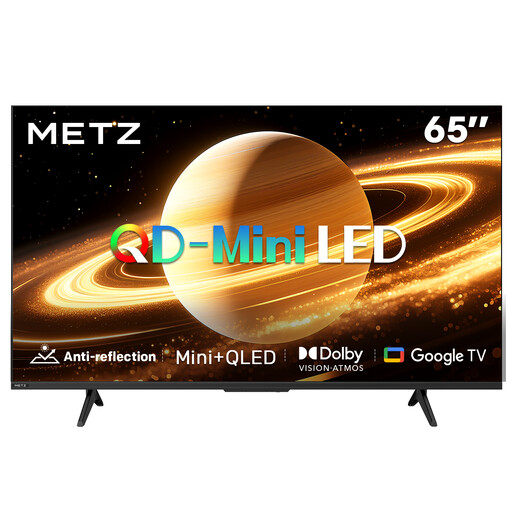
METZ 65MNH7000Z 65-inch QD-MiniLED TV

METZ 65MNH7000Z 65-inch QD-MiniLED TV

A 65-inch option to compare with your measured viewing distance and the club’s setup.

QD-MiniLED, 60 Hz, Dolby Vision and Dolby Atmos; the product name also mentions a matt screen.

View at Joybuy
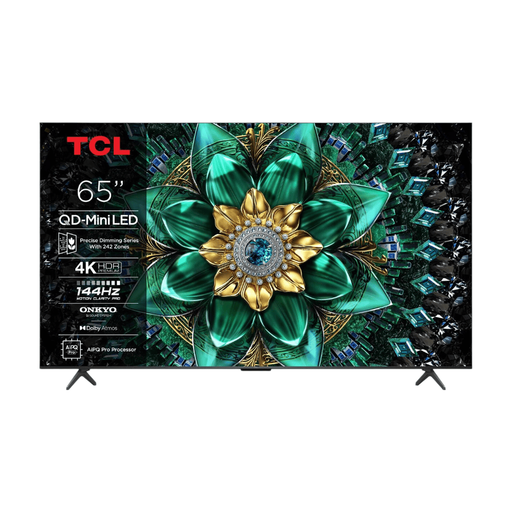
TCL 65Q6C 65-inch 4K QD-Mini LED TV

TCL 65Q6C 65-inch 4K QD-Mini LED TV

A 65-inch model to assess based on the distance to the back row and the space available for placement.

4K HDR, QD-Mini LED, 1000 Nits and energy label F.

View at Joybuy
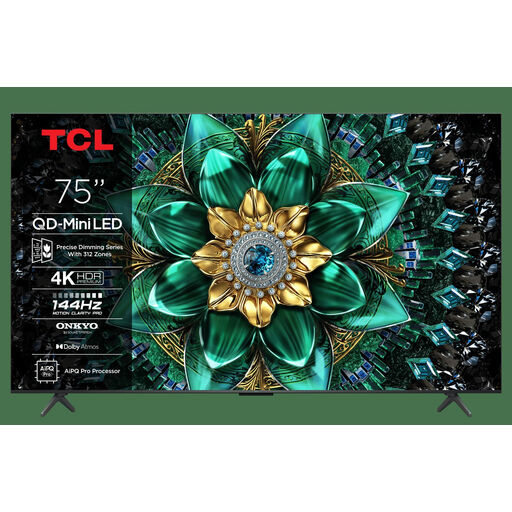
TCL 75Q6C 75-inch 4K QD-Mini LED TV

TCL 75Q6C 75-inch 4K QD-Mini LED TV

A 75-inch option to compare if the viewing distance from the back and the space available for placement can accommodate that size.

4K HDR, QD-Mini LED and energy label E.

View at Joybuy

TCL 75Q7C 75-inch 4K Mini-LED TV

TCL 75Q7C 75-inch 4K Mini-LED TV

A 75-inch option to weigh up against the viewing distance from the back and where the TV will be placed.

4K Mini-LED and 144 Hz.

View at Joybuy

Frequently asked questions

Is a 55-inch TV big enough for everyone?

That depends on the distance to the back row. Measure it and use the Consumentenbond’s suggested ratio of around 2.4 times the screen’s diagonal as a starting point, not as a fixed rule for a club room. Also check that details in your own reel are visible from the back.

Can the animator play the reel from a laptop?

A laptop can send a picture to a TV via HDMI if the connections match. Test the laptop output, TV input and complete video file with sound in advance; a USB port alone doesn’t guarantee that a particular file will play.

How can you check that the picture and sound work throughout the room?

Test the reel from the furthest seats and listen there for any dialogue. If you need external speakers, check that the TV and sound system have a compatible connection, such as HDMI-ARC/eARC.

Can the local community club screen the student reel?

Check who owns the rights to the animation, the footage used and the music, and whether the permission covers screenings by the club. The Dutch government (Rijksoverheid) says permission is required to use copyright-protected work; Auteursrechten.nl distinguishes between educational screenings and events unrelated to education. Separate permissions may be needed for music.

What should you consider when using OLED for repeated screenings?

With OLED, don’t leave a static logo or pause screen displayed for longer than necessary. An older Consumentenbond test discusses temporary image retention under prolonged, unusual conditions, but doesn’t establish a risk period for current models. Check the picture settings using a familiar scene with both light and dark areas.
