Choose based on viewing positions, ambient light and how you want to play the archive photos. Then measure the viewing distance and make sure there is enough ventilation. A standard LCD or QLED TV may suit a bright room or recurring static images, while OLED may be worth considering if visitors often view the screen from an angle and the images change regularly. For scheduled, long-running displays, a commercial display is worth considering. Check the playback options, operating hours and installation instructions for each specific model.
Who is this choice relevant to?
Organiser of a public archive display
You want visitors to be able to view photos and captions from different spots. Viewing angles and light levels matter, as does whether you have permission to show the material. The Dutch government explains the rules around copyright-protected photos, while the Dutch Data Protection Authority treats identifiable people as personal data.
Manager of a continuous photo display
You want to know in advance whether the screen can play archive files in your preferred order and is suitable for the planned operating hours. Check how static images are alternated, too. Sony advises consulting the manual for the specific product to check which file types it supports.
Fitting out a room next to the kitchen
You need to combine a suitable viewing position with appropriate mounting and clear space for ventilation. Sony recommends allowing enough ventilation to prevent overheating. This does not, in itself, mean the TV is suitable for a spot exposed to cooking steam, grease or direct heat.
What should you consider when choosing?
LCD or QLED TV
Suitable when: the room gets plenty of light or the display runs periodically.
Consider: the panel and its finish both affect viewing angles and reflections, so assess the specific model in the intended location. The Consumers' Association notes that LCD TVs are often bright, but this does not guarantee readability in every room.
OLED TV
Suitable when: visitors often view the screen from an angle and the images on display change regularly.
Consider: be aware of image retention when displaying static images for long periods. The Consumers' Association reported a test involving older models; it does not establish a safe operating time for newer models.
Commercial signage display
Suitable when: you want to manage a display to a set schedule or planned operating hours are important.
Consider: check the operating rating, required player or software, and mounting requirements for each model. A commercial display is not automatically suitable for installation near steam or cooking equipment.
Start with the main viewing positions and your planned playback method. The percentages below show the top concern for consumers in each row when choosing a screen for a community archive display.
| Concern |
What should you check? |
Who is this important to? |
| Visibility |
Compare viewing angles, brightness and reflections from the furthest viewing positions. Measure the distance to the screen, too. |
If I want visitors to see photos and captions from different spots, I focus on viewing angles and light levels. Around 36% of consumers make visibility their top priority. |
| Playing archive files |
Test your own photos and videos, the preferred order and repeat settings on the exact model. |
If I want to show existing scans and videos without any surprises, I check the files and controls first. Around 29% of consumers prioritise playing archive material. |
| Positioning next to the kitchen |
Check the available space, mounting instructions and clearance for ventilation around the screen. |
If my screen is going next to the kitchen, I want to keep the area clear for ventilation while maintaining a practical viewing route. Positioning is the top concern for around 21% of consumers. |
| Operating hours and costs |
Check the operating rating and compare energy labels based on your expected running hours. |
If the screen is scheduled to run for many hours, I want to know whether it is designed for that and what it will mean for ongoing costs. Around 14% of consumers prioritise operating hours and costs. |
The Consumers' Association suggests around 2.4 times the screen diagonal as a starting point for a comfortable viewing distance. For visitors who are moving around, this is not a fixed measurement: check for yourself that captions remain readable from the main and furthest viewing positions. The energy label for displays gives consumption in kWh per 1000 hours. Combine this with your expected running hours to compare models.
Common pitfalls
-
Assuming a USB port guarantees a complete archive player
A port does not prove that the device supports your photo and video files, folder order or preferred slideshow settings.
Before setting up the display, test representative files, your preferred order and repeat settings on the exact model. Sony advises checking the product manual for supported file types.
Brands to consider
Philips
Philips describes the 50PUS7800/12 as a 50-inch 4K QLED TV, which could be a useful reference for periodic displays.
- The stated screen size and resolution give you specific features to compare in a standard TV.
- Check separately whether the model supports your preferred archive files and slideshow, and whether it suits the planned operating hours.
Samsung
Samsung offers commercial SMART Signage alongside consumer TVs. The 55-inch QMC is one example of a commercial display.
- Samsung states that the QMC supports portrait mounting and has an anti-glare panel.
- This does not guarantee visibility in all conditions or suitability for a spot exposed to kitchen steam. Check the operating hours for the exact model, too.
LG
The LG OLED48C54LA is a 48-inch OLED TV. OLED may be relevant when visitors view the screen from different angles.
- The Consumers' Association lists 4K, HDMI and USB for this model.
- A list of connections does not confirm that your archive files or playback plan will work. Be aware of image retention if you display static images for long periods.
Sony
Sony's USB instructions are relevant if you are considering playing files locally from a storage device.
- The instructions advise checking the product manual for supported file types.
- The general ventilation guidance does not confirm suitability for installation near cooking steam, grease or direct heat.
Joybuy products
This selection includes LCD and QLED TVs, as well as commercial signage for archive displays. Check each model individually to make sure its playback features, operating hours and installation instructions suit your setup.
 No image available
METZ 86MQE8000Z 86-inch QLED Google TV
The large screen size may be an option if visitors will be viewing from further away. Check on site that captions remain readable.
The product name lists 86 inches, 4K, QLED and Google TV. Check that your preferred archive files and slideshow work on this model.
Joybuy
 No image available
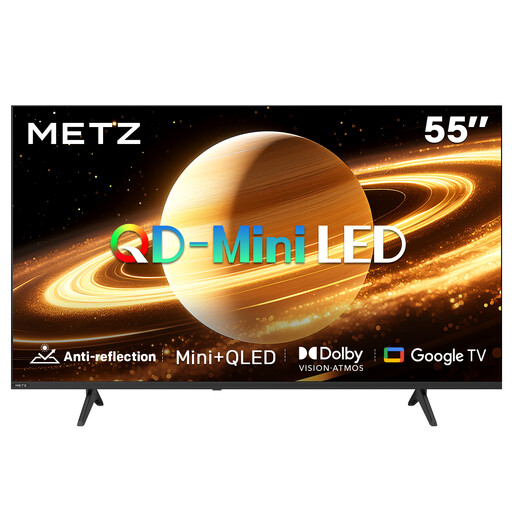
METZ 55MNH7000Z 55-inch QD-MiniLED TV
An option to compare if you are looking for a 55-inch screen for a bright room. Assess reflections and readability in the final location.
The product name lists a matt screen, 60 Hz, QD-MiniLED and Google TV. Check whether your preferred archive files can be played directly.
Joybuy
 No image available
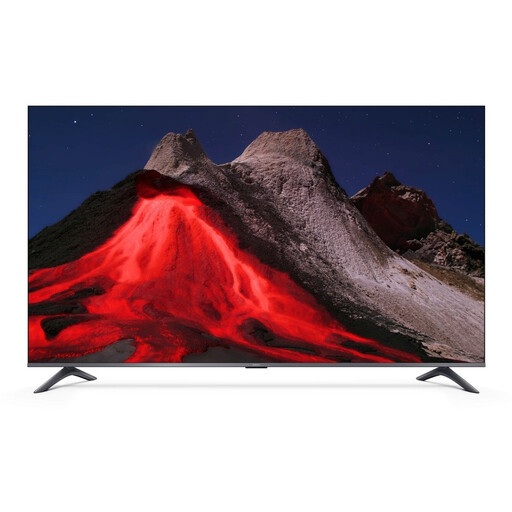
Xiaomi TV A Pro 2026 50-inch 4K QLED Google TV
This 50-inch TV may suit a setup where you are looking for a screen of this size. Test your own archive files and viewing positions in advance.
The product name lists 4K, QLED and Google TV. The product information advises keeping the TV away from sources of heat and moisture.
Joybuy
 No image available
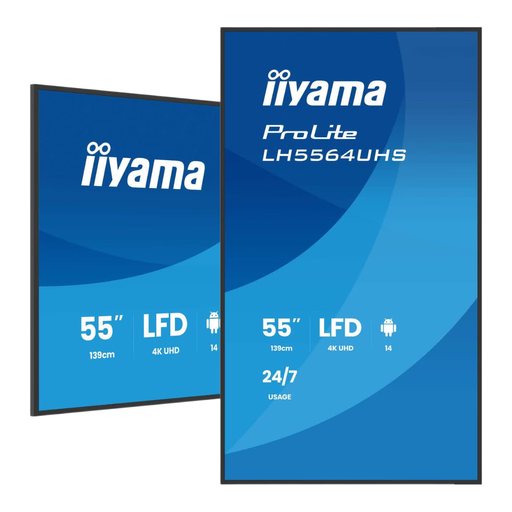
iiyama 55-inch 4K UHD digital signage display
A commercial display option to compare if the presentation will run to a set schedule. Check that its operating rating suits your daily running hours.
The product name lists 55 inches and 4K UHD. According to the product information, keep the ventilation openings clear and leave at least 10 cm of space around the screen.
Joybuy
 No image available
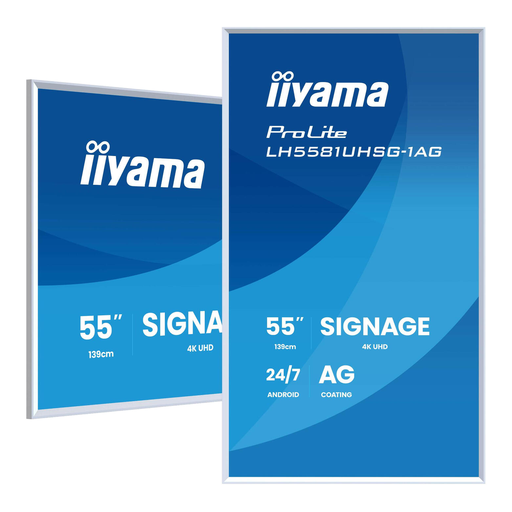
iiyama LH5581UHSG-1AG 54.6-inch 4K signage display
This signage option is worth comparing if scheduled, long-running display and content management are important.
The product name lists 54.6 inches, 4K, Android and 24/7 operation. According to the product information, keep the ventilation openings clear and leave at least 10 cm of space around the screen.
Joybuy
Frequently asked questions
How do you choose a screen size if not everyone will be sitting down?
Measure from the main and furthest viewing positions and check that captions are readable. The Consumers' Association suggests around 2.4 times the screen diagonal as a starting point for a comfortable TV viewing distance. Do not treat this as a guaranteed measurement for a moving audience.
Can you play the community archive directly from a USB stick?
It depends on the model and file type. Sony advises checking the manual for supported file types. Test your own files, too, to see whether your preferred order and repeat settings work.
What should you consider when mounting the screen close to the kitchen?
Keep the ventilation openings clear and follow the mounting and installation instructions for the exact model. Sony recommends allowing enough ventilation to prevent overheating. This does not mean a TV is suitable for cooking steam, grease or direct heat.
How do you compare the power consumption of screens?
The European energy label for displays gives consumption in kWh per 1000 hours. Compare labels on the same basis and factor in your expected running hours and electricity tariff.
Can you show old community photos to visitors without asking?
Not automatically. The Dutch government says that permission from the creator is generally needed to use copyright-protected photos publicly. The Dutch Data Protection Authority explains that identifiable people are personal data; the applicable rights and conditions depend on the material and the organiser's role.


