
Artist with an existing tablet
If you want to create comic panels on a tablet you already own, first check that the pen works with your exact screen model. Apple, STAEDTLER and Samsung each have model-specific compatibility requirements.


Start with your exact tablet model: a battery-free EMR pen, an S Pen and an Apple Pencil are not interchangeable. If you have a compatible EMR screen, choose a pen that doesn’t need its own battery if you want to avoid an extra charging session. For a compatible iPad, a magnetically chargeable Apple Pencil may be a good fit if pressure-sensitive ink lines matter to you. A standalone graphics tablet also uses a pen that doesn’t need charging, but it does need to be connected to a host device.
If you want to create comic panels on a tablet you already own, first check that the pen works with your exact screen model. Apple, STAEDTLER and Samsung each have model-specific compatibility requirements.
If you want to avoid charging your pen separately, you can compare a battery-free pen for a compatible EMR screen with one that charges from a compatible tablet. STAEDTLER, XPPen and Apple offer different charging solutions.
If you want to vary line thickness using pen pressure, check that both the pen and drawing app support pressure input. Apple describes pressure sensitivity for certain Pencil models, while Clip Studio Paint describes brushes that respond to pen pressure.
| What to consider | What should you check? | Who is this important for? |
|---|---|---|
| Compatibility with your screen | Compare the full tablet model and pen version with the manufacturer’s compatibility list. Check the required software version too, if applicable. | If I want to draw on my existing tablet, the pen must work with that exact screen. Around 33% of consumers put compatibility first. |
| No extra charging session | Check whether the pen needs its own battery or charges from the tablet, and what power source the tablet or standalone graphics tablet needs. | If you don’t want to use a separate pen charger while drawing, compare the charging method for the whole setup. Around 27% of consumers give this top priority. |
| Pressure-sensitive ink lines | Check pressure support for both the pen and the drawing app. A stated number of pressure levels does not, by itself, guarantee a particular drawing result. | If I want to vary line thickness while inking by changing pen pressure, both the pen and app need to process that input. Around 27% of consumers choose this as their most important drawing requirement. |
| Equipment and replacements | Check what hardware you already have, what’s included in the box and which replacement nibs fit the pen. | If you want to factor in extra equipment or replacement nibs, consider the complete setup and what’s included in the box. Around 13% of consumers put this first. |
Pen compatibility depends on the screen and the exact device model. For example, STAEDTLER says the Noris digital only works with a compatible EMR screen.
Before buying, compare your full tablet model with the compatibility list for the exact pen version.
According to Apple’s comparison, the Apple Pencil (USB-C) doesn’t support pressure sensitivity. So, magnetic attachment doesn’t necessarily mean the pen is suitable for ink lines that vary in thickness with pen pressure.
First decide whether your line style needs pressure variation, then check which pressure-sensitive pen works with your iPad.
A pen without its own battery still needs a compatible input screen or must be used as part of a connected graphics tablet. A standalone graphics tablet also needs a host device and a connection.
Check the power supply and connections for your entire setup, not just the pen.
Apple Pencil models are designed for different compatible iPads; the iPad generation determines which pen version will work.
An S Pen is a model-specific option for supported Galaxy Tabs; check the full tablet and pen model names.
The Noris digital classic is a standalone pen for a compatible EMR screen.
The Deco 01 V2 is a standalone graphics tablet with a pen that doesn’t need charging, for use with a connected device.
The Inspiroy 2 S is a graphics tablet with a battery-free pen, designed for use with a compatible computer or supported mobile host device.
This selection includes styluses for compatible iPads and a standalone graphics tablet for drawing via a computer.
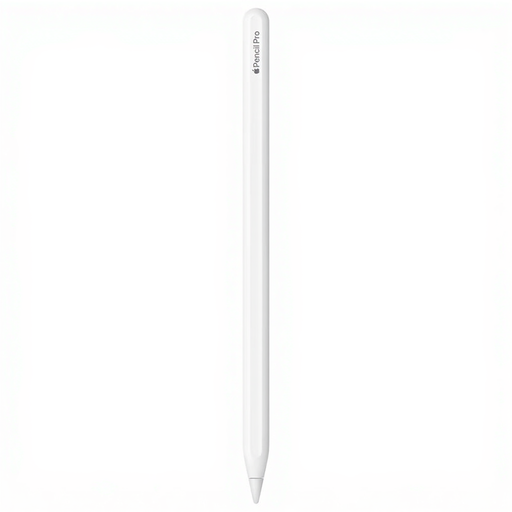 No image available
A good fit for artists who want to create pressure-sensitive ink lines on a compatible iPad.
Apple describes pressure sensitivity and magnetic attachment and charging with compatible iPads. Check compatibility with your exact iPad model.
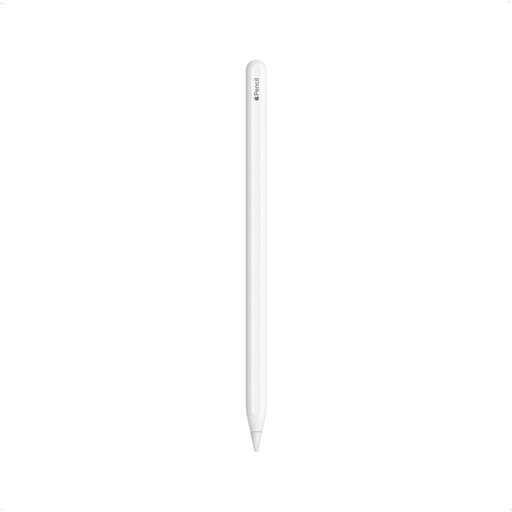 No image available
An option for drawing and sketching if your iPad is compatible with this Pencil generation.
Apple lists magnetic attachment and charging for compatible iPads. The product title names 11-inch and 12.9-inch iPad Pro models, iPad Air (4th/5th generation) and iPad mini (6th generation); check full compatibility with your tablet.
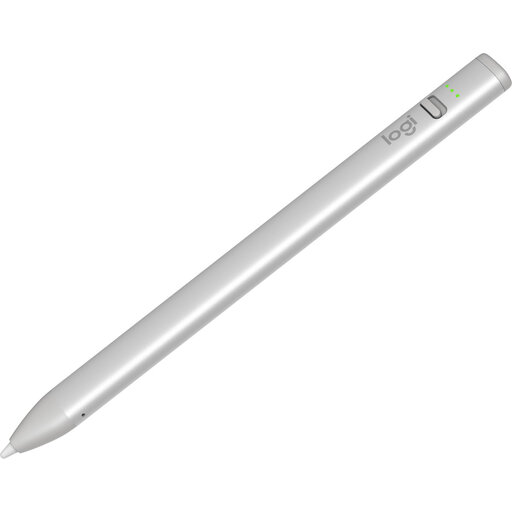 No image available
May suit sketching on a compatible iPad if tilt is enough to vary line thickness.
The description lists iPad models from 2018 onwards, USB-C charging and up to 6.5 hours of use per charge. Check that the stated compatibility applies to your iPad.
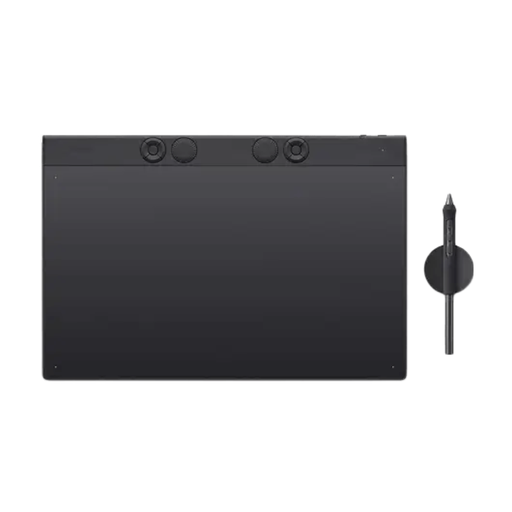 No image available
A good fit if you’re happy with a separate drawing setup and want to use pen pressure to vary line weight.
The product title lists 8,192 pressure levels, Bluetooth and USB-C. This is a separate graphics tablet, not a pen for drawing directly on an existing tablet screen; the description mentions a computer connection and a rechargeable tablet.
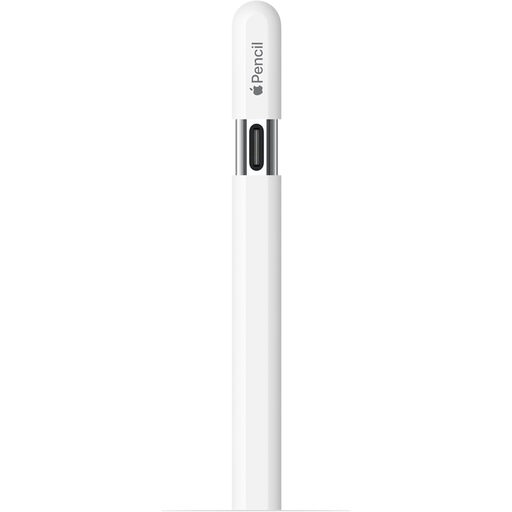 No image available
May suit sketching on a compatible iPad if pressure-sensitive line thickness isn’t essential.
Apple says this model doesn’t have pressure sensitivity. It pairs and charges via USB-C; check compatibility with your iPad model.
Not if your current screen supports the pen you choose. STAEDTLER’s Noris digital requires an EMR digitiser; a standalone Huion or XPPen graphics tablet is a different setup and uses a host device.
First, check the tools in your drawing app. Clip Studio Paint describes dedicated panel tools and brushes whose lines respond to pen pressure; that variation also depends on the pen and input setup.
First, check the exact tablet and pen models. A Noris digital requires an EMR screen; Apple Pencil models have specific compatibility requirements and may also require a particular iPadOS version. If the pen draws but the line doesn’t vary as you’d like, check the pen pressure settings in the app too.
It depends on the pen. STAEDTLER lists five replacement nibs and a tool with the Noris digital classic 180 22. For other pens, check which nibs fit and what’s actually included in the box.
According to ACM ConsuWijzer, online shoppers generally have up to 14 days from delivery to change their mind, subject to legal exceptions. If a product doesn’t perform as you could reasonably expect during normal use, the seller is responsible for providing an appropriate solution under the statutory guarantee; this is different from a voluntary manufacturer’s warranty.