What should you look for when choosing?
First decide how large you want the smallest coin details to appear in the frame. Then check whether the camera can be positioned steadily, straight above the coin, with enough room for lighting.
| What to consider |
What to look for when buying |
Who it matters most to |
| Magnifying fine details |
Compare the maximum magnification of the exact lens, its mount and a test crop of your smallest coin. |
If you want to capture dates or mint marks clearly, what matters most is how much space those details take up in the frame. Around 33% of consumers put magnifying details at the top of their list. |
| Lighting and consistency |
Check whether the camera can be positioned steadily, straight above the coin, and whether there’s room for light sources at your chosen shooting distance. |
If you want to photograph both sides consistently, look for a fixed camera position and adjustable lighting. Around 27% of consumers prioritise consistent lighting and repeatability. |
| Keeping it simple |
Assess a test photo of a whole coin at your preferred distance, including the camera’s shadow. |
If you want to get started without separate lenses, look for a straightforward camera with close-up capability. Around 20% of consumers put simplicity first. |
| Putting together a complete setup |
Check the exact kit contents and see which camera body, lens, support and lighting you still need. |
If you want to know in advance which components you’ll need for a working setup, compare the complete kit rather than just the camera body. Around 20% of consumers prioritise the kit contents. |
Cameras at Joybuy
These Joybuy product picks are cameras you can consider for photographing coins at home. The product titles mention general photography or camera features; before buying, check that the camera and any included lens are suitable for the coin crop, magnification and lighting you want.
 No image available
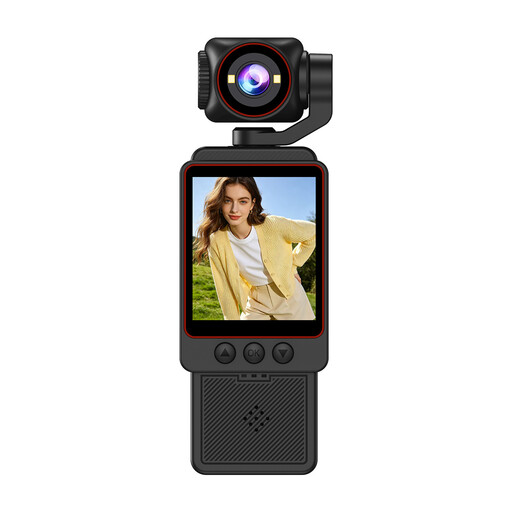
Small video camera, 1080P HD
This camera may be worth considering for overview shots; check whether its close-up capabilities are suitable for the details you want to capture.
The product information mentions HD photos and fast focusing.
View at Joybuy
 No image available
NAXSIR digital camera, 64 MP
Assess whether this camera suits your coin setup based on the crop you want and the close-up capabilities you need.
The product title mentions 64 MP photo resolution, 18× digital zoom, autofocus and a 32 GB memory card.
View at Joybuy
 No image available
KOMERY G7-A 4K digital camera, pink
Check whether this camera’s close-up capabilities suit the details and shooting distance you need for coins.
The product title mentions 80 MP photos and 18× zoom.
View at Joybuy
 No image available
Komery W6 digital camera
Assess the camera based on the coin crop you want, and check whether the product information describes the close-up capabilities you need.
The product title mentions 64 MP and 12× optical zoom.
View at Joybuy
 No image available
Sony ZV-E10 with 16-50mm zoom lens, black
Check whether the included lens is suitable for the coin details you want; a zoom lens isn’t automatically the separate macro lens discussed above.
The product information mentions a Sony E-mount and an included E PZ 16–50mm lens.
View at Joybuy
Frequently asked questions about photographing coins
Do you need a macro lens straight away to photograph whole coins?
Not necessarily. Catawiki describes photographing coins with a compact camera and close-up mode, with a focus on lighting. Check that your smallest coin and the details you want to show fit clearly in the frame at the available distance.
How can you stop a round coin looking tilted or oval?
Position the camera parallel to the coin’s surface and use a stable setup. The Coins and Banknotes Wiki points out that a tilted camera can make a round coin look distorted.
Does the shortest possible focusing distance help prevent reflections?
No, a short distance won’t prevent reflections by itself. When the camera is close above the coin, it can take up space needed for lighting, so assess the lighting and crop together.
What should you check in a camera kit, and what should you do if it’s faulty after purchase?
Check whether the exact kit includes the macro lens you need. According to the Government of the Netherlands, the seller is the point of contact if a product is faulty; a manufacturer’s guarantee is in addition to your statutory rights. There is no fixed general statutory guarantee period in the Netherlands.
Do you have 14 days to change your mind when buying a camera online in the Netherlands?
For a typical online purchase by a consumer from a business, the Government of the Netherlands says you’ll often have 14 days to change your mind. According to this guidance, an online purchase from a private individual doesn’t count as distance selling in this sense; check the terms of the specific transaction.


