
Club website designer
Creates page layouts and chooses images or brand colours. Screen space and stated colour specifications may be important; ASUS and BenQ publish specifications for their design-focused monitors.


Choose a monitor based on what matters most at the shared desk: reviewing website images, editing text or switching between laptops. First, check the desk space available, adjustability and laptop connections. Extra colour features or a USB-C hub are most useful when they suit the work and the devices you use.
Creates page layouts and chooses images or brand colours. Screen space and stated colour specifications may be important; ASUS and BenQ publish specifications for their design-focused monitors.
Works alongside others in the same space and wants to share connections and settings. Whether USB-C hub features are useful depends on the laptops and their support for video over USB-C; Dell lists these features for the P2725DE.
Writes and checks web copy and mainly wants a suitable screen that can be readjusted. Arboportaal offers advice on positioning a monitor at your workstation.
| Consideration | What to look for when buying | Who is this most important for? |
|---|---|---|
| Workspace and colour assessment | Compare the screen size with your desk, and check the resolution and colour information for the exact model. | If I review website images, colours and page layouts, I want enough workspace and clear model specifications. Around 31% of consumers put design work first. |
| Switching between laptops and peripherals | Check whether each laptop can output video over USB-C, and whether the power delivery and connections meet your needs. | When several people connect their laptops in the same place, what matters most to me is whether the connection suits those devices. Around 31% of consumers prioritise switching between laptops and connections. |
| Adjustability for different users | Check the height and tilt adjustments, and consider where the screen can sit on the desk. | If several people use the same desk, I want to be able to readjust the screen to suit my workstation. Around 23% of consumers prioritise personal adjustability. |
| Size and features you need | Measure the space for the screen and stand, and decide whether text work or image design is the main task before opting for a higher resolution or extra connections. | If desk space is limited or the work is mainly text-based, I don’t want to use up space with features I don’t need. Around 15% of consumers prioritise a suitable, straightforward setup. |
A screen may look large on paper, but it can be difficult to fit or adjust at a shared desk.
Measure the space available for the screen and stand, and check the adjustment options before choosing a size.
The laptop must be able to output video through the USB-C port you’re using. The power it needs for charging can also vary from one laptop to another.
Check the port features and charging requirements of each laptop before relying on a single cable.
Depending on the laptops and accessories you already have, you may still need a separate charger, cable or dock.
A stated colour gamut alone doesn’t tell you how colours will look in every setting or on other devices.
Use the specifications for the exact model to compare your options, and assess colour work in the environment where you create the site.
The ProArt PA278CV is worth considering if website images and layouts are important to you.
BenQ describes the DesignVue PD2705Q as a design-focused monitor with an adjustable stand.
The Pro Plus P2725DE may be a good fit if compatible laptops need to connect to a USB-C hub at a shared desk.
The 27UP850K-W is a 27-inch 4K option to consider if you’re looking for higher resolution and adjustability.
According to Philips, the 27E1N5600HE/01 combines QHD with a built-in webcam for those who take calls at their desk.
This selection includes QHD and 4K monitors for website work and shared desks, including models with a curved screen or USB-C hub features.
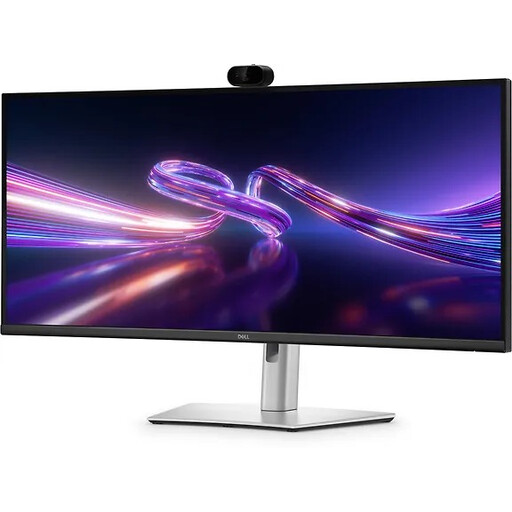 No image available
Could suit a shared desk if you’re considering a larger screen and USB-C hub features; check that your laptop can output video over USB-C.
34.1-inch curved WQHD IPS screen; webcam; 100 Hz; 90 W USB-C Power Delivery.
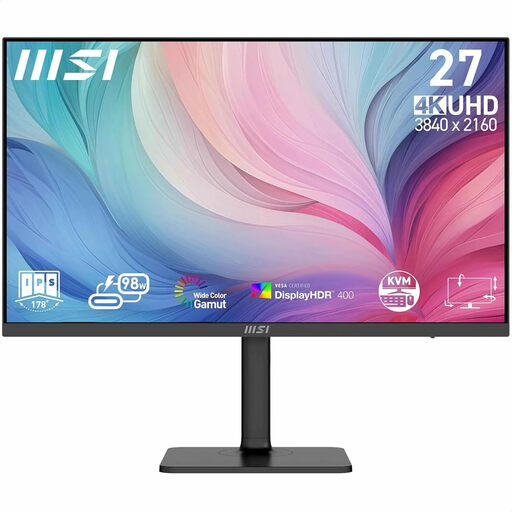 No image available
Worth considering if you’re looking at a 4K screen for website images; check that it suits your laptop and preferred display scaling.
27-inch screen; 3840 × 2160 pixels; 4K Ultra HD; black.
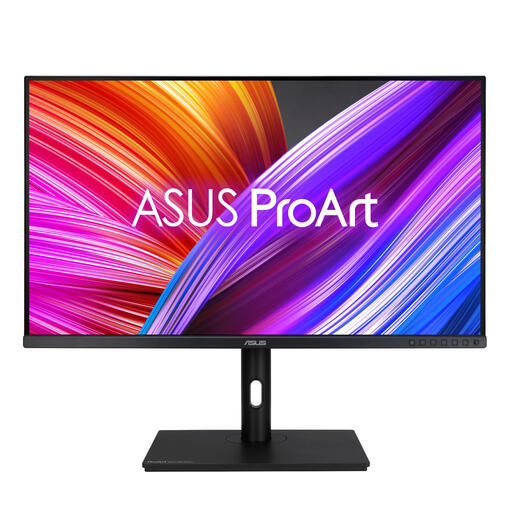 No image available
Could suit you if you want a larger QHD screen for design work; measure the space for the monitor and stand first.
31.5-inch screen; 2560 × 1440 pixels; QHD; LED.
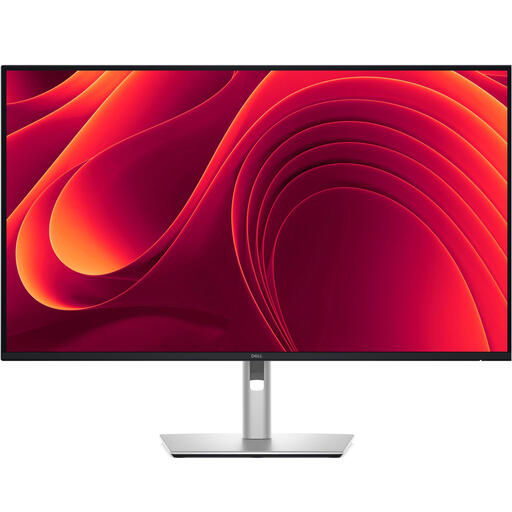 No image available
Could suit you if a larger 4K workspace fits your tasks and shared workstation; check the desk space available first.
31.5-inch screen; 3840 × 2160 pixels; 4K Ultra HD; LCD.
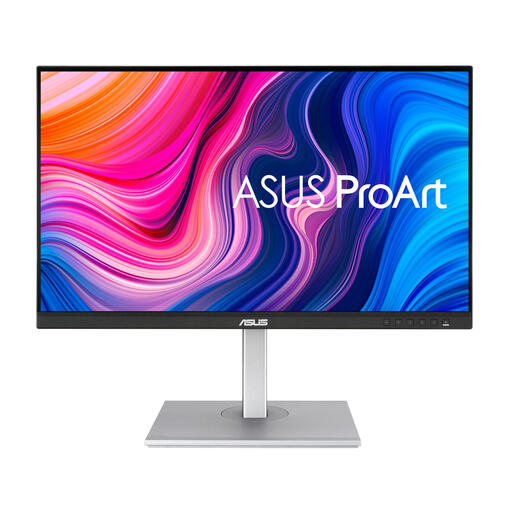 No image available
May be worth considering if you review website images and colours; the colour specifications are provided by the manufacturer and aren’t independent measurements.
27-inch QHD screen; ASUS lists 100% sRGB and USB-C power delivery up to 65 W for the PA278CV.
Move the screen to a suitable position and height. Arboportaal advises placing it directly in front of you, keeping the top just below eye level and tilting the screen to suit; remember to change your posture regularly too.
No, you can’t tell from the shape of the connector alone. Check whether each laptop’s USB-C port can output video, and compare its charging requirements with the USB-C power delivery specified by the monitor manufacturer.
For the exact model, use the EU energy label and product information sheet to compare consumption on the same basis. Your personal annual cost will also depend on how many hours you use it and your electricity rate.
If the users are employees, employers have obligations relating to healthy screen work. Arboportaal recommends alternating screen work with other tasks or taking breaks; if someone works at a screen for more than two hours a day, the screen must not be attached to the keyboard. Don’t assume these employment rules automatically apply to volunteers or personal use.
Consumer rules apply when the buyer makes the purchase as a consumer. The Netherlands Authority for Consumers and Markets says that online consumer purchases generally come with a 14-day cooling-off period after delivery. According to the Dutch government, the retailer is the point of contact for a solution if a product is faulty. Check whether the order is placed in an individual’s name or by the club as a business buyer.